x
The vehicle is driven on a forked
road or junction.
▼
System Operation
Operation conditions
The Lane-keep Assist System (LAS)
becomes operational when all of the
following conditions are met.
x
The vehicle speed is about 60 km/h
(38 mph) or faster.
x
The system detects white (yellow)
lane lines.
NOTE
When the system does not detect a
white (yellow) lane line on one side
only, the system does not operate on
the side that is not being detected.
When temporarily cancelling the
system
The LAS goes on stand-by when any of
the following conditions is met. The
LAS is automatically restored when its
operation conditions are met.
x
The system cannot detect white
(yellow) lane lines.
x
The vehicle speed is less than about
55 km/h (34 mph).
x
The direction indicator lever is
operated.
x
The accelerator pedal is depressed
abruptly.
x
The TCS/DSC is operating.
x
The TCS is turned o.
x
The steering wheel is operated.
x
The brake pedal is operated.
The function is temporarily stopped.
The LAS stops functioning in the
following cases:
x
The temperature in the forward
sensing camera (FSC) is too high or
too low.
x
The windscreen around the forward
sensing camera (FSC) is foggy.
x
The windscreen around the forward
sensing camera (FSC) is blocked by
an obstruction, causing poor forward
visibility.
x
Strong light (such as sunlight, or
headlights (high-beam) of
on-coming vehicles) is directed at
the forward sensing camera (FSC).
▼
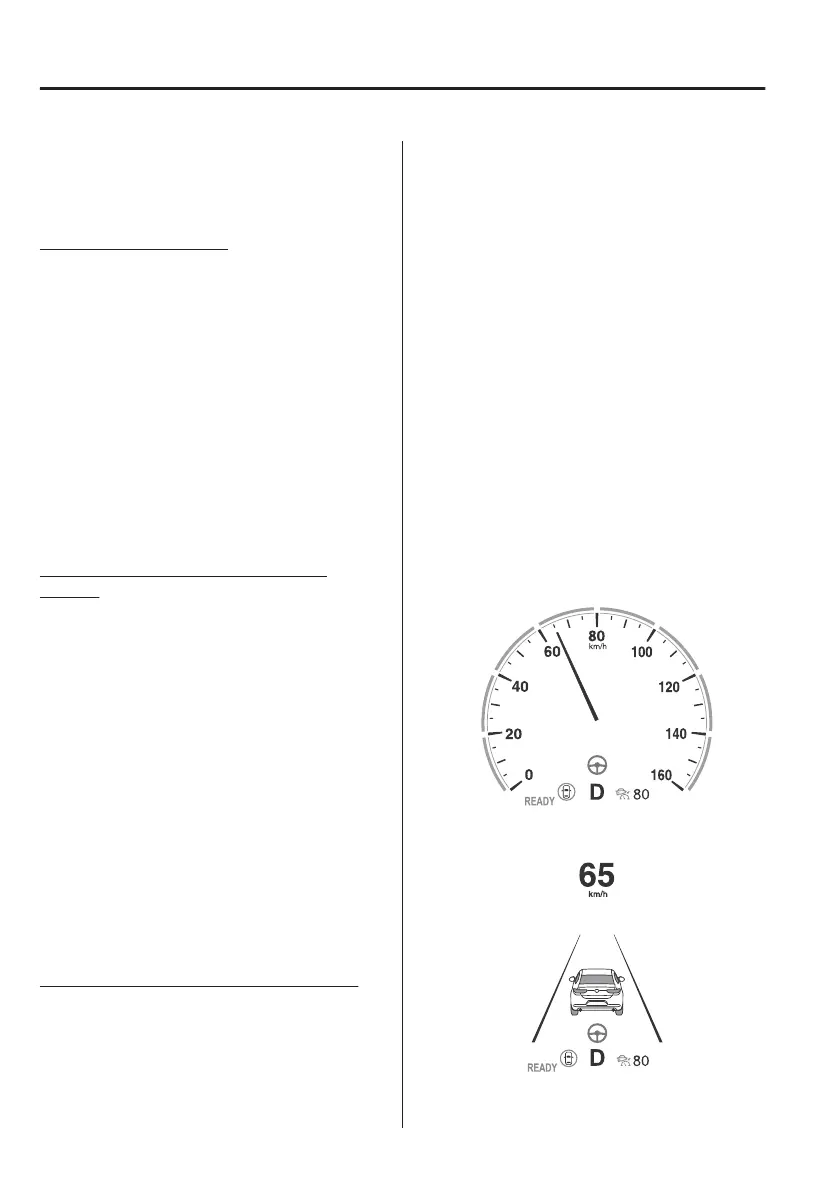
Steering Wheel Operation Assist
When the system determines that the
vehicle might be deviating from its
lane, the steering wheel operation
assist operates.
The system notifies the driver that it
provided steering wheel operation
assistance on the multi-information
display and the active driving display.
Multi-information display (Basic
display)
Multi-information display
(i-ACTIVSENSE display)
When Driving
i-ACTIVSENSE
4-134



 To Next Page