▼
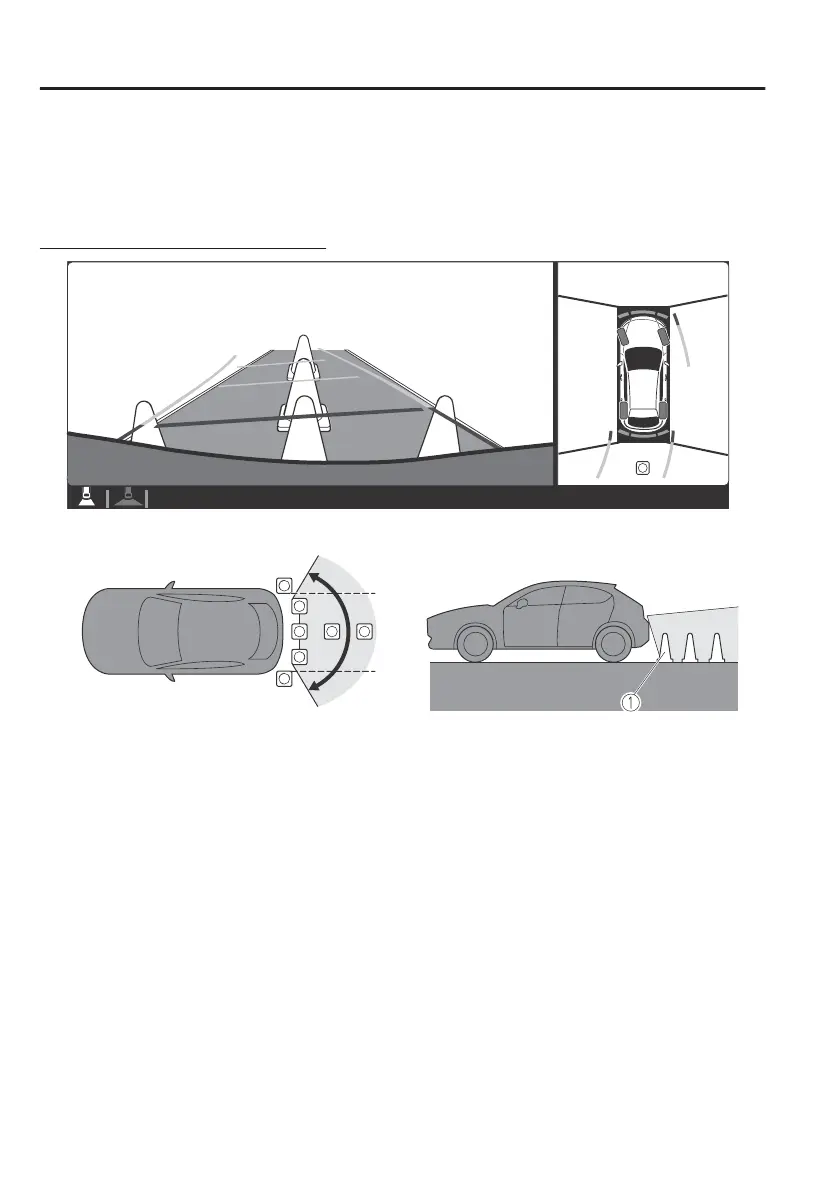
Top View/Rear View
Use the top view/rear view to assist in checking the safety of the surrounding area
when accelerating from a stop, parking, or stopping the vehicle.
Range of displayed screen image
1. Target object
NOTE
x
In the top view screen, the areas in black at the front and rear of the vehicle image
and the seams where each of the camera images merge are blind spots.
x
Because images displayed in the top view screen are processed from each camera,
the top view screen may display in the following ways.
x
If an image containing an object with a conspicuous colour is picked up by any
of the cameras, the screen area for each camera may be aected and it may
display in that colour.
x
Obstructions displayed in the rear view may not display on the top view screen.
x
If the position or angle of each camera changes due to tilting of the vehicle, the
image may appear distorted.
x
Lines on the road may appear distorted at the seams where each of the camera
images merge.
x
The screen area for each camera may appear bright/dark depending on the
illumination level around any of the cameras.
When Driving
i-ACTIVSENSE
4-178



 To Next Page