No. Item Explanation
4
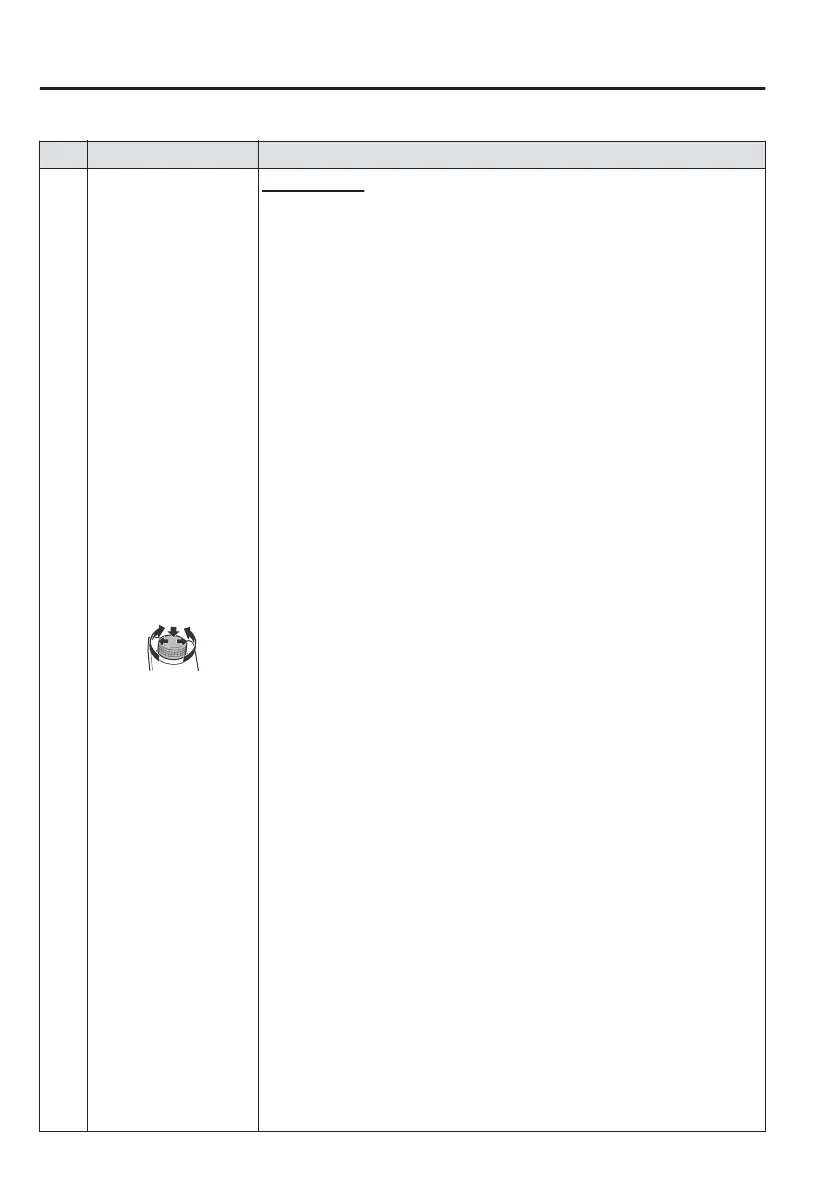
Volume knob:
Volume adjustment
Adjust the volume by turning the volume knob.
If you adjust the volume during voice guidance, the volume of the voice guidance
will change.
If you adjust the volume during a hands-free call, the conversation volume will
change.
Press the volume knob to mute/pause the audio. Press the knob again to resume.
Power o/on
Press and hold to turn o the Mazda Connect power and turn o the screen.
Press and hold again to turn on the Mazda Connect power.
NOTE
If you press the volume knob to mute an audio source which can be paused, such as
Apple CarPlay, USB audio, or Bluetooth
®
audio, while it is playing, the song playback
pauses. Press the volume knob again to cancel the mute and the pause at the same time.
Selecting a radio station
(FM radio)
Radio stations saved to your Favourites can be selected by sliding the volume
knob left (SEEK DOWN)/right (SEEK UP) while listening to FM. The station will
change each time you slide the volume knob.
If you want to manually tune to the next available station before or after the cur-
rently selected station, slide and hold the volume knob left (SEEK DOWN) or right
(SEEK UP) until you hear a beep and the tuner will select the next available station.
(DAB radio)
*
You can call up radio stations registered to your Favourites by sliding the volume
knob left/right while listening to DAB radio. The radio stations change each time
you slide the volume knob.
In addition, the service switches to the next service when you continue sliding the knob
to the right until you hear a beep, and it switches to the previous service when you con-
tinue sliding the knob to the left. If there is no next or previous service in the selected
Ensemble, Ensemble switches.
Playback Control
Music and video files can be cued when listening to stored content via
USB, Bluetooth
®
, and audio or video.
Slide the volume knob right to skip to the next track or slide it to the left to go back to
the previous track. You can also slide and hold the volume knob to fast forward or re-
wind the track.
Interior Features
Mazda Connect
5-20
*Some models.



 To Next Page