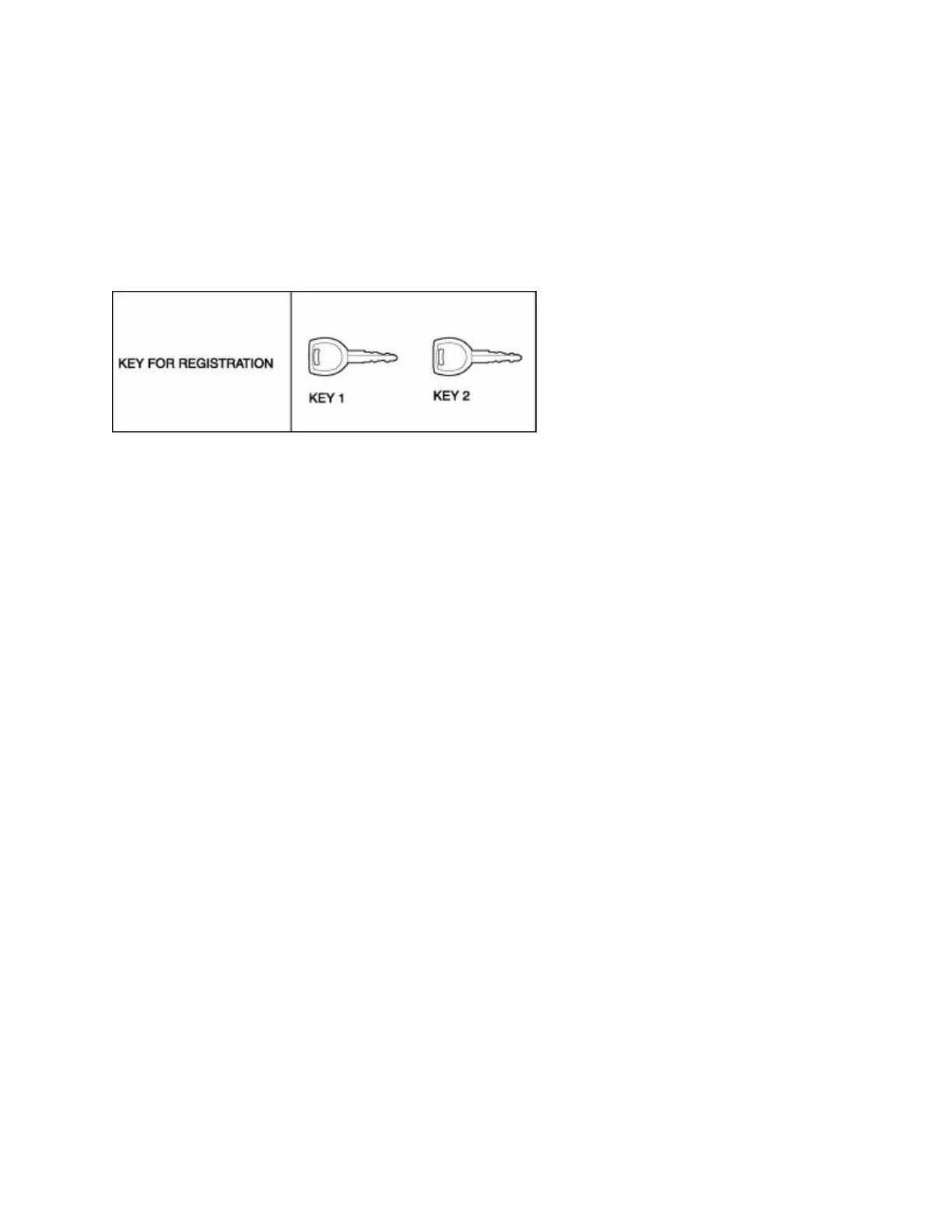
No.3 Key Replacement Procedure (Clearing Previously Registered Key ID Numbers, Key Re-
registration)
Conditions
• Customer has two or more keys for registration after clearing the key ID numbers.
Procedure
1. Have two or more keys (key 1, key 2) ready for registration after the clearing the key ID numbers.
2. Using key 1, turn the ignition switch to the ON position.
NOTE:
• Although the security light flashes and DTC 15 is displayed, this does not indicate an improper
procedure. Continue to perform the procedure as indicated.
3. Connect the WDS or equivalent to the DLC-2.
4. Select "Body/Security/PATS function" from the screen menu of the WDS or equivalent.
5. Perform security access as indicated on the WDS or equivalent screen. (See No.6 Security Access
Procedure .)
6. Select "Ignition key ID number Erase" from the screen menu of the WDS or equivalent and perform the
tasks according to the WDS or equivalent screen.
7. After verifying that the PATS function menu is displayed again on the WDS screen, select "Exit" to
complete the WDS or equivalent function.



 To Next Page