6
The grid represents a timeline (left to right). As commands are added,
the grid is completed.
Up to 20 actions per line can be programmed, and each action repeat-
ed up to a maximum of 8 times.
VISUAL CODING
CODING - PROGRAM WITH APP
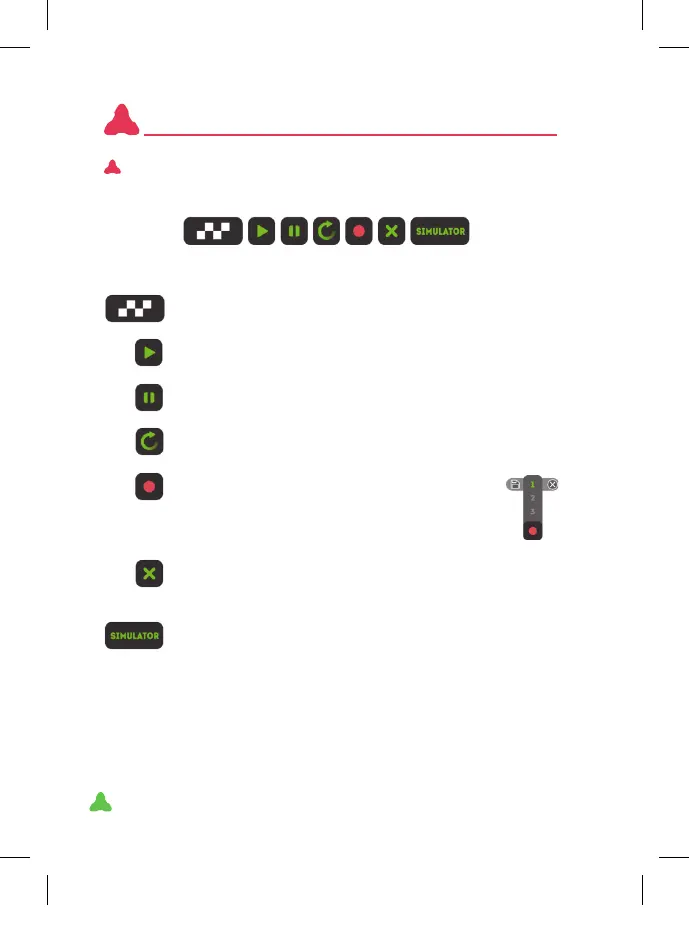
This basic menu will always appear at the bottom:
1 2 3 4 5 6 7
END OF SEQUENCE: when you have nished programming
the sequence, click this button to end
PLAY: play the sequence.
IMPORTANT: this option does not work if the end of the sequence has not been clicked
PAUSE: while the robot is performing the sequence, you
can pause it with this button.
LOOP: click this option to repeat the loop sequence.
MEMORY: you can save up to three sequences in
the memory. Choose where to store it in the drop-
down menu (1,2 or 3) and press save or delete.
NOTE: to avoid losing the sequences it is advisable to save them before
going to the simulator.
DELETE: by selecting a command and then pressing this
button, the command is deleted. If you keep it pressed for
a few seconds, the whole sequence is removed.
SIMULATOR: enter sequence simulation mode.
XT380851_MAZZY-IMAPP-EN-v5.indd 6 29/5/20 10:54



 To Next Page