Other Product Features
•
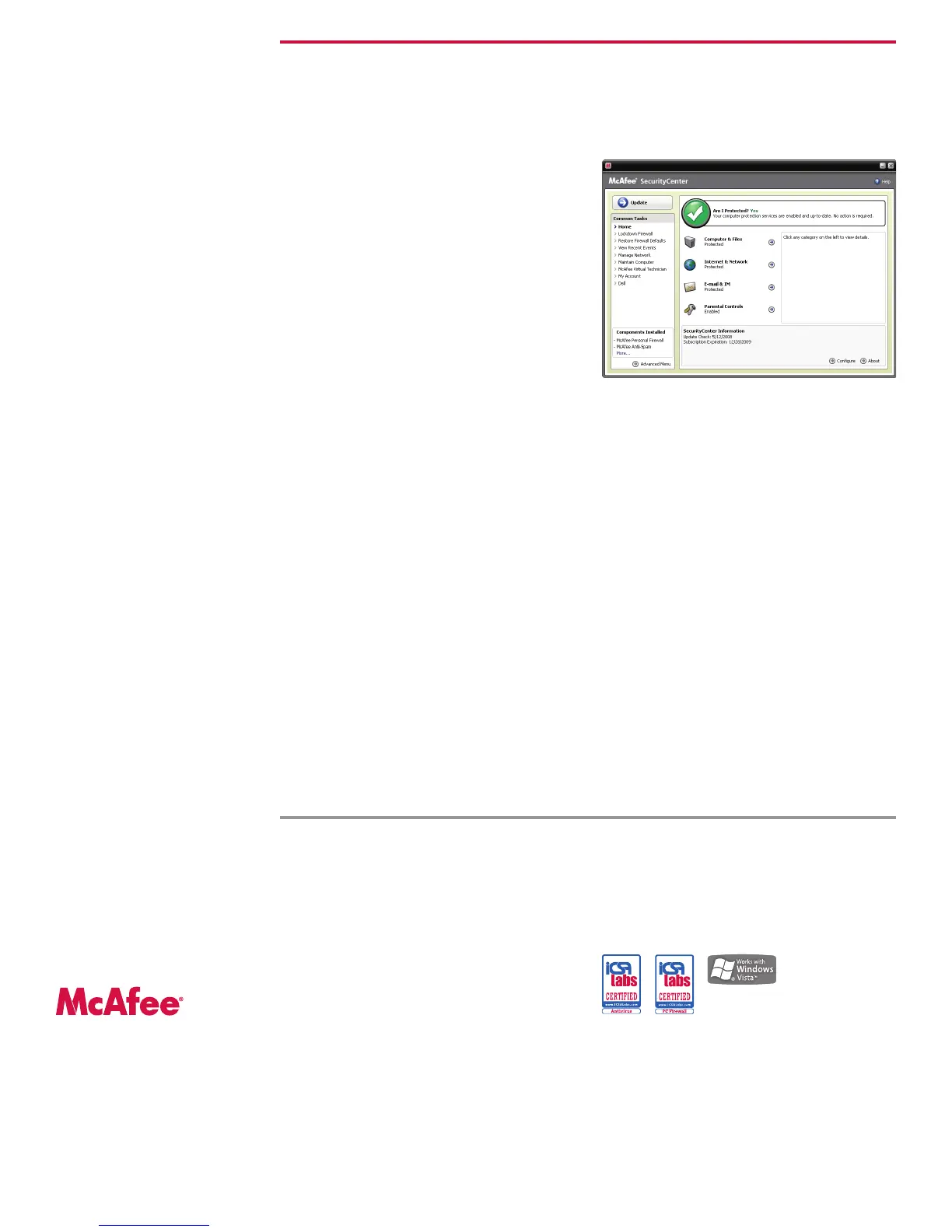
McAfee SecurityCenter—Provides an
easy-to-read security status screen and puts
you in control with fully customizable options
•
McAfee SystemGuards—Warns you when
your computer shows specific behaviors that
may signal virus, spyware, or hacker activity
•
Stealth Mode—Makes your computer
invisible to intruders from the Internet
•
Shredder—Allows you to effectively remove
any and all traces of confidential files from
your computer
•
Parental Controls—Allows your children
to go online safely at times that you define
•
Data Backup—Automatically saves copies
of your most valuable files on a CD/DVD, USB,
external, or network drive
•
Protection without Interference—You
can watch movies or play games uninterrupted
as McAfee security service intelligently defers
tasks, updates, and alerts when you’re in
full-screen mode
The McAfee Advantage
McAfee’s security products use award-winning
technology, are easy to install, and come with
unlimited email and chat assistance. With con-
tinuous and automatic updates, McAfee helps
ensure that you are always running the most
current security to combat the ever-evolving
threats on the Internet for the duration of
your subscription.
McAfee and/or additional marks herein are registered trademarks or trademarks of McAfee, Inc. and/or its affiliates in the US and/or other countries.
McAfee Red is in connection with security is distinctive of McAfee brand products. All other registered and unregistered trademarks herein are the sole
property of their respective owners. ® 2008 McAfee, Inc. All Rights Reserved. 7/08
Data Sheet McAfee Internet Security 2009
Easy-to-use, intuitive “security console”
System Requirements
Microsoft Windows 2000 (32-bit) with
Service Pack 4 (SP4) or higher,
Windows XP (32-bit) with Service Pack 1 (SP1) or higher,
Windows Vista (32 or 64-bit)
800 X 600 or higher resolution
256 MB RAM
150 MB of available free drive space
Internet connection
Microsoft Internet Explorer 6.0 or later.
Optional: Mozilla Firefox 1.5 or later.
Anti-spam fully integrates with the following
email clients
Outlook Express
Windows Mail
Outlook 2000 or later
Qualcomm Eudora
Thunderbird 1.5 or later
Anti-Spam also supports any other POP3 email client
(without SSL) and Web accounts (MSN/Hotmail paid
accounts and accounts with POP3 access)
Supported email programs
POP3—Outlook Express, Outlook, Eudora, Netscape,
IncrediMail and Thunderbird; Japanese only: Shuriken,
Becky and PostPet.
MAPI—Outlook.
Web—MSN/Hotmail, or email account with POP3 access.
McAfee, Inc.
3965 Freedom Circle
Santa Clara, CA 95054
888.847.8766
www.mcafee.com
Note: An Internet connection is required to install this
security software and to receive automatic updates and
upgrades to keep your protection current.
McAfee Personal
Firewall P lus
McAfee,Inc.
McAfeeVirusScan
McAfee,Inc.



 To Previous Page