11
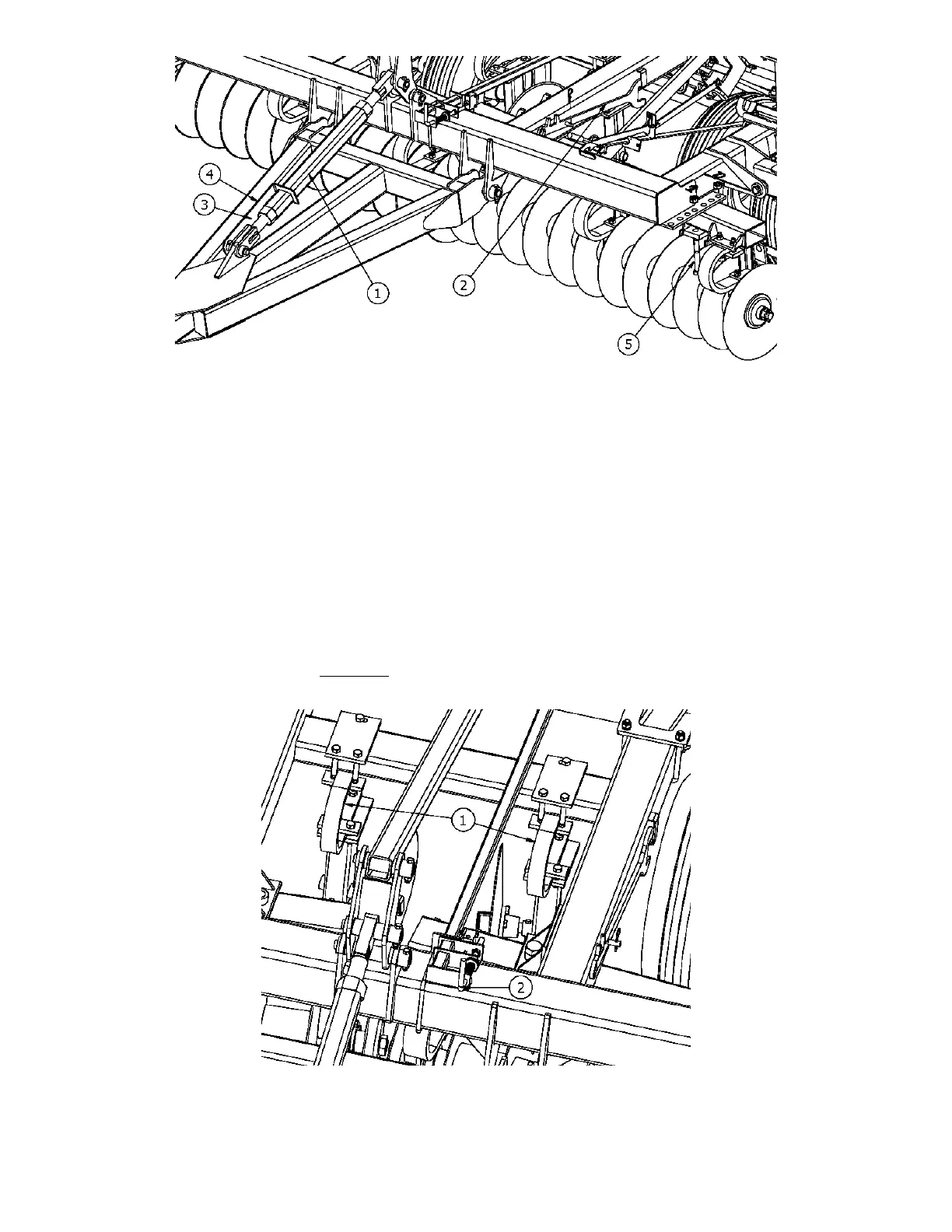
Figure 3
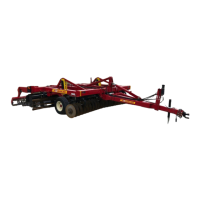
Setting the center disks (figure 4)
Adjust the center disks inward or outward to prevent ridges or gaps from forming in the center of the
unit. The angle of the center disks can also be changed by loosening the back bolt of the mounting
bracket and twisting to the desired angle.
* It may only be necessary to change the angle when the disk gangs are at the steeper angles.
Adjusting the spiral reel depth (figure 4)
Actuate the lift cylinders to the approximate desired depth.
Turn the single point depth control crank (2) to fully depress the pin on the hydraulic stop valve. Note
that one turn on the crank is a 1/4” change in working depth.
* Note that the spiral reels will generally run at the same depth as the disk gangs. Adjust the depth stops
to prevent the spiral reels from going too deep.
Figure 4




 To Next Page