MDR-2000
V3
User's Reference Manual
Troubleshooting
Check all
of
the settings that control the filtering
of
the data to ensure that records are not being
inadvertently being discarded. For example,
if
'Minimum Digits' is set to
15
then virtually all
of
the calls may be discarded. The fields to check are:
Minimum Duration
Minimum Digits
CDR
Collection
Image Collection
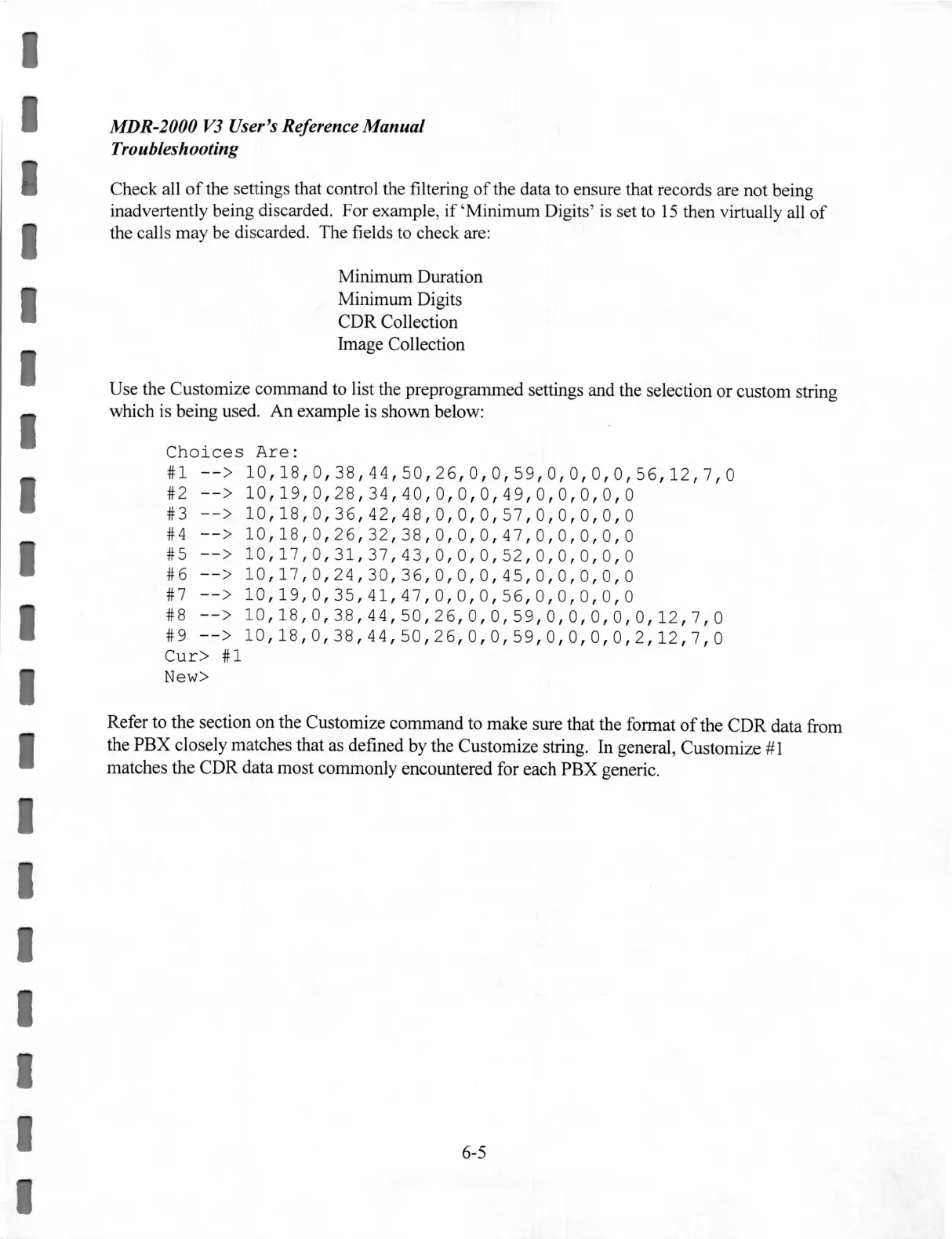
Use the Customize command to list the preprogrammed settings and the selection or custom string
which is being used.
An
example is shown below:
Choices
Are:
#1
--
>
10,18,0,38,44,50,26,0,0,59,0,0,0,0,56,12
,
7,0
#2
--
>
10
,1
9
,0,
28
, 34
,4
0
,0,0,0,49,
0
,0,0,
0, 0
#3
--
>
10,18,0,36
,
42,48,0,0,0,57,0,0,0
, 0 , 0
#4
--
>
10,18,0,26,32,38,0,0,0,47,0,0,0,0,0
#5
--
>
10
,
17
, 0 ,
31
,
37
,
43
, 0 , 0 , 0
,5
2 , 0 , 0 , 0 , 0 , 0
#6
--
>
10
,
17
, 0 , 24 ,
30
,3
6, 0 , 0
,0,45,0,
0 , 0 , 0 , 0
#7
--
> 1
0,19,0,35,41,47,0,0,0,56,0,0,0,0,0
#8
--
>
10
,1
8
,0,3
8
,44,50,
26
,
0,0
,5
9
,0,
0
,0,0,0,1
2
,7,
0
#9
--
>
10
,1
8
,0,38,44,50,
26
,
0,0
,5
9,0
, 0 ,
0,0,2,12,7,0
Cur>
#1
New>
Refer to the section on the Customize command to make sure that the format
of
the
CDR
data from
the
PBX
closely matches that as defined by the Customize string. In general, Customize # 1
matches the
CDR
data most commonly encountered for each
PBX
generic.
6-5


 To Next Page
 Loading...