Quick Start
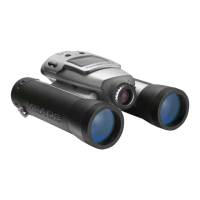
Turn on camera.
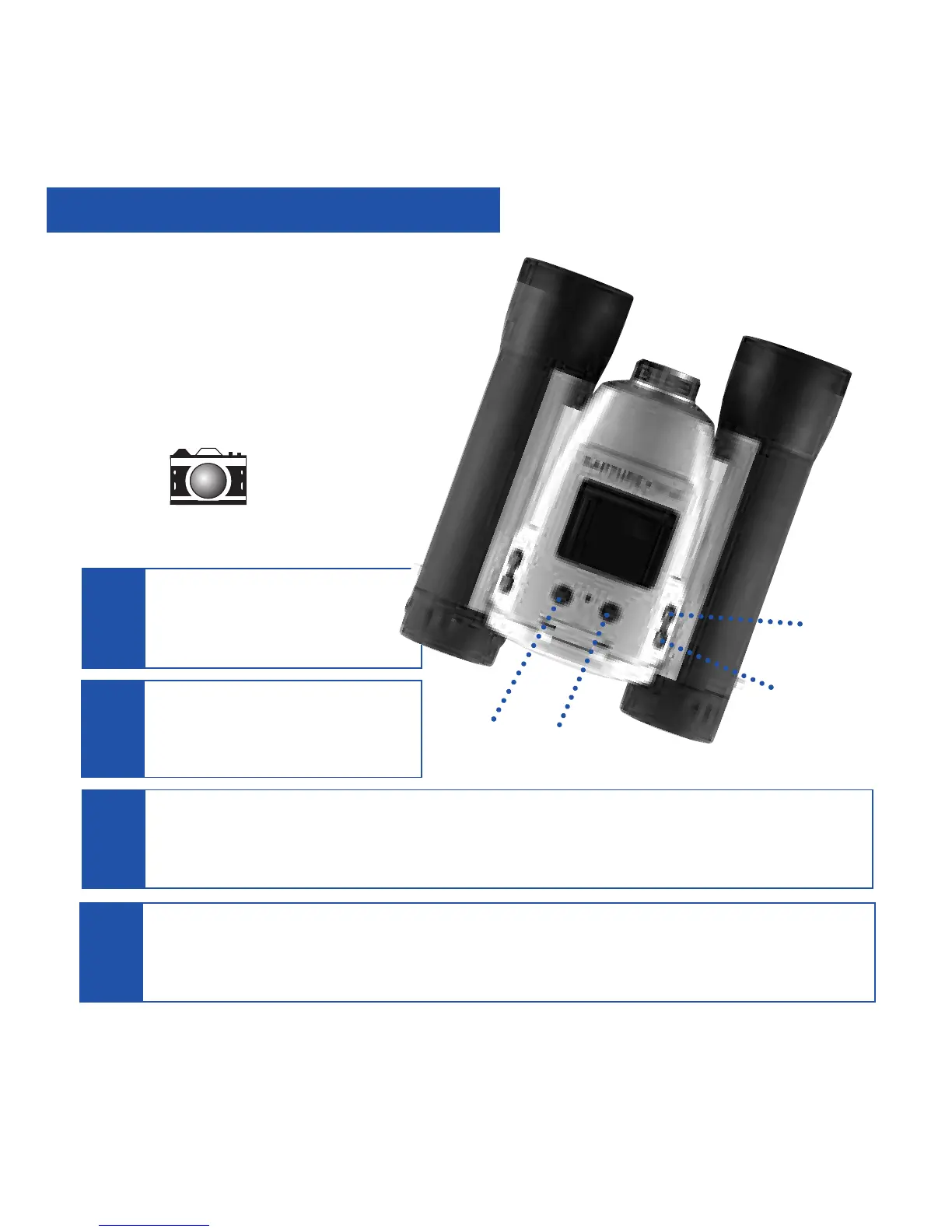
Press and hold down the Menu
button for 3 seconds.
Point at something interesting and press the Shutter button.
You’ve taken a picture!
2
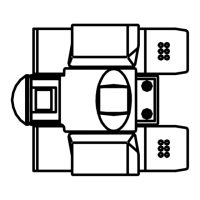
Install 2 AAA batteries.
(Not included.)
1
4
Select the Still Camera Mode. Press the Menu button. Use the Right and Left buttons
to move the selection box over the DSC (Digital Still Camera) icon and press the Menu
button—this will allow you to take still pictures. Press the Shutter button to exit menu.
Battery
compartment.
Menu
Button
Left
Button
Shutter
Button
DSC Icon
Right
Button
3
How to start taking pictures...
4


 To Next Page