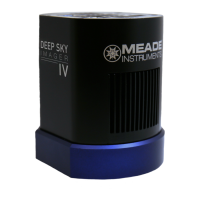
To connect the Deep Sky Imager Camera to your PC, you need to install the Deep Sky Imager device driver
and connect the USB cable:
1. Connect one end of the USB Cable to the Deep Sky Imager camera.
2. Connect the other end of the USB Cable to your PC or to a USB hub.
3. “Found camera” displays at the bottom right of your PC screen.
4. The “Hardware Wizard” window displays. The “Install Software” selection is checked as the default choice.
Click “Next.” The Wizard searches for the driver.
5. (XP versions only) “Windows Logo Test” window displays. Clicking “Continue Anyway” will install a driver
that should operate with most PC configurations.
6. The driver is installed. Click “Finish.”
The camera driver is now installed and your PC will now be able to recognize the Deep Sky Imager whenever
you connect it to the PC.
Connect The Deep Sky Imager Camera to Your PC
4


 To Next Page