22
1
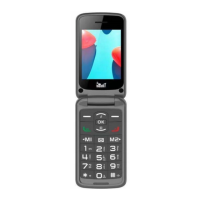
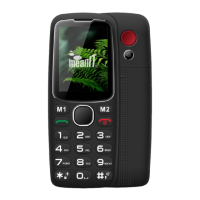
Call button/call list
Call in standby mode/call list
Seconds), ending the call
call
(press and hold 2 sec)
Menu function
(press and hold 2 sec)
Names in stand by
9
* Key : unlock/lock keyboard
Press M1 key then *
In the standby mode, by long
Pressing enable/disable the meeting
Mode.
11
Micro USB charger connection
12
3.5 mm headphones connector
13
Key 0 Flashlight (press and hold 2s)


 To Next Page