15
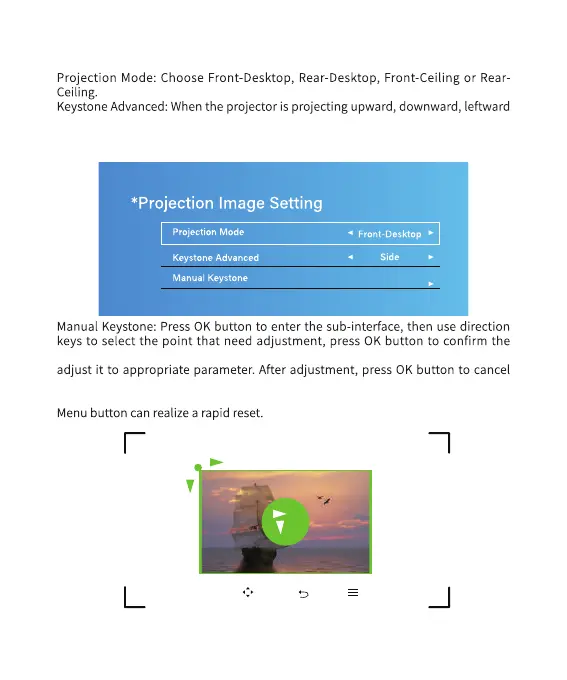
7) Projection Image Setting
or rightward, you need to open the 4-point keystone correction to adjust the
image to normal state. This technology uses electronic technology to realize
normalization of the projection image.
selected point, and after the selected point is confirmed, use direction keys to
the selected point, and use direction keys to move to other points that need
adjustment, then repeat the operation procedures mentioned above. Pressing
When the center circle for the roundness image best proportion.
“OK”Select“ ”Adjust“ ”Back“ ”Menu
0
0



 To Next Page