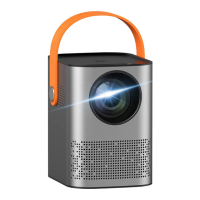
06
*Operation Descriptions
Installing the Projector
When installing the projector, you can either place it on a solid and stable desktop
or hang it to the ceiling via a mounting bracket. Ensure good ventilation around
the projector and that no objects cover or block the air vents. There shouldn’t be
surface should be white and even.
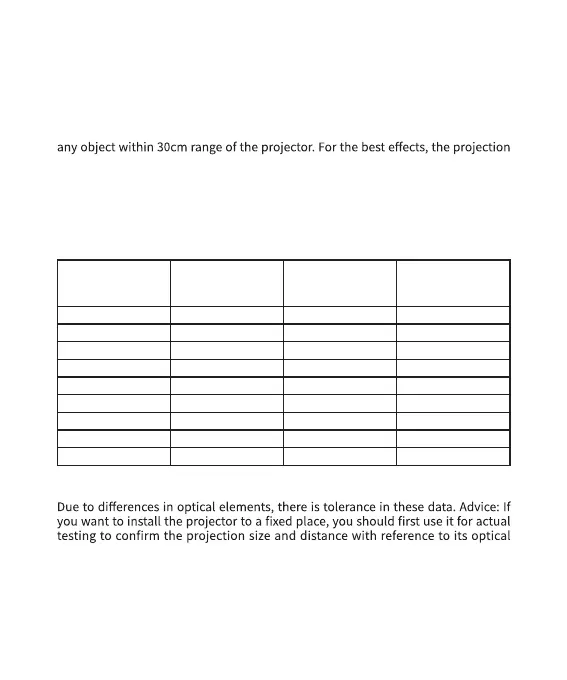
By reference to the data in the following table and based on the preset projection
sizes, you can put the projector in a place that maintains the best distance to the
projection screen. To achieve 40-200inch projection image, the minimum distance
and maximum distance of the projector to the projection surface should be 1.2m
and 7m respectively.
Projection size
(inch)
Screen length
(cm)
Screen width
(cm)
Distance between
lens and screen
(cm)
40 89 50 119
50 111 62 148
60 133 75 178
70 155 87 208
80 177 100 237
90 199 112 267
100 221 125 297
110 244 137 326
120 266 149 356
Note: The above data are for reference only, and please take actual measurement
as standard.
properties, and then install it. Doing so will help you find the most suitable
position for installation.
The device is built in with an automatic vertical keystone correction function,
which is used for correcting the projection image.


 To Next Page
 Loading...