EasyManua.ls Logo

MED-EL SAMBA 2 GO - User Manual

MED-EL SAMBA 2 GO
32 pages
Print Icon
To Next Page IconTo Next Page
Loading...
Business Unit Vibrant
AW50157_3.0 (English CAN)
SAMBA 2 GO
English

Other manuals for MED-EL SAMBA 2 GO

Questions and Answers

  • J
    Justin PerryAug 4, 2025
    What to do if MED-EL SAMBA 2 GO Media Converter audio streaming is interrupted?
    • J
      Joseph GarrettAug 4, 2025
      If the audio streaming from your MED-EL Media Converter is interrupted, first make sure the neckloop isn't twisted. Also, ensure the Bluetooth device remains within the specified operating distance. In rare instances, metal-based necklaces might interfere with the streaming; try removing them.
  • C
    Connie LeonardAug 15, 2025
    What to do if MED-EL Media Converter device does not work?
    • J
      Jeffery VelasquezAug 15, 2025
      If your MED-EL Media Converter isn't working, start by ensuring it's both charged and switched on. If it still doesn't work, try pairing the audio processor again. As a last resort, you can also try resetting the device.
  • D
    Donald PrinceAug 25, 2025
    Why is no sound playing from my external audio source connected to MED-EL SAMBA 2 GO?
    • J
      Jillian FloresAug 25, 2025
      If you've connected an external audio source to your MED-EL Media Converter but aren't hearing any sound, check these things: If using a plugged connection, ensure the device is fully connected. For wireless connections, make sure the device has been paired. Also, if multiple audio devices are connected, unplug any unused ones or stop wireless audio streaming from them, as another connected device might have higher priority.

Summary

Contents of the package

General information

Introduction

Overview of instructions and safety symbols.

Device description

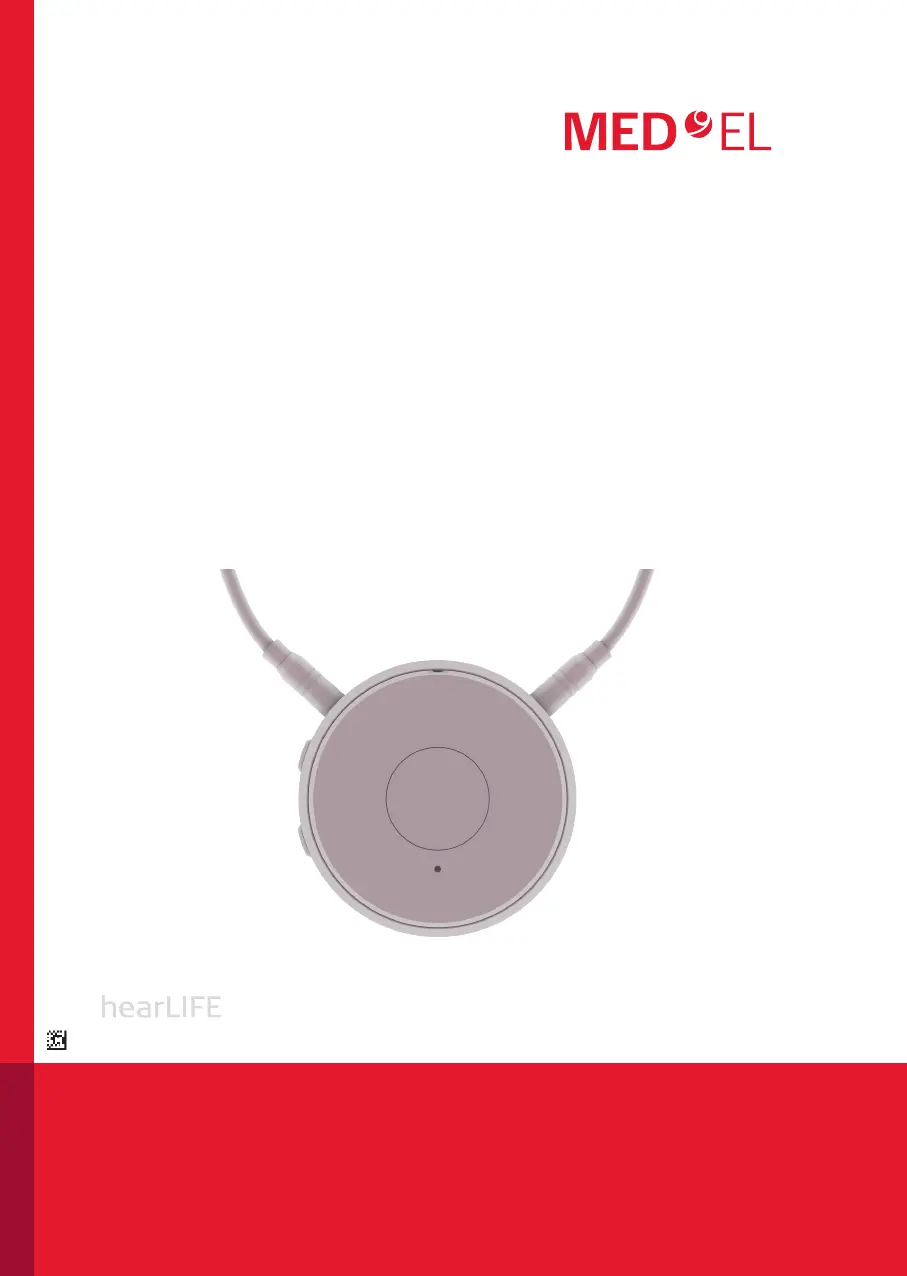
Description of the SAMBA 2 GO audio streamer and its function.

Compatible audio processors

Lists compatible audio processors for the SAMBA 2 GO device.

Intended use

Explains the intended purpose of the SAMBA 2 GO for setting adjustments and audio streaming.

Getting started

SAMBA 2 GO overview

Labeled diagram of SAMBA 2 GO device components.

Charging

Details SAMBA 2 GO charging process and battery status indicators.

Wearing SAMBA 2 GO

Instructions on correctly wearing the SAMBA 2 GO with the neckloop.

Pairing your audio processor with SAMBA 2 GO

Steps to pair the audio processor with the SAMBA 2 GO.

Adjustments of pre-defined settings

How to adjust audio processor settings like volume and program.

Switching SAMBA 2 GO on;off

Procedures for turning the SAMBA 2 GO device on and off.

Audio streaming

Supported devices

Lists devices connectable for audio streaming.

Pairing Bluetooth devices

Process for pairing Bluetooth devices with the SAMBA 2 GO.

Audio streaming functions

Functions for starting, volume adjustment, and managing audio streams.

Several devices connected

How SAMBA 2 GO handles multiple connected devices and priorities.

Making phone calls

Preconditions

Requirements for using SAMBA 2 GO for phone calls.

Phone call functions

How to accept, reject, adjust volume, and manage phone calls.

Further information

Details on outgoing/incoming calls, using two phones, and call handling.

Maintenance and service

Cleaning

Instructions and cautions for cleaning the SAMBA 2 GO device.

Unpairing

How to unpair audio processors and Bluetooth devices.

Resetting

Procedure for resetting the SAMBA 2 GO in case of system issues.

Further information

Operating distance

Recommended operating distances for SAMBA 2 GO connections.

Configuration of your audio processor

Configuring audio processor programs with the SAMBA 2 GO.

Troubleshooting

Solutions to common problems encountered with the SAMBA 2 GO.

Warnings and precautions

Warnings

Critical warnings on device usage, safety, and environmental conditions.

Precautions

Precautions to protect the device and user during specific situations.

Miscellaneous

Technical data

Detailed technical specifications for the SAMBA 2 GO.

Symbols

Meaning of various symbols used in the manual.

Conformance information

Device compliance with European directives.

Wireless functionality

FCC and ISED compliance and wireless operation details.

Quick reference

Button overview

Summary of functions for SAMBA 2 GO buttons.

LED status indication

Meaning of various LED light patterns on the SAMBA 2 GO.

MED-EL SAMBA 2 GO Specifications

General IconGeneral
Audio StreamingYes
WeightApprox. 45g
Power SupplyRechargeable battery
CompatibilityMED-EL audio processors
Input InterfacesBluetooth