Need help?
Do you have a question about the Mede8er MED400X2 and is the answer not in the manual?
Avoid water, moisture, and heat sources; ensure proper ventilation.
Connect TV using RCA cables for basic picture and stereo audio quality.
Connect TV or Amp using component cables for improved picture quality.
Connect for digital audio/video via HDMI, network via RJ45, or optical audio.
Connect AC/DC adapter and use the On/Off button to power up or standby the device.
Configure surround sound, HDMI downmix, passthrough, and SPDIF options.
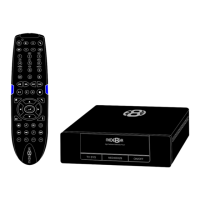
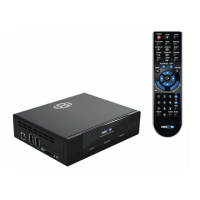
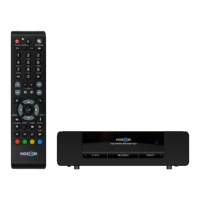
Explains the function of each button on the remote control.
Create shortcuts for secure network shares by entering credentials.
Connect to a wireless network using the Mede8er Wireless Dongle.
Download and install firmware updates from www.mede8erforum.com.
Reset the device to default settings using a specific button combination.
Organize movie files with specific naming and folder structure for scanning.
Scan the library to build a database for XML Search functionality.
Sort results, mark watched items, lock folders, and hide movie info.
Scan USB drives for media files to enable search and browsing functionality.
Protect folders using a 4-digit PIN code to restrict access.
Jump to specific times, titles, or chapters within a video file.
Zoom into videos by height, width, or custom XY percentages.
 General
| Brand | Mede8er |
|---|---|
| Model | MED400X2 |
| Category | Media Player |
| Language | English |

 To Next Page