1. First, remove the battery (see rst
page) and the cover completely (see
rst page).
2. Feed the attachment thread through the
small notch under the battery case. Press the
attachment thread down to xate it in the audio
processor. Use a small pointed object such as a
pencil for doing this.
3. Place the cover on the Samba and insert
the battery. Close the battery case with two
ngers.
Using the hairclip
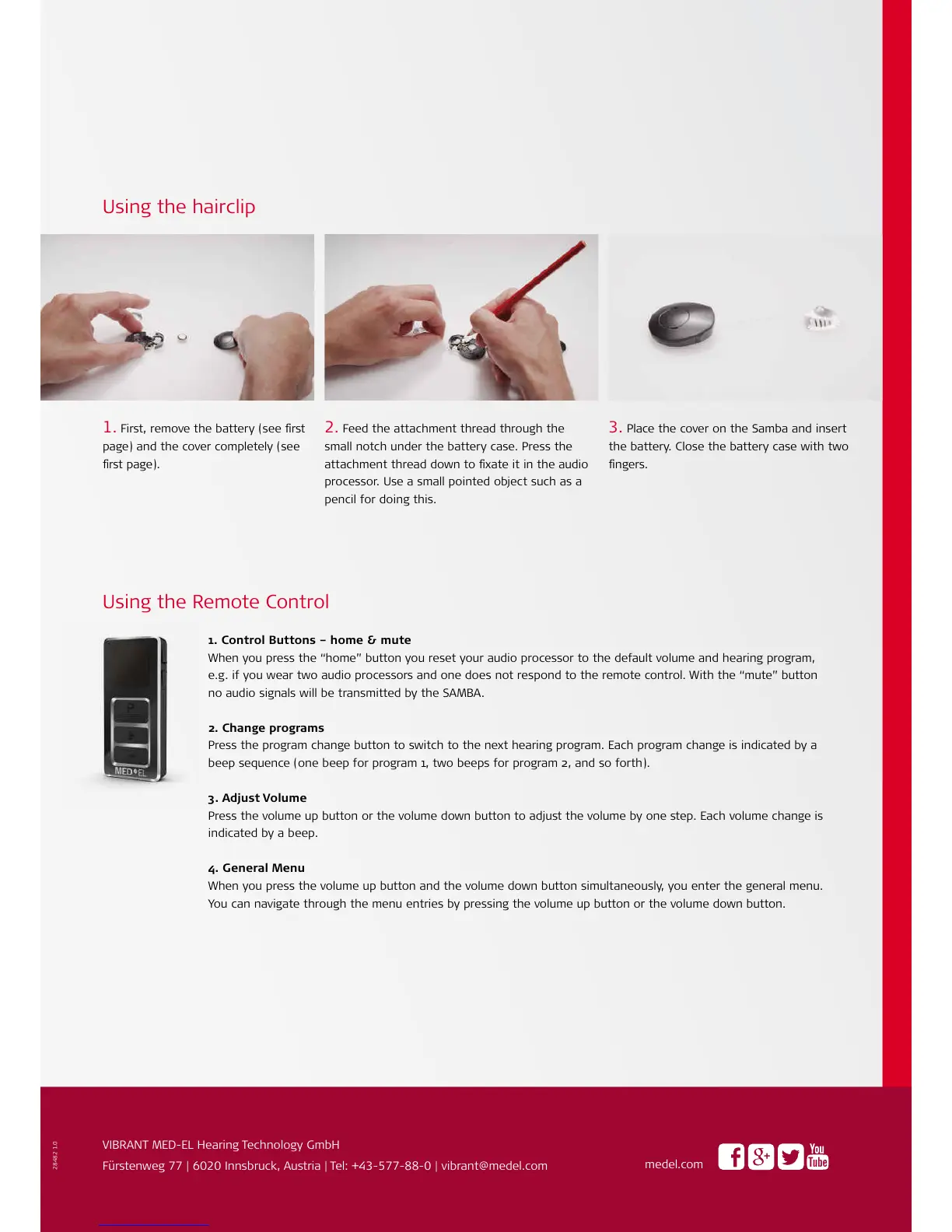
1. Control Buttons – home & mute
When you press the “home” button you reset your audio processor to the default volume and hearing program,
e.g. if you wear two audio processors and one does not respond to the remote control. With the “mute” button
no audio signals will be transmitted by the SAMBA.
2. Change programs
Press the program change button to switch to the next hearing program. Each program change is indicated by a
beep sequence (one beep for program 1, two beeps for program 2, and so forth).
3. Adjust Volume
Press the volume up button or the volume down button to adjust the volume by one step. Each volume change is
indicated by a beep.
4. General Menu
When you press the volume up button and the volume down button simultaneously, you enter the general menu.
You can navigate through the menu entries by pressing the volume up button or the volume down button.
.
VIBRANT MED-EL Hearing Technology GmbH
Fürstenweg | Innsbruck, Austria | Tel: +--- | vibrant@medel.com
medel.com
Using the Remote Control



 To Previous Page
 Loading...