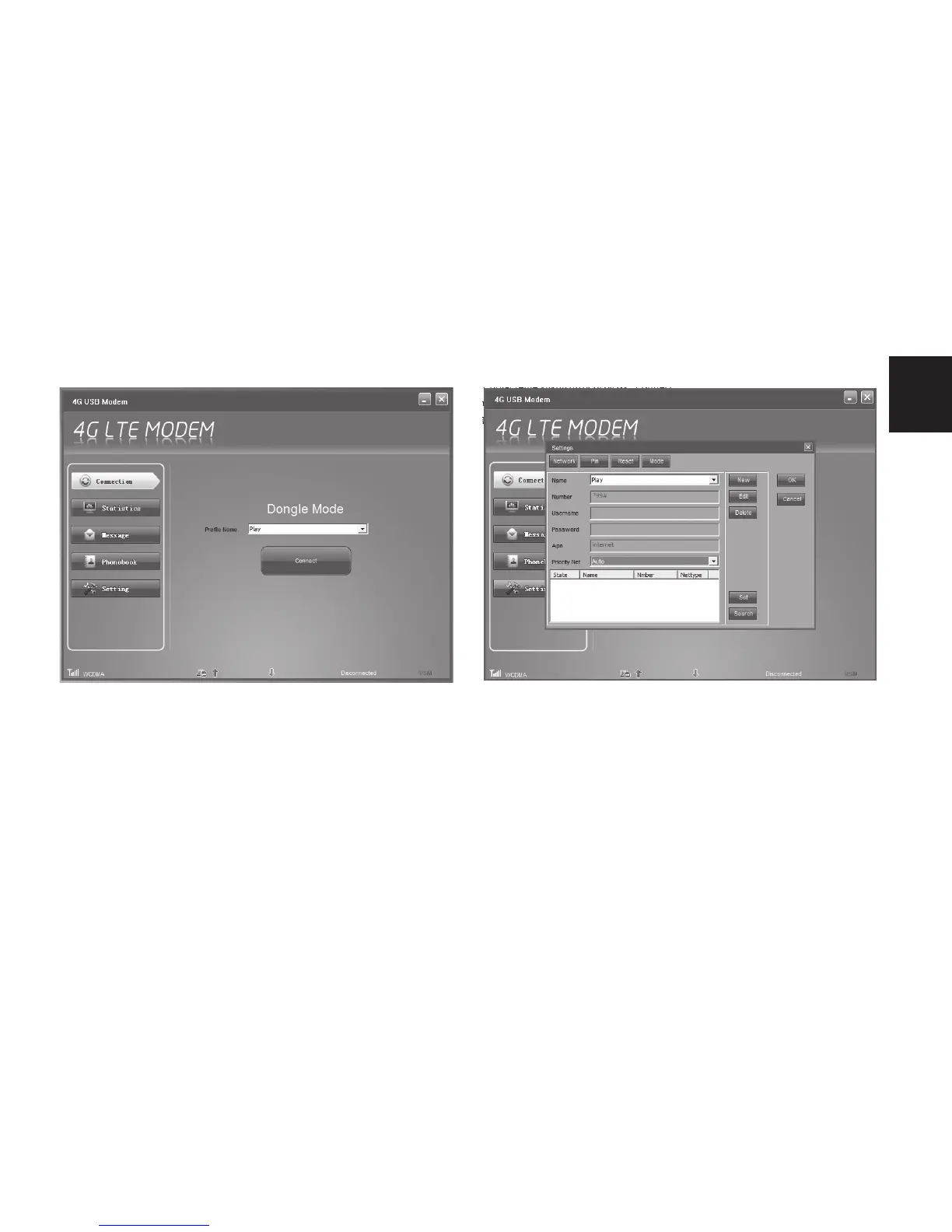
3. Now click “Settings” icon.
4. Select “Network” tab, click “New” and enter
parameters that you receive from your SIM
card provider and click “OK”.
Following picture is for reference only.
Now click big “Connect” button to connect to
internet network.
Device will search available networks in au-
tomatic mode, you can also manually force
to use 3G or 4G network from dropdown list
“Priority Net”, please click “Set” to conrm
changes.



 To Next Page