Quick Start Guide
Safety precautions
For safe
following rules:
Keep the Tablet away from extreme heat, cold, moisture and dust.•
Do not spill any liquids on the Tablet PC as it may damage the device or •
Do not use liquids and chemical cleaners for cleaning the Tablet PC.•
Do not insert any objects in the Tablet air vents or other slots.•
Do not keep the device near magnetic sources, heaters, microwave ovens, •
heating up kitchen appliances, or in high pressure containers, as it may
•
perform repairs on your computer.
Use only the AC adapters, power cords and batteries that are approved •
for use with this device. Use of another type of battery or AC adapter may
Note: The device pictures, as well as data on the device appearance, color and design features are given
in the manual for reference only. Mediacom reserves the right to change the appearance and technical
parameters of its products without prior notice.
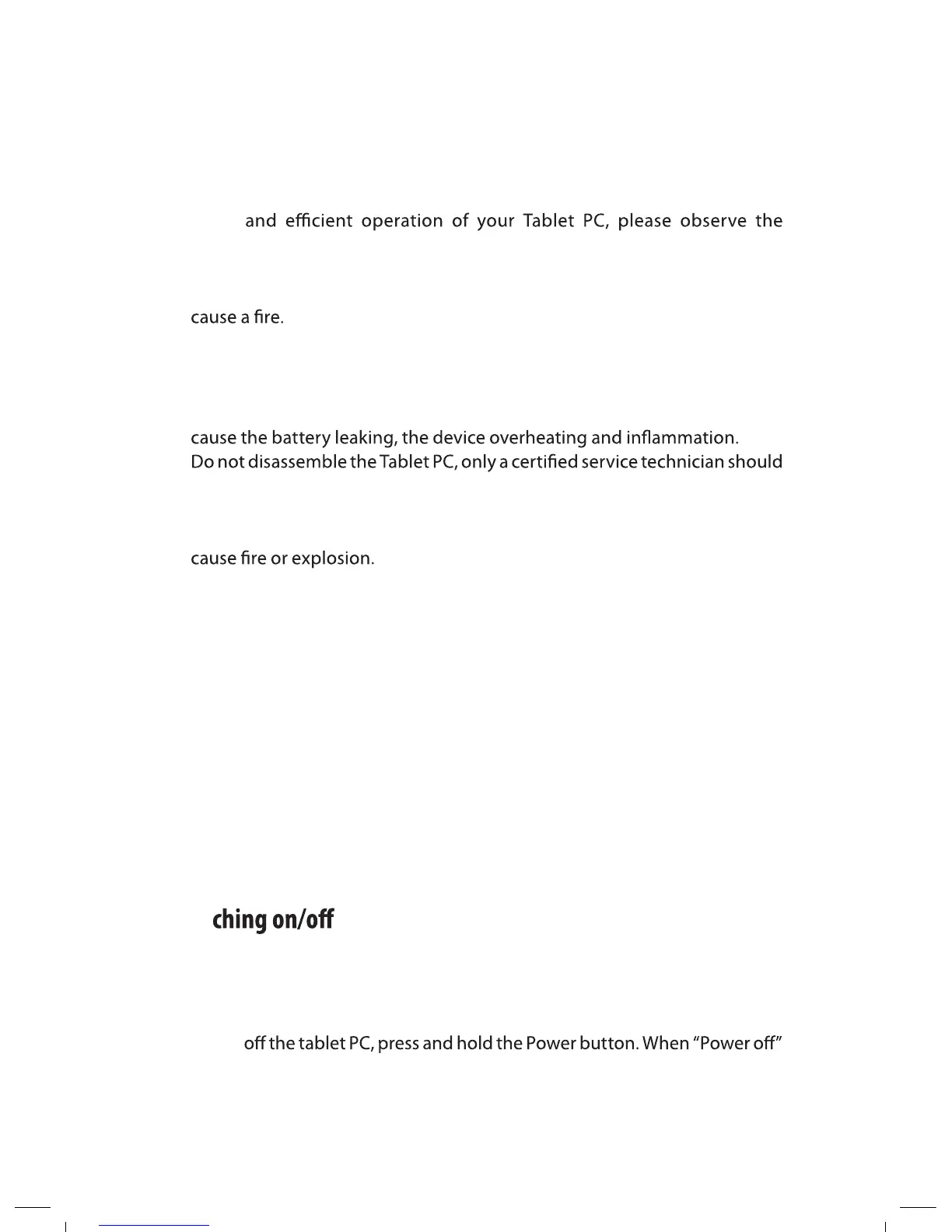
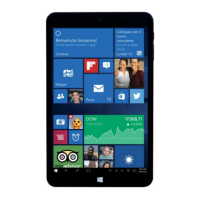
About your device (Picture 1)
Swit
To switch on the Tablet PC, press and hold the Power button. When startup
window appears, release the button. The system initialization may take
several minutes. Please wait patiently.
Power button1.
Volume Bottons2.
USB port – connecting 3.
your computer
4.
SIM card slot (optional)
5.
Micro SD card slot6.
3
Speaker 7.
Earphone port8.
Reset port (if available)9.
Rear camera (optional)10.
Front camera11.
12. DC-in (if available)
13. Microphone (if available)
12. Back (if available)
SMARTPAD
To switch
message appears, release the button. Touch the message, then press OK.


 To Next Page