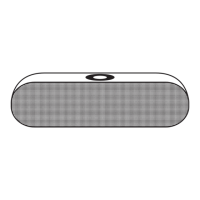
GB Getting started and operation
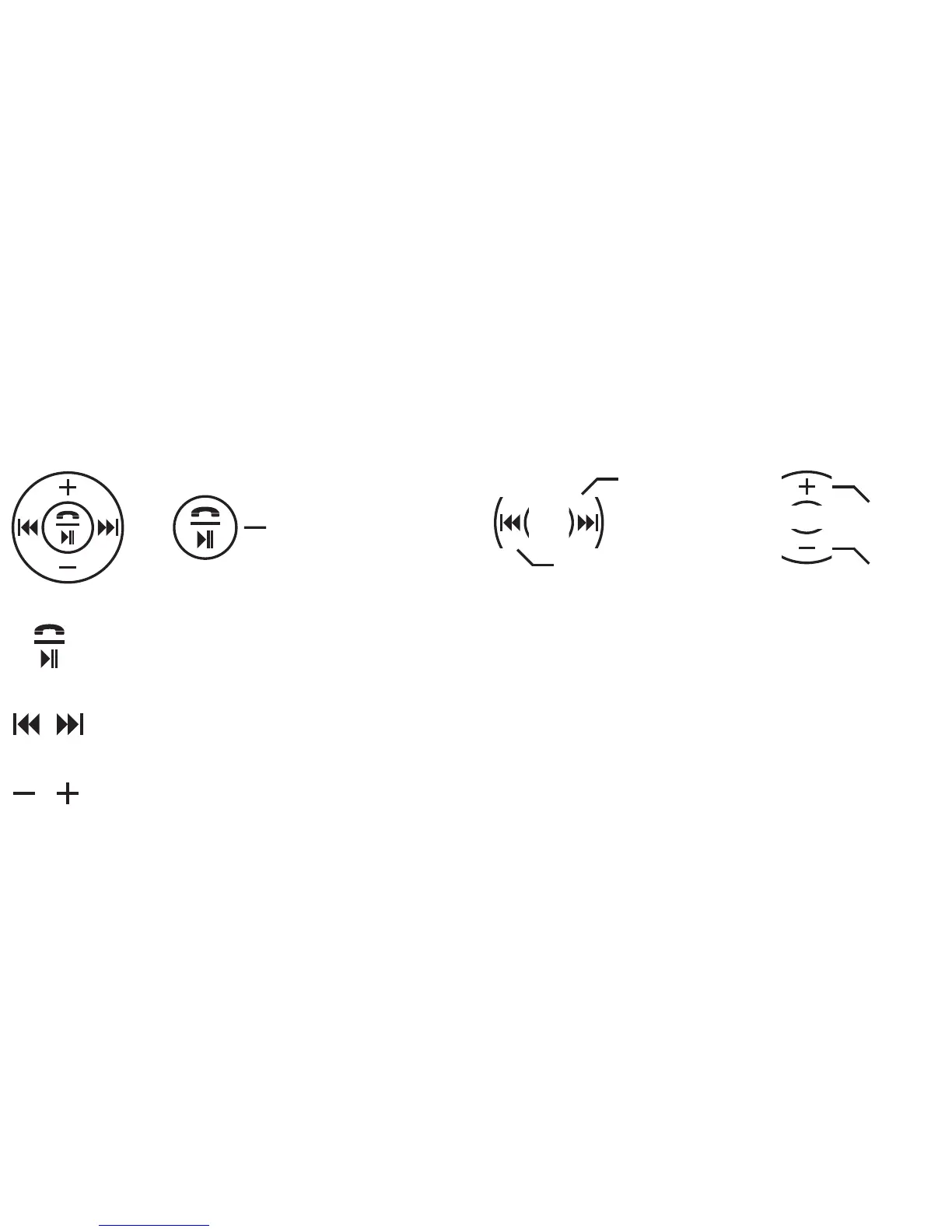
● Select the requested playback mode by keep this button pushed:
1. Bluetooth mode; 2. Music playback via memory card; 3. Music playback via USB flash drive; 4. FM tuner; 5. Music playback via AUX.
● Resume or stop streaming music with the „Play I Pause“ button; Bluetooth mode: Answer phone calls by using the „Play I Pause“
button; FM-mode: Start and stop the automatic FM tuner channel search with the „Play I Pause“ button.
● Switch to the next or previous title with the buttons „Back“ and „Forth“;
Use the buttons in the FM-mode to select and adjust manually the frequency of the radio station.
● Keep the „-“-button pushed to lower the volume. Keep the „+“-button pushed to raise the volume.
Play I Pause;
Playback mode;
Answer phone calls;
automatic FM tuner channel search
Raise volume
Lower volume
Next title;
FM channel search
Previous title;
FM channel search


 To Next Page
 Loading...