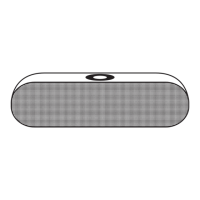
GB Getting started and operation
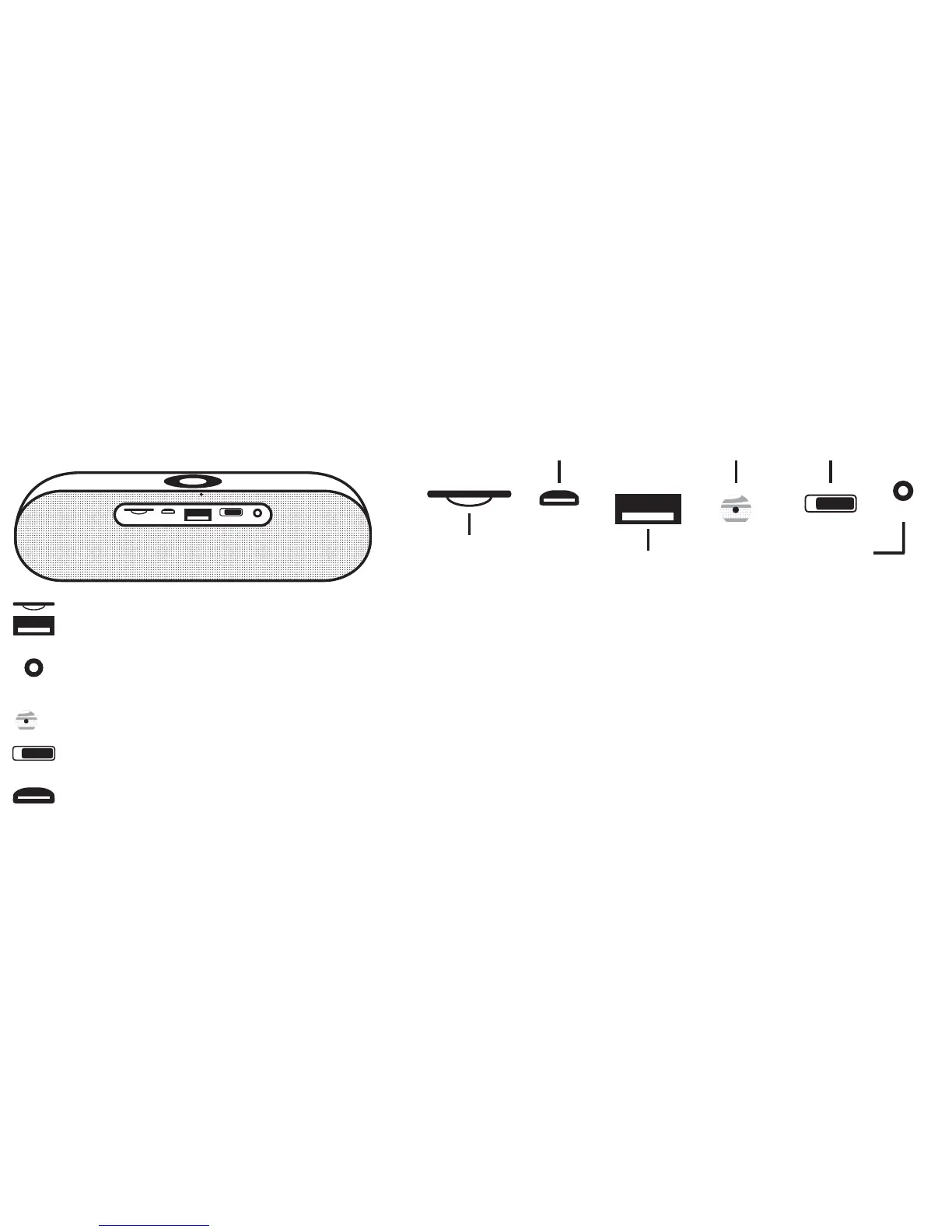
Slot for memory cards and USB flash drives: The device is supporting micro SD, micro SDHC and micro SDXC memory cards. Insert a memory
card, with the contacts up, into the slot. The card will be latched inside the slot and you will hear a „click“.
3.5mm AUX I Line in for music playback via connected devices;
FM antenna output: Use the 3.5mm AUX cable as antenna while using the FM tuner mode
Built-in microphone for hands-free function
On and off switch. Slide the switch to the left to turn on the speaker. Slide the switch to the right again to turn off the device.
Micro USB port for charging the device.
Slot for memory cards
USB flash drive
port
Micro USB port
built-in
microphone
Mic
On / Off switch
ON OFF
3.5mm AUX I Line in;
FM antenna output
AUX
ON OFF
Mic
AUX


 To Next Page
 Loading...