GB Playback mode I Bluetooth
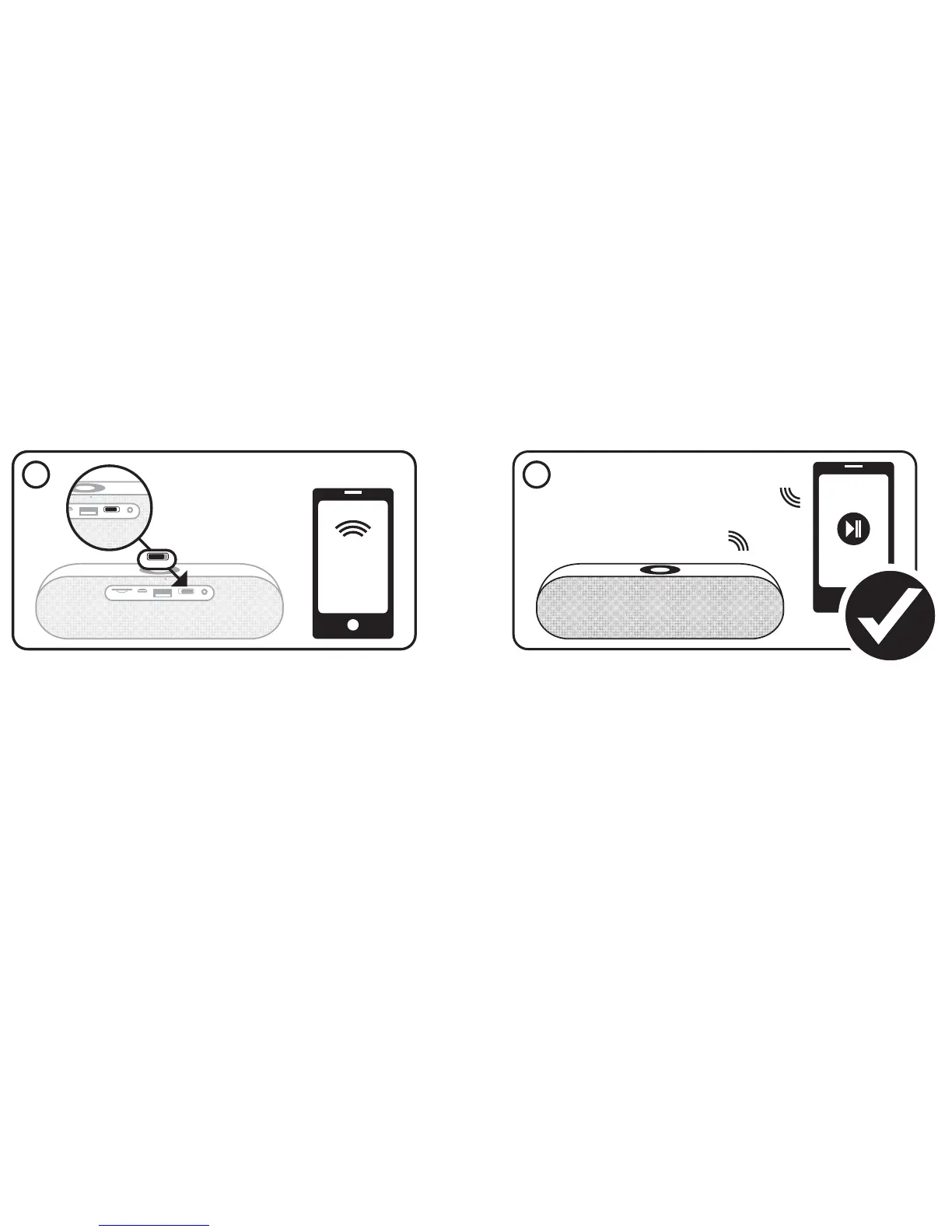
1. Turn on the speaker. It starts in the Bluetooth mode and searches immediately previous Bluetooth settings. If there is no connection, it searches
for new Bluetooth devices.
2. Turn on your device and be sure Bluetooth is activated to pair it with the speaker. The speakers Bluetooth name is „MR734“. As soon as your device
has been connected successfully, you are able to stream your music. You can use your connected device or the navigation pannel on the speaker for
music control.
Note: Each device need to be paired once with the speaker. The speaker is searching immediately previous Bluetooth settings in future and devices will be paired
automatically.
1
OFF AUXON


 To Next Page
 Loading...