SOFTWARE INSTALLATION
Install the device
1. Make sure the computer is turned off. Remove the expansion slot cover from the computer.
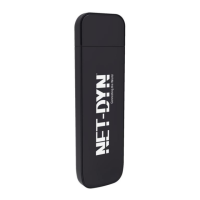
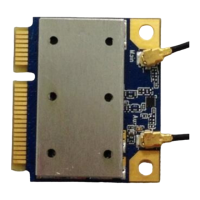
2. Carefully slide the 802.11b/g/n 1T1R Combo Card into the mini PCI slot. Push evenly and slowly and
ensure it is properly seated.
3. After the device has been connected to your computer, turn on your computer. Windows will detect the
new hardware and then automatically copy all of the files needed for networking.
Install the Driver & Utility
1. Exit all Windows programs. Insert the included CD-ROM into your computer. The CD-ROM will run
automatically.
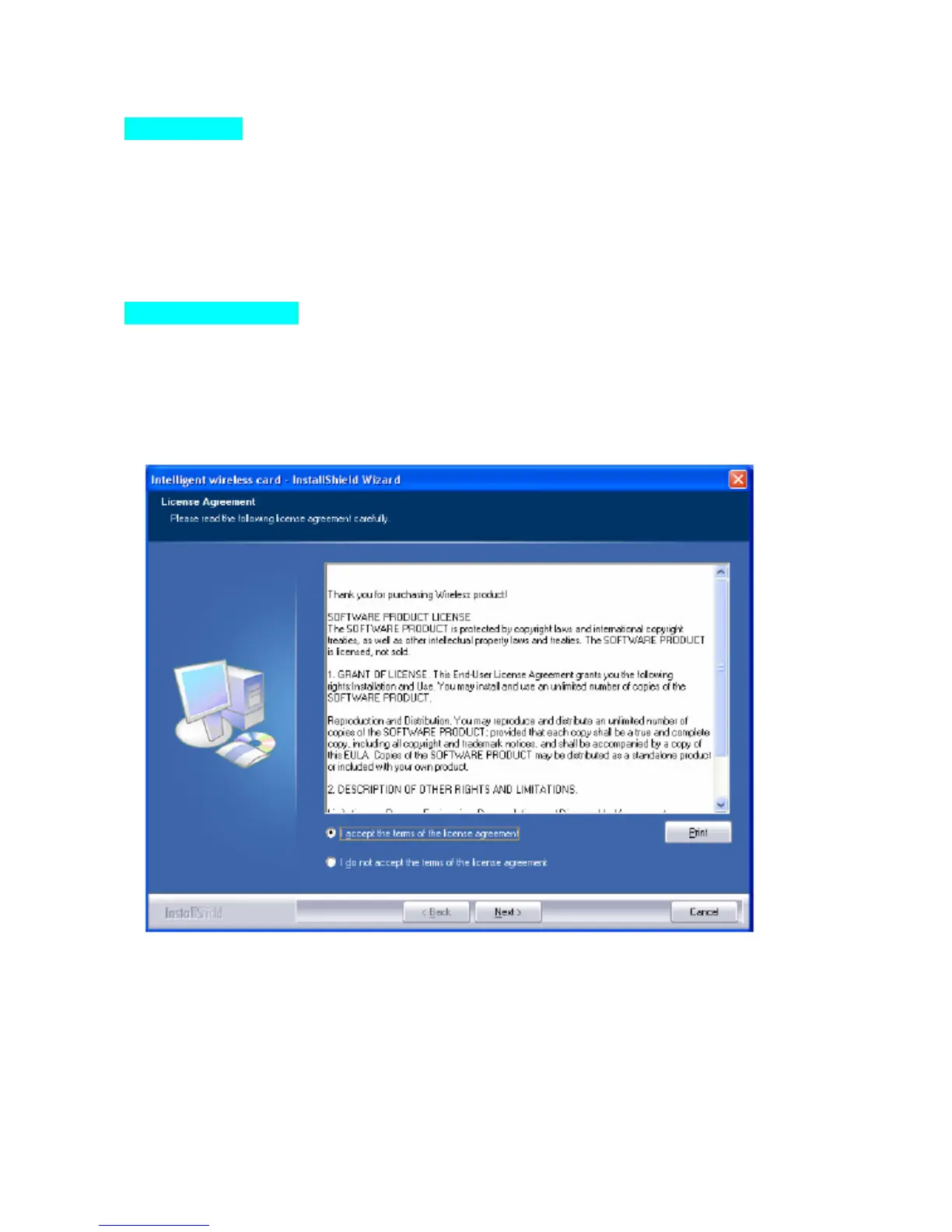
2. When the License Agreement screen appears, please read the contents and select “I accept the terms of
the license agreement “ then click Next to continue.
3. Select the check box to choose a Configuration Tool from the listed two choices.
- Configuration Tool: Choose to use our configuration utility.
- Microsoft Zero Configuration Tool: Choose to use Windows XP’s built-in Zero Configuration Utility (ZCU).
Click Next to continue.


 To Next Page