Hardware Quick Installation Guide
Installing the 802.11b/g/n Combo Card (Wireless PCI Express Minicard Module)
1. Power down the computer.
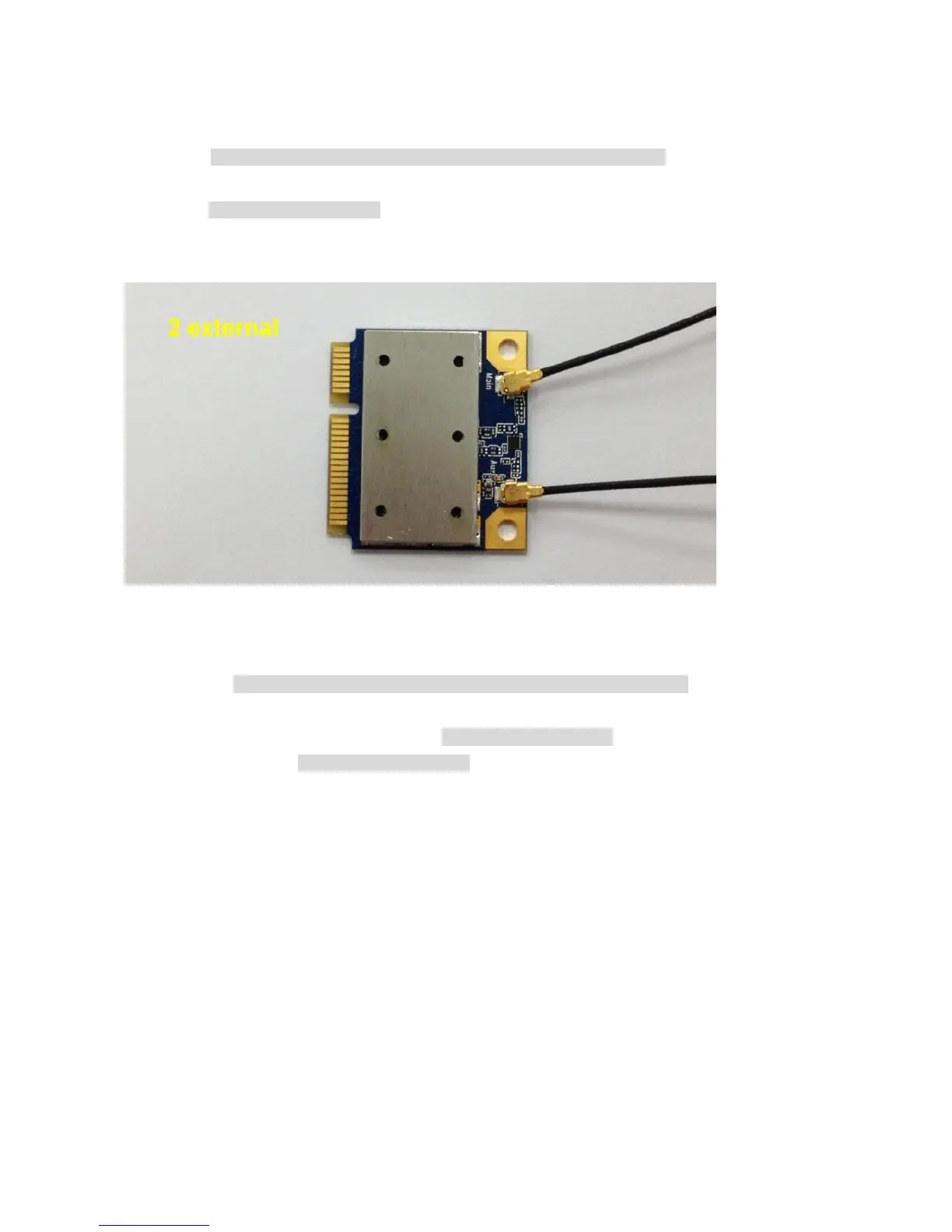
2. Plug the 802.11b/g/n Combo Card to motherboard minicard slot
3. Connect 2 external antennas used I-PEX connector for WiFi antenna.
4. Power on the computer.
Un-installing the 802.11b/g/n Combo Card (Wireless PCI Express Minicard Module)
1. Power down the computer
2. Removed 2 external WiFi antennas from the 802.11b/g/n Combo Card
3. Carefully removed the 802.11b/g/n Combo Card from the motherboard minicard slot.
4. Power on the computer.


 To Next Page