Power Supply
32
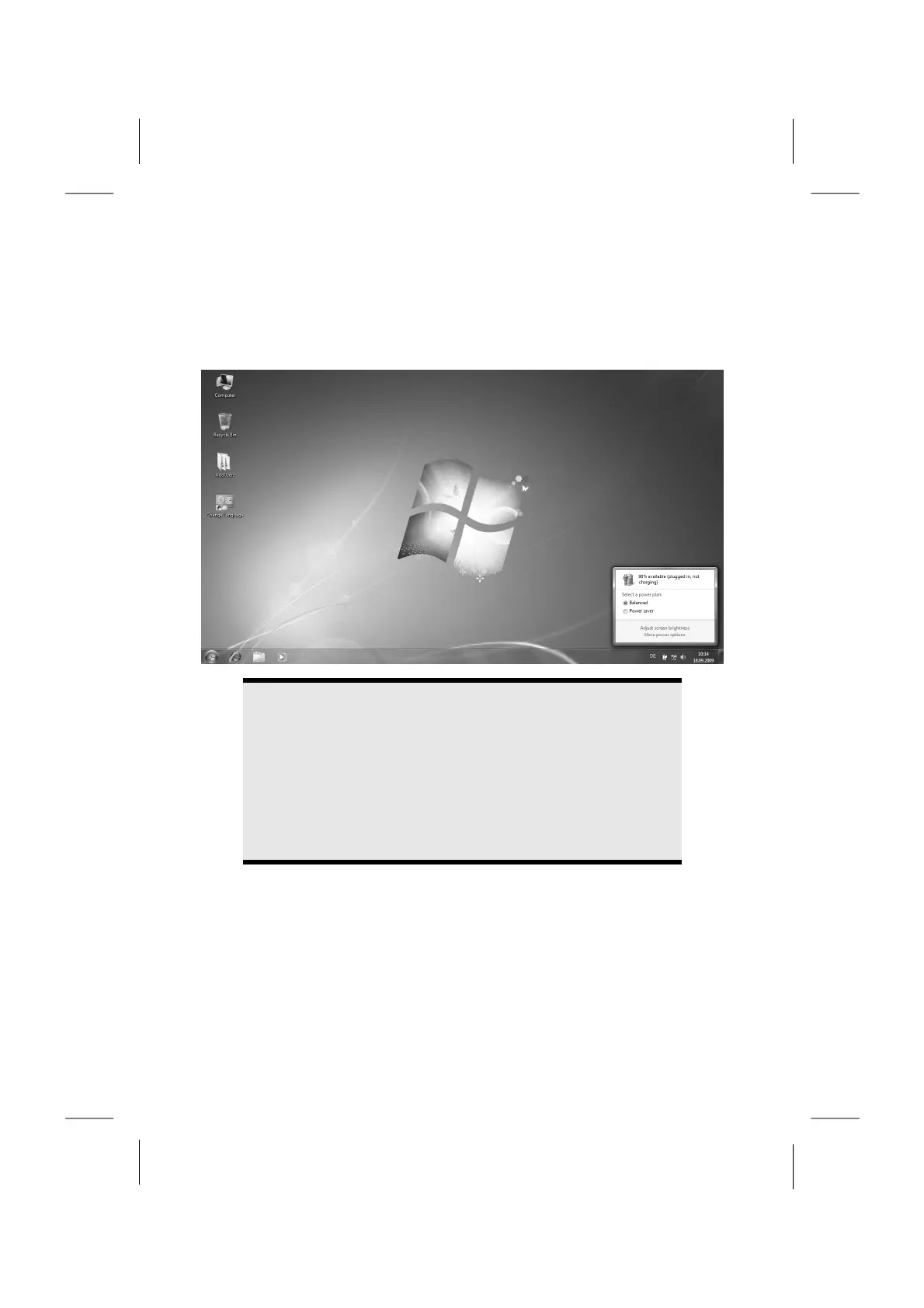
Checking the Battery Level
In order to check the current level of the battery, move the cursor over the power
symbol in the taskbar.
The symbol of a battery is displayed during battery operation.
You will receive additional information about settings if you double click on this
symbol.
Note
If you ignore the warning signal when the battery level is low, your
notebook goes into hibernate mode.
Warning!
Never remove the battery while the notebook is switched on or if the
notebook has not yet gone into hibernate mode, as this may lead to
loss of data.














 To Next Page