- 4 -
3. ETHERNET: LAN connection
4. RESET: Reset switch
5. USB 1,2,3: USB connections
6. DC POWER: Connection for a mains adapter
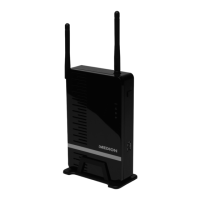
7. Stand
8. WLAN aerial
9. WPS LED: Lights up during the WPS function
10. LAN LED: Lights up during a LAN connection, flashes
during data transmission
11. Operating LED: Lights up during power supply
12. WLAN LED: Lights up when the system has booted,
flashes during data transmission
13. WPS button: To make a WPS connection
14. USB (F): USB connection


 To Next Page