EasyManua.ls Logo

Medion LIFE MD 43429 - User Manual

Medion LIFE MD 43429
206 pages
Go to English
Print Icon
To Next Page IconTo Next Page
Loading...
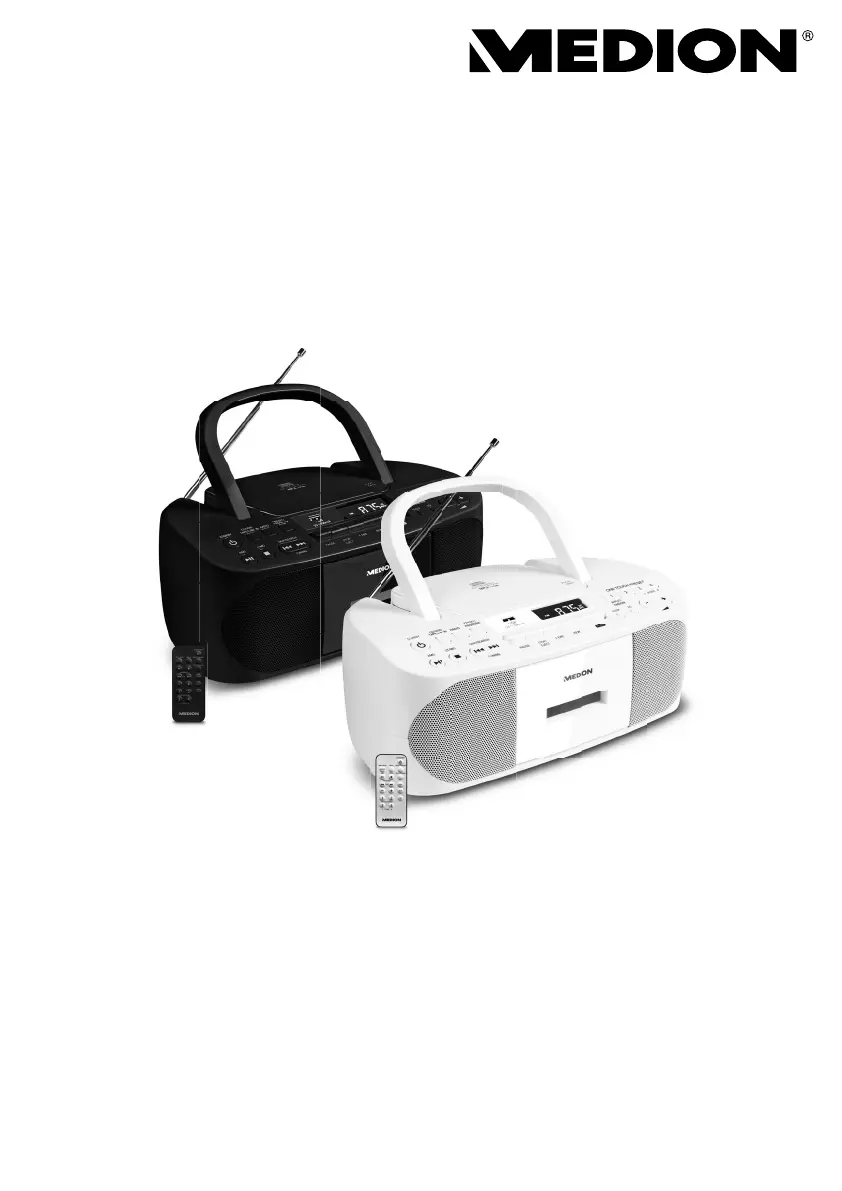
CD- / MP3- / Kassettenspieler
CD / MP3 / cassette player
Poste Radio / Cassette / CD / MP3
Reproductor de casetes/CD/MP3
Lettore CD/MP3/cassette
CD-/MP3-/cassettespeler
MEDION
®
LIFE
®
E65010 (MD 43429)
Bedienungsanleitung
User Manual
Notice d‘utilisation
Manual de instrucciones
Istruzioni per l‘uso
Handleiding
07/2021

Table of Contents

Questions and Answers

  • M
    Melvin GarrettAug 9, 2025
    How to fix a Medion LIFE MD 43429 that won't turn on?
    • J
      James MatthewsAug 10, 2025
      If your Medion Cassette Player will not switch on, the batteries may be dead. If you're using batteries, make sure they are correctly inserted and charged. Alternatively, the mains adaptor might not be properly connected; ensure that it is securely connected.
  • L
    ldeanAug 16, 2025
    What to do if my Medion LIFE MD 43429 has no sound?
    • A
      Andrew JohnsonAug 16, 2025
      If your Medion Cassette Player produces no sound, the volume might be set too low. Try increasing the volume to the desired level.
  • R
    Robert HawkinsAug 26, 2025
    Why does my Medion Cassette Player keep switching off?
    • L
      Lisa StevensAug 26, 2025
      If your Medion Cassette Player switches off during use, the batteries may be dead. You can either operate the device using the mains adaptor or replace the batteries to resolve this issue.
  • R
    Russell GriffithSep 2, 2025
    How to improve radio reception on a Medion LIFE MD 43429?
    • T
      Timothy ReyesSep 2, 2025
      If you are experiencing no or poor radio reception on your Medion Cassette Player, it could be due to weak station signals. Try adjusting the frequency of the stations. Also, move the radio to a different location or change the direction of the aerial to improve the reception if needed.

Summary

User Guide Introduction

Key to Symbols

Explains warning symbols and informational icons used in the manual.

Device Usage and Safety

Safety Information

General Operating Safety

General safety guidelines for using the device and handling packaging.

Power Connection Safety

Instructions and warnings related to the device's power connection and battery operation.

Battery Handling Precautions

Guidelines for handling, inserting, and replacing batteries safely.

Device Overview

Remote Control Guide

Lists and explains the functions of each button on the remote control.

Getting Started

Device Power Setup

Guide to inserting batteries and connecting the mains adapter for device power.

Audio Connections

Basic Operations

Powering On and Standby

How to power the device on and off or place it in standby mode.

Radio Functions

Media Playback

Cassette Player

Maintenance and Troubleshooting

Troubleshooting Guide

Common problems and their solutions for device operation.

Technical Specifications

Medion LIFE MD 43429 Specifications

General IconGeneral
BrandMedion
ModelLIFE MD 43429
PlaybackCassette
Power SourceBattery
ConnectivityHeadphone Jack

Related product manuals