EasyManua.ls Logo

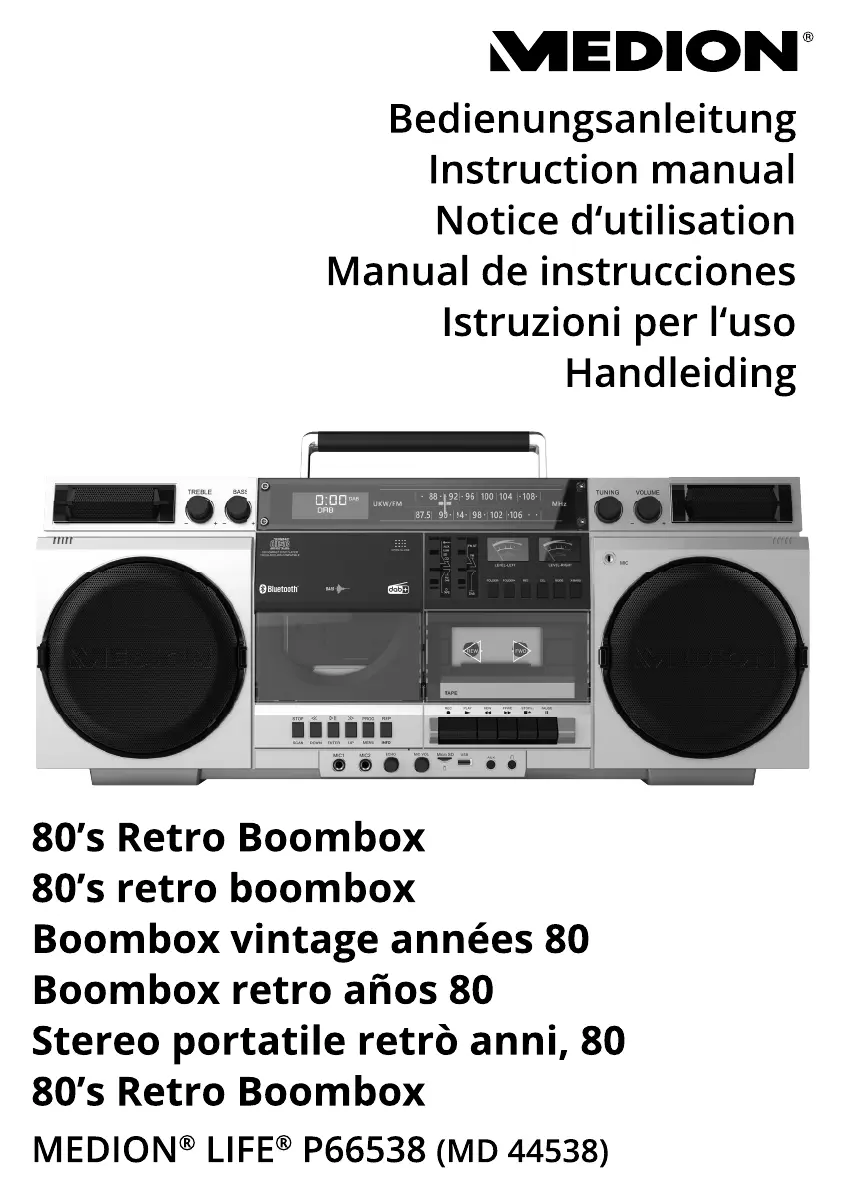
Medion LIFE MD 44538 - User Manual

Medion LIFE MD 44538
208 pages
Go to English
Print Icon
To Next Page IconTo Next Page
Loading...
FR

Table of Contents

Questions and Answers

  • H
    heatherbutlerAug 10, 2025
    What to do if there is no sound from my Medion Portable Stereo System?
    • B
      bookersherriAug 10, 2025
      If you're not getting any sound from your Medion Portable Stereo System, first, try turning up the volume on the stereo itself. If you're using a device connected through AUX IN or Bluetooth, make sure the volume on that device is also turned up.
  • C
    Christopher PhillipsAug 15, 2025
    What to do if my Medion LIFE MD 44538 Portable Stereo System CD is not playing?
    • K
      karen48Aug 15, 2025
      If your Medion Portable Stereo System isn't playing CDs, first, unplug it and wait for both the device and the CD to adjust to the room temperature in case condensation has formed. Also, make sure the CD is clean, correctly inserted with the label facing up, and is in a supported format as specified in the technical specifications.
  • P
    Patrick PowellAug 22, 2025
    Why does my Medion LIFE MD 44538 Portable Stereo System keep switching off?
    • A
      Alicia WrightAug 22, 2025
      If your Medion Portable Stereo System switches off during use, it might be because the batteries are running low. Try plugging it into the mains or replacing the batteries.
  • A
    Alexandra SimpsonAug 27, 2025
    How to fix a Medion LIFE MD 44538 that will not switch on?
    • L
      Lisa WilliamsAug 27, 2025
      If your Medion Portable Stereo System isn't turning on, check that the batteries are correctly inserted and charged if you're using battery power. Also, ensure the mains cable is properly connected.
  • T
    tammy92Sep 2, 2025
    What to do if Medion LIFE MD 44538 has no or poor radio reception?
    • H
      Hannah JohnsonSep 3, 2025
      If you're experiencing poor radio reception on your Medion Portable Stereo System, try adjusting the frequency of the stations. You can also try moving the radio to a different location or adjusting the aerial's direction to improve reception.

Summary

Information about this user manual

Proper use

Safety Information

Restricted group of people

Details safety precautions for children and persons with limited abilities.

Operating safety

Covers general safety measures during device operation.

Power supply

Details how to connect the device to power and battery operation.

Battery operation and safety

Provides instructions and warnings regarding battery usage.

Device overview

Getting started

Battery installation

Step-by-step guide for inserting batteries.

Mains cable connection

Instructions for connecting the device to mains power.

Connecting accessories

Switching on and standby

Audio functions

Volume control

How to adjust the volume level.

Radio operation

Playing back CDs and storage devices

Inserting a CD

Step-by-step guide on how to insert a CD into the player.

Inserting USB memory sticks

How to insert and play music from a USB memory stick.

Inserting MicroSD storage devices

How to insert and play music from a MicroSD card.

Playback control functions

Instructions for controlling media playback.

Track navigation and control

How to navigate tracks and use fast forward/rewind functions.

Cassette operation

Cassette insertion and ejection

Instructions for inserting and removing audio cassettes.

Recording to USB;MicroSD

Bluetooth mode

Connecting external audio devices

Troubleshooting common issues

Service and customer support

Medion LIFE MD 44538 Specifications

General IconGeneral
BrandMedion
ModelLIFE MD 44538
CategoryPortable Stereo System
LanguageEnglish

Related product manuals