EasyManua.ls Logo

Medion LIFE P13262 - User Manual

Medion LIFE P13262
86 pages
Print Icon
To Next Page IconTo Next Page
Loading...
User Manual
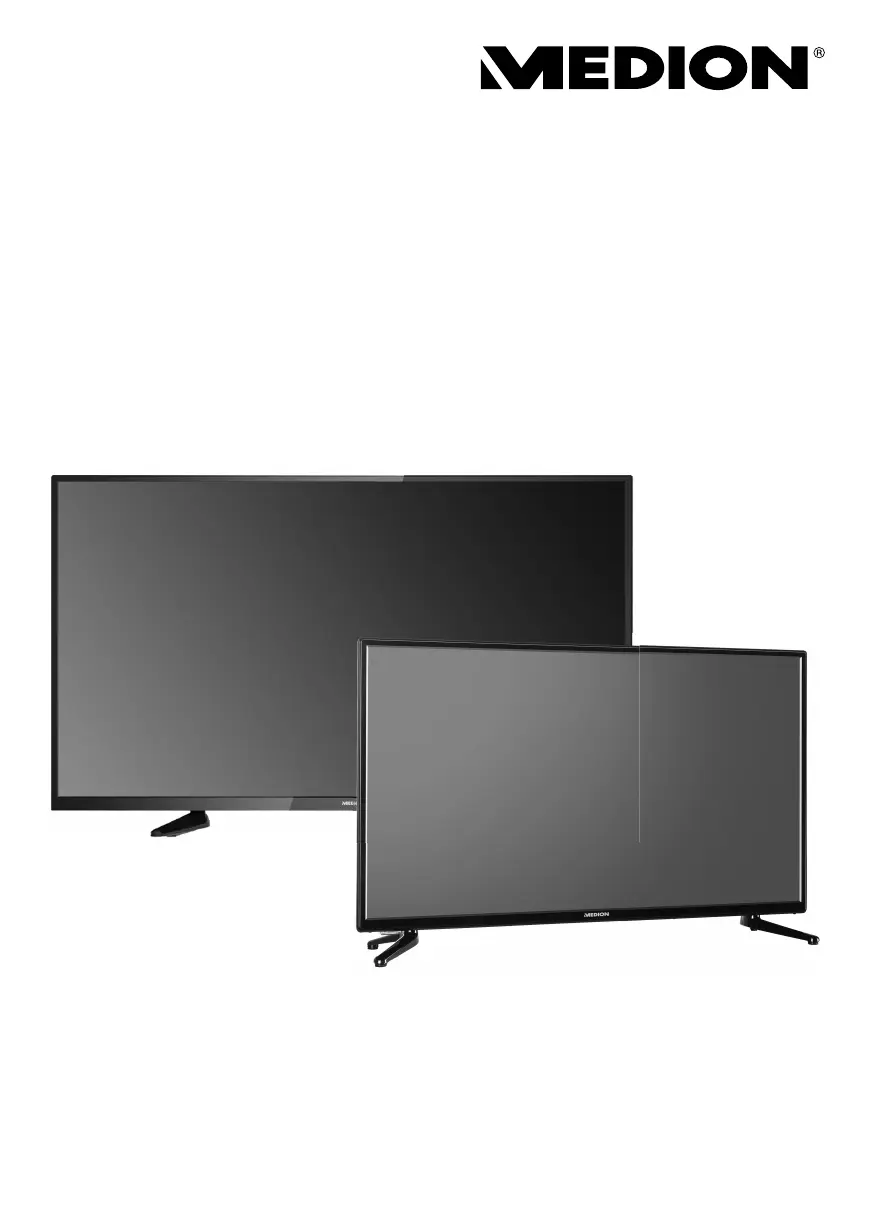
P13262 (MD 31362) / P14063 (MD 31363) / P14064 (MD 31364)
LED-Backlight-TV
MEDION® LIFE®

Table of Contents

Questions and Answers

  • C
    cmooreAug 19, 2025
    What to do if there is no sound on Medion LIFE P13262?
    • N
      Nicole MayerAug 19, 2025
      If there is no sound on your Medion TV, make sure the volume isn't set to the minimum. Check that the mute setting is not active by pressing the crossed-out loudspeaker symbol on the remote. Also, ensure headphones are not connected. If you've connected a satellite receiver or DVD player via a SCART cable, verify the cable is properly connected to the SCART socket.
  • S
    Sherry ContrerasAug 21, 2025
    What to do if my Medion LIFE P13262 TV picture is not clear?
    • E
      emily39Aug 21, 2025
      If the picture on your Medion TV is not clear, check if the antenna is connected properly, as poor reception could be the cause.
  • M
    markfitzpatrickAug 23, 2025
    Why is there no picture and no sound on my Medion LIFE P13262 TV?
    • B
      Brandon GriffinAug 25, 2025
      If your Medion TV has no picture and no sound, verify that the power cable is properly inserted into the socket and that the signal reception is set to TV.
  • B
    bethwebbAug 26, 2025
    Why is my Medion TV remote control not working?
    • C
      Christopher SmithAug 26, 2025
      If the remote control for your Medion TV is not working, check if the batteries are fully charged and inserted correctly. Also, make sure the sensor field on the TV is not exposed to strong light.
  • A
    Angela CampbellAug 28, 2025
    Why does my Medion LIFE P13262 picture look pixelated?
    • K
      Kayla DanielsAug 28, 2025
      Pixelated picture on your Medion TV can be caused by interference from cars, trains, power lines, or neon lights. Additionally, interference between the antenna and power cables could be the issue. Try positioning the cables further apart.
  • M
    Michael MooreAug 30, 2025
    What to do if Medion TV switches off by itself?
    • R
      Roger MorrisonAug 30, 2025
      If your Medion TV switches off automatically, check whether the automatic TV switch-off function is activated in the TIME settings.
  • A
    Angela CooperSep 2, 2025
    How to fix a Medion TV picture that is too bright or too dark?
    • C
      Christine SmithSep 2, 2025
      If the picture on your Medion TV is too bright or too dark, check the contrast and brightness settings.
  • J
    julia40Sep 4, 2025
    What to do if there is no AV picture on Medion TV?
    • J
      Joseph MillsSep 4, 2025
      If there is no AV picture on your Medion TV, check that the contrast and brightness settings are correct, all external devices are properly connected, and the correct AV source is selected.
  • D
    Daniel HowardSep 6, 2025
    How to fix a Medion TV picture that is not sharp?
    • C
      Cynthia BradleySep 6, 2025
      If the picture on your Medion TV is not sharp, first check if the antenna is connected properly, as poor reception could be the cause. If the antenna is properly connected, check the sharpness and noise reduction settings in the PICTURE menu.
  • R
    Robin WallaceSep 8, 2025
    Why is there no picture and no sound, but I can hear noise on my Medion TV?
    • S
      Shane HurstSep 8, 2025
      If your Medion TV has no picture and sound, but you can hear noise, the reception might be poor. Check if the antenna is connected properly.

Medion LIFE P13262 Specifications

General IconGeneral
Screen Size32 inches
Backlight TechnologyLED
Refresh Rate60 Hz
HDMI Ports3
USB Ports1
Smart TVYes
Weight4.5 kg
Operating SystemAndroid
Built-in TunerDVB-T2/C/S2

Related product manuals