EasyManua.ls Logo

Medion MD 31438 - User Manual

Medion MD 31438
73 pages
Print Icon
To Next Page IconTo Next Page
Loading...
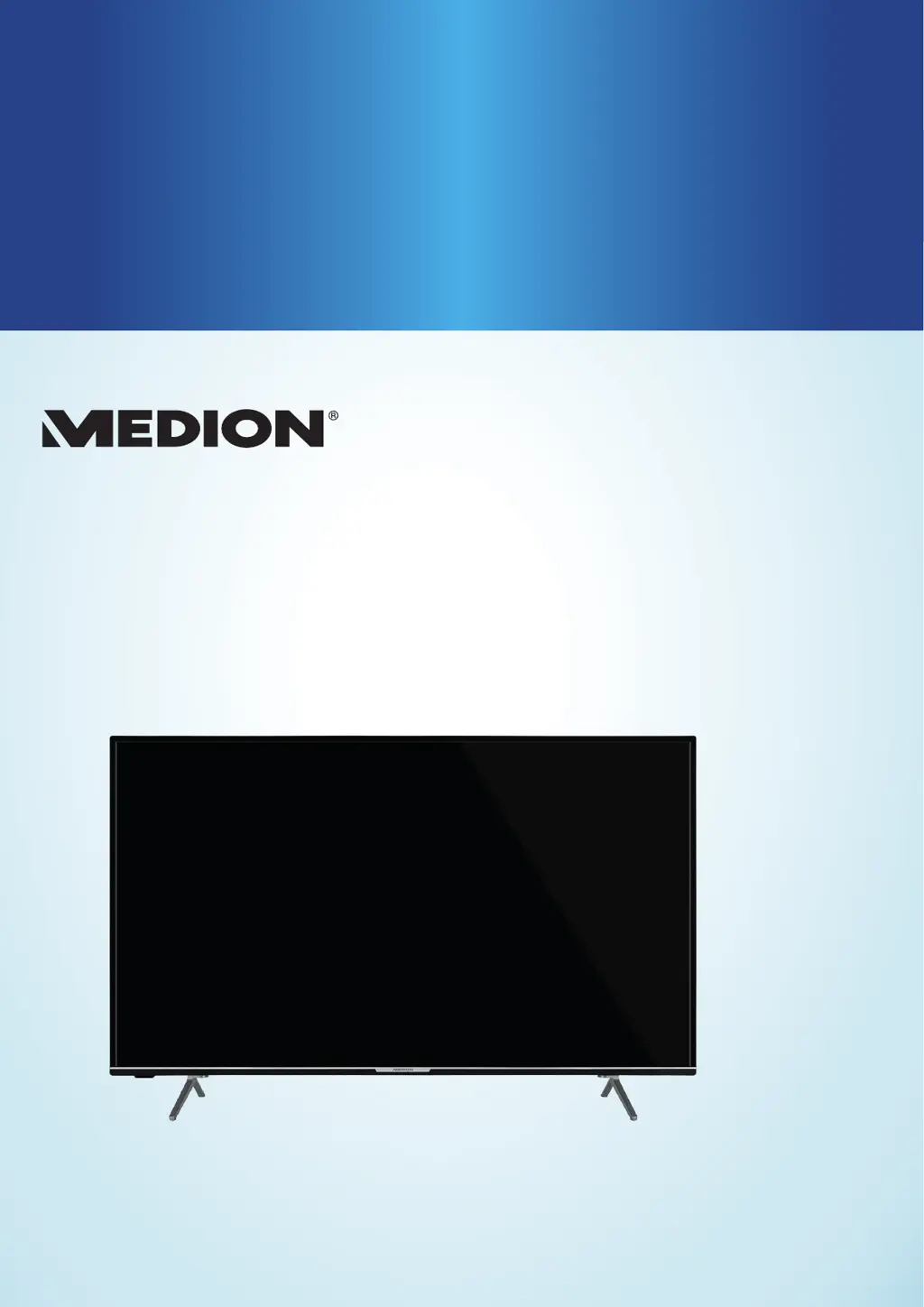
55“ (138.8 CM) SMART 4K ULTRA HD TV
WITH HDR X15538
User Manual

Questions and Answers

  • M
    Margaret QuinnSep 4, 2025
    What to do if my Medion MD 31438 switches off by itself?
    • J
      Jorge ClarkSep 4, 2025
      If your Medion UHD TV is switching off unexpectedly, check whether the automatic switch-off function is activated under MORE... in the settings.
  • E
    Elizabeth LeeSep 18, 2025
    How to establish WIRELESS DISPLAY connection with Medion UHD TV?
    • E
      Emma MirandaSep 18, 2025
      To establish a WIRELESS DISPLAY connection with your Medion UHD TV, first ensure that all required settings have been made. Also, the devices may not be compatible (only Android devices with certain software requirements are compatible).
  • K
    Kayla DanielSep 16, 2025
    How to play HDR contents on Medion UHD TV?
    • K
      Kyle TaylorSep 16, 2025
      To play HDR content on your Medion UHD TV, go to the SOURCES menu and select ENHANCED.
  • I
    ijohnsonSep 14, 2025
    How to fix STANDBY switch not working on Medion UHD TV?
    • J
      joshua53Sep 14, 2025
      If the STANDBY switch on your Medion UHD TV is not working, the child lock might be activated. Check the settings to disable child lock.
  • J
    jonathanhuangSep 12, 2025
    What to do if I can't open the menu on my Medion MD 31438 UHD TV?
    • K
      Krista HernandezSep 12, 2025
      If you are unable to open the menu on your Medion UHD TV, check whether CEC is enabled, as this can prevent the menu from opening. If CEC is not the issue, try changing the input source.
  • S
    Sarah ArmstrongSep 12, 2025
    How to fix no reception or poor signal via WLAN on Medion MD 31438?
    • B
      Becky WiseSep 12, 2025
      If you're experiencing no reception or a poor signal via a wireless network connection (WLAN) on your Medion UHD TV, first ensure that all required settings have been correctly configured. If the TV is too far from the router, consider using a repeater to boost the signal.
  • T
    theresabowmanSep 9, 2025
    How to resolve stripes on the screen or faded colors on my Medion UHD TV?
    • B
      Brittany RodriguezSep 9, 2025
      Stripes on the screen or faded colors on your Medion UHD TV could be due to interference from another device. Transmission antennae on radio stations, ham radios, and portable phones can also cause interference. Try operating the device as far away as possible from any device that might be causing the interference.
  • J
    Jennifer NielsenSep 7, 2025
    What to do if I can hear noise but there is no picture and no sound on my Medion MD 31438?
    • J
      John RiggsSep 7, 2025
      If you are getting noise but no picture or sound on your Medion UHD TV, check that the antenna is properly connected.
  • N
    Nicole LeonSep 5, 2025
    What to do if the picture on my Medion MD 31438 UHD TV is not sharp?
    • P
      Patrick RodriguezSep 5, 2025
      If the picture on your Medion UHD TV is not sharp, check if the antenna is properly connected. Also, review the sharpness and noise reduction settings in the PICTURE menu to see if adjustments can improve the image quality.
  • M
    mmcconnellAug 20, 2025
    Why is there no picture and no sound on my Medion UHD TV?
    • B
      Benjamin AndradeAug 21, 2025
      If your Medion UHD TV shows no picture and produces no sound, ensure the power cable is properly inserted into the socket. Also, verify that the signal reception is set to TV. If the issue persists, try connecting the device to a different power outlet.

Medion MD 31438 Specifications

General IconGeneral
Panel TypeLED
Smart TVYes
Operating SystemAndroid TV
HDMI Ports3
USB Ports2
Wi-FiYes
BluetoothYes
Resolution3840 x 2160 pixels

Related product manuals