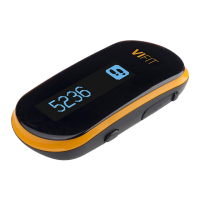
Need help?
Do you have a question about the Medisana VIFIT and is the answer not in the manual?
Instructions for downloading and installing the VIFIT activity tracker software on your computer.
Steps to connect the VIFIT activity tracker to your PC or Mac using the USB cable.
Guide to registering on VitaDock Online and configuring your user profile and settings.
Information on how data is synchronized between the VIFIT tracker and the VitaDock system.
Guidance on the proper way to wear the VIFIT activity tracker for accurate tracking.
Instructions on how to navigate through the tracker's display screens using the button.
Guidance on the proper way to wear the VIFIT for effective sleep mode tracking.
Instructions on how to activate and deactivate the sleep mode on the VIFIT tracker.
Connect the VIFIT to PC/Mac via USB cable to synchronize measurement data.
Instructions on viewing and evaluating your data in clear diagrams on VitaDock Online.
How to transfer and monitor data using the VitaDock app on Apple or Android devices.
 General
| Brand | Medisana |
|---|---|
| Model | VIFIT |
| Category | Heart Rate Monitor |
| Language | English |


 To Next Page