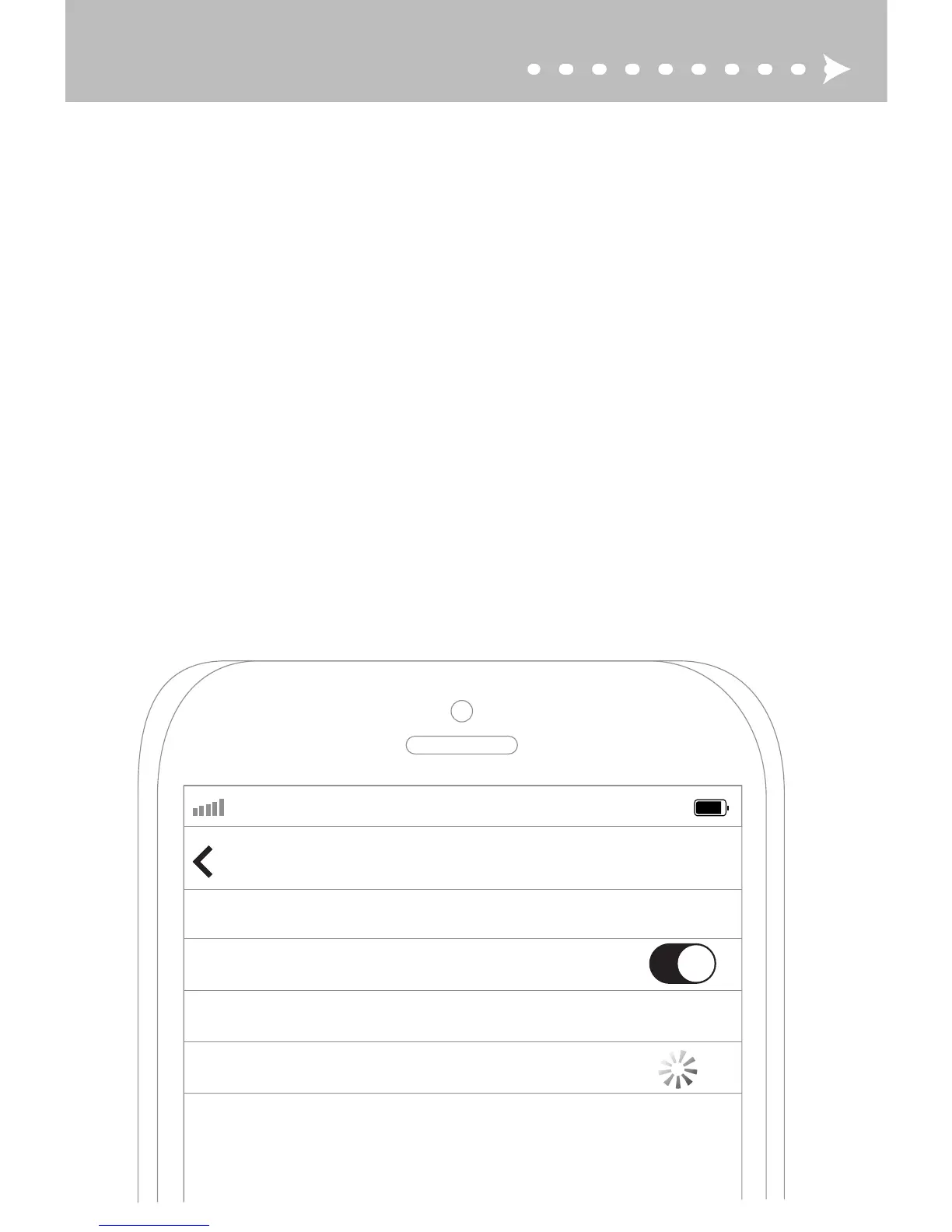
Open the Bluetooth menu on the device you wish to pair (usually located in
Settings > Bluetooth). If needed, select “search for devices”, “add new device”, or
“refresh”.
STEP 3: PAIRING (CONTINUED)
AT&T LTE
12:26 PM
95%
Bluetooth
Settings
Searching...
Bluetooth
Devices
DE
FR
ES
ZH
Öffnen Sie das Bluetooth-Menü auf dem zu koppelnden Gerät (siehe
Settings > Bluetooth-Menü). Bei manchen Geräten müssen Sie den Menüpunkt
„Nach Geräten suchen“ oder „Neues Gerät hinzufügen“ auswählen, um eine
Bluetooth-Kopplung zu veranlassen.
Ouvrez le menu Bluetooth sur l’appareil que vous souhaitez coupler (voir
Settings > Bluetooth). Certains appareils nécessitent que vous sélectionniez «
rechercher les appareils » ou « ajouter de nouveaux appareils » afin d’établir
une connexion Bluetooth.
Abra el menú Bluetooth del dispositivo que desea emparejar (vea
Settings > Bluetooth). Algunos dispositivos requieren seleccionar la opción
“buscar dispositivos” o “añadir nuevos dispositivos” para poder generar
emparejamiento Bluetooth.
在你将要配对的设备中打开蓝牙菜单(请找出蓝牙菜单)。 为了创建新的蓝牙配对,
一些设备可能需要你选择“搜索设备”或“添加新设备”选项。


 To Next Page
 Loading...