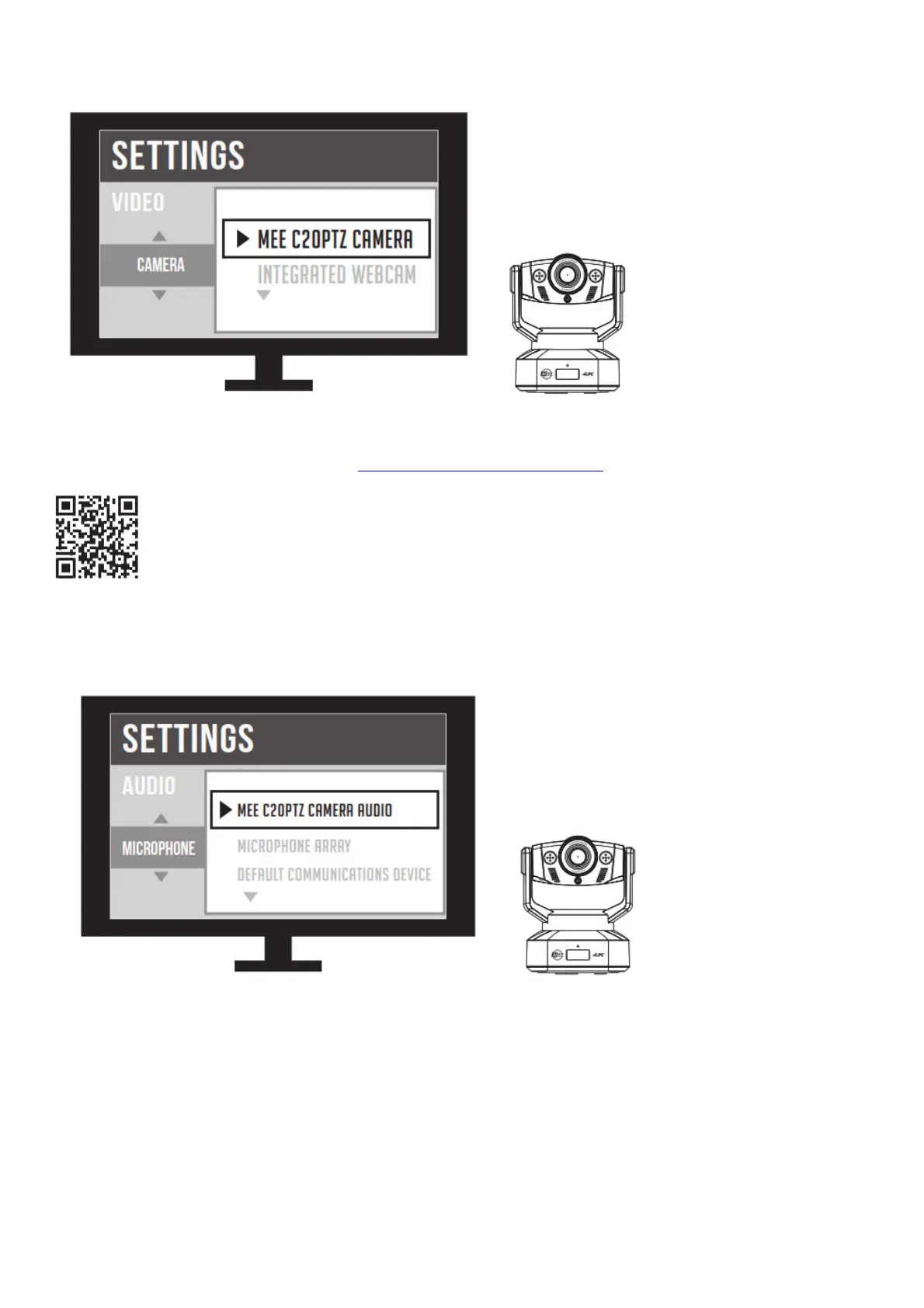
This camera is a plug-and-play device and does not require additional software but you may have to
select it as the default video device in your video recording or teleconferencing app:
For more information about using your camera with different applications, scan the QR code or enter
the URL below into your web browser: MEEaudio.com/CameraHelp
Microphone Setup
To use the integrated microphone, you may also need to select it from your video recording or
teleconferencing app:
This camera also supports up to two external 3.5mm microphones. To use external microphones,
simply plug them into the 3.5mm inputs on the back of the camera.


 To Next Page