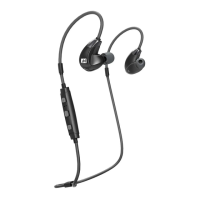
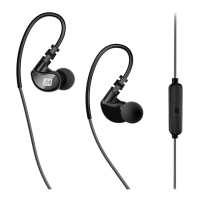
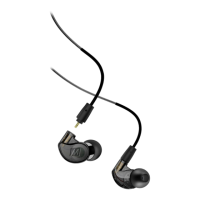
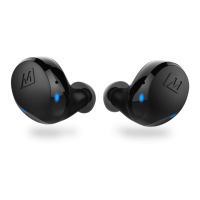
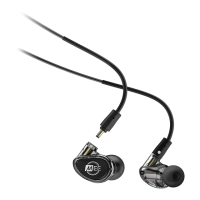
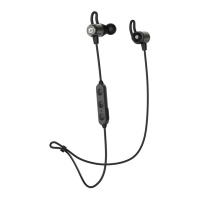
SCHRITT 4 - TRAGEN DER KOPFHÖRER (FORTSETZUNG): Wenn nicht in Gebrauch,
clip die Ohrhörer zusammen mit den eingebauten Magneten.
ÉTAPE 4 - Lorsqu'ils ne sont pas utilisés, faites glisser les écouteurs ensemble en
utilisant des aimants intégrés.
PASO 4 - Cuando no esté en uso, conecte los auriculares utilizando imanes
incorporados.
4 : ,
.
ステップ4-ペアリング(続き):使用しない時はイヤーピース同士を内蔵のマグネットで接続
させる事ができます。
步骤4 - 配对(续): 不使用时,用内置磁铁将耳机吸附连接在一起。
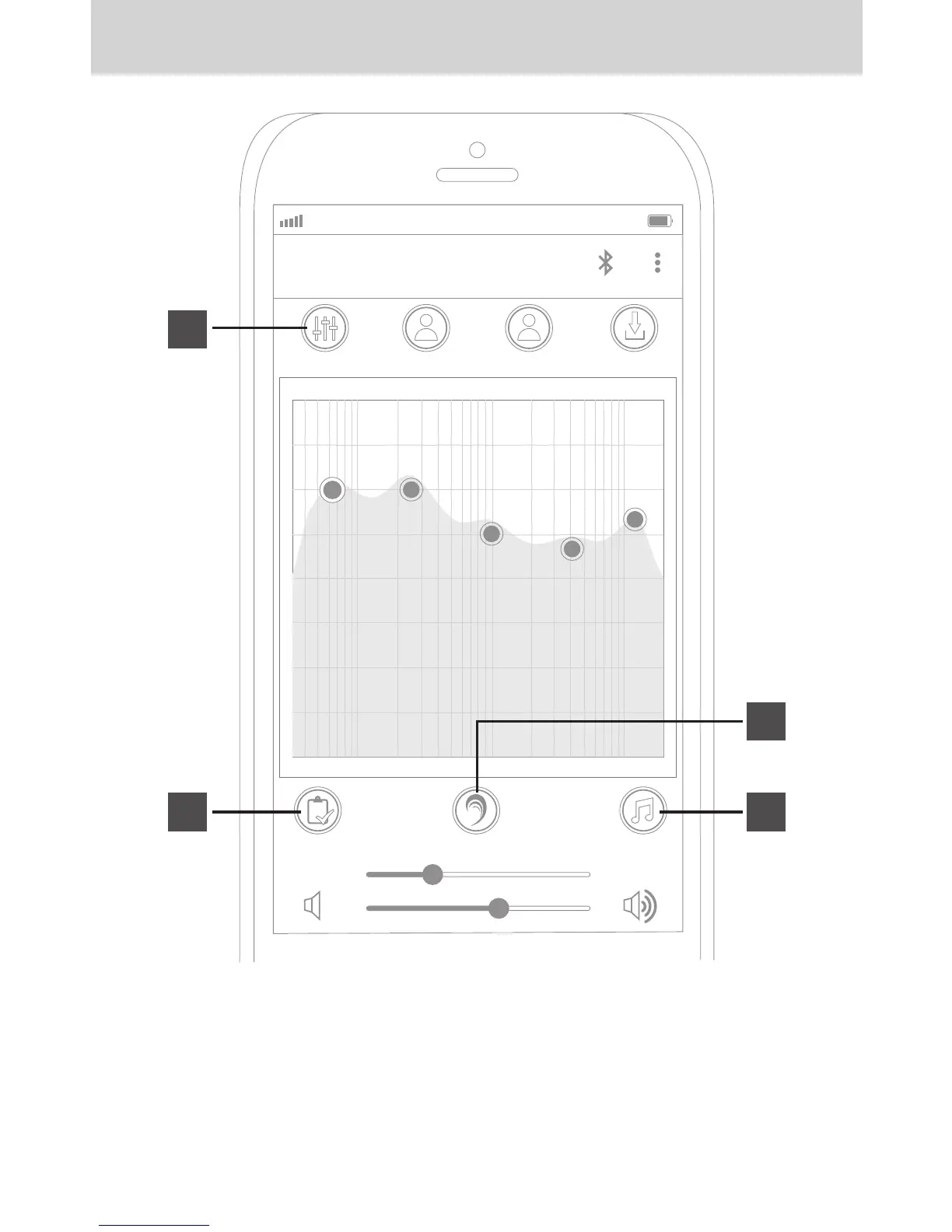
STEP 7: GETTING STARTED WITH EARBOOST
AT&T LTE
12:26 PM
95%
MY EQ
P ROFILE 1 P ROFILE 2 S A V E P ROFILE
6.0dB 6.0dB 3.0dB 2.0dB 4.0dB
64.0 250.0 1.0k 4.0k 12.0k
H EARING T EST
L EVEL
1.0
P REVIEWE AR B OOS T O N
c
d
a
b
Press the "Hearing Test" button (A) to create your initial adaptive audio profile.
Follow the on-screen instructions to complete the test.
Once you complete the test and navigate back to the app’s home page, your custom EQ
curve will be available under the “My EQ” preset (B).
Press the “Preview” button (C) or play a music track in a background app and toggle the
“EarBoost on/off” button (D) to test the difference.


 To Next Page