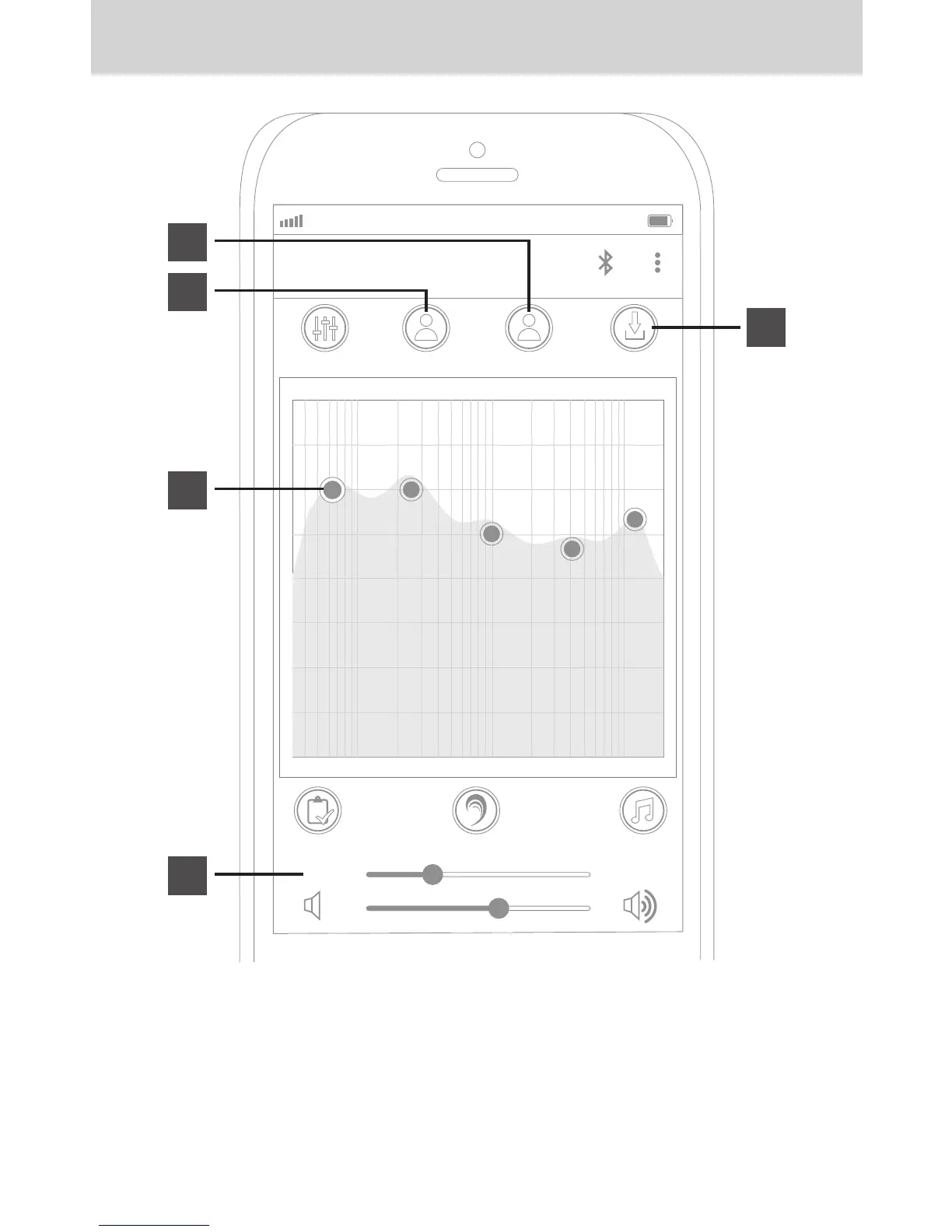
Your custom audio enhancement profile can be further adjusted manually using the drag
handles on individual frequencies (A) and also using the “Level” slider (B), which changes
the severity of the enhancement.
Once done adjusting, select “Save Profile” (C) to save your custom EQ curve to one of the
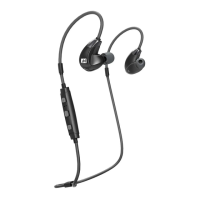
two available profiles. These can then be accessed and loaded into your EB1 earphones
using the “Profile 1” (D) and “Profile 2” (E) buttons.
STEP 8: FURTHER ADJUSTMENT
AT&T LTE
12:26 PM
95%
MY EQ
P ROFILE 1 P ROFILE 2 S A V E P ROFILE
6.0dB 6.0dB 3.0dB 2.0dB 4.0dB
64.0 250.0 1.0k 4.0k 12.0k
H EARING T EST
L EVEL
1.0
P REVIEWE AR B OOS T O N
a
b
e
d
c


 To Next Page