EasyManua.ls Logo

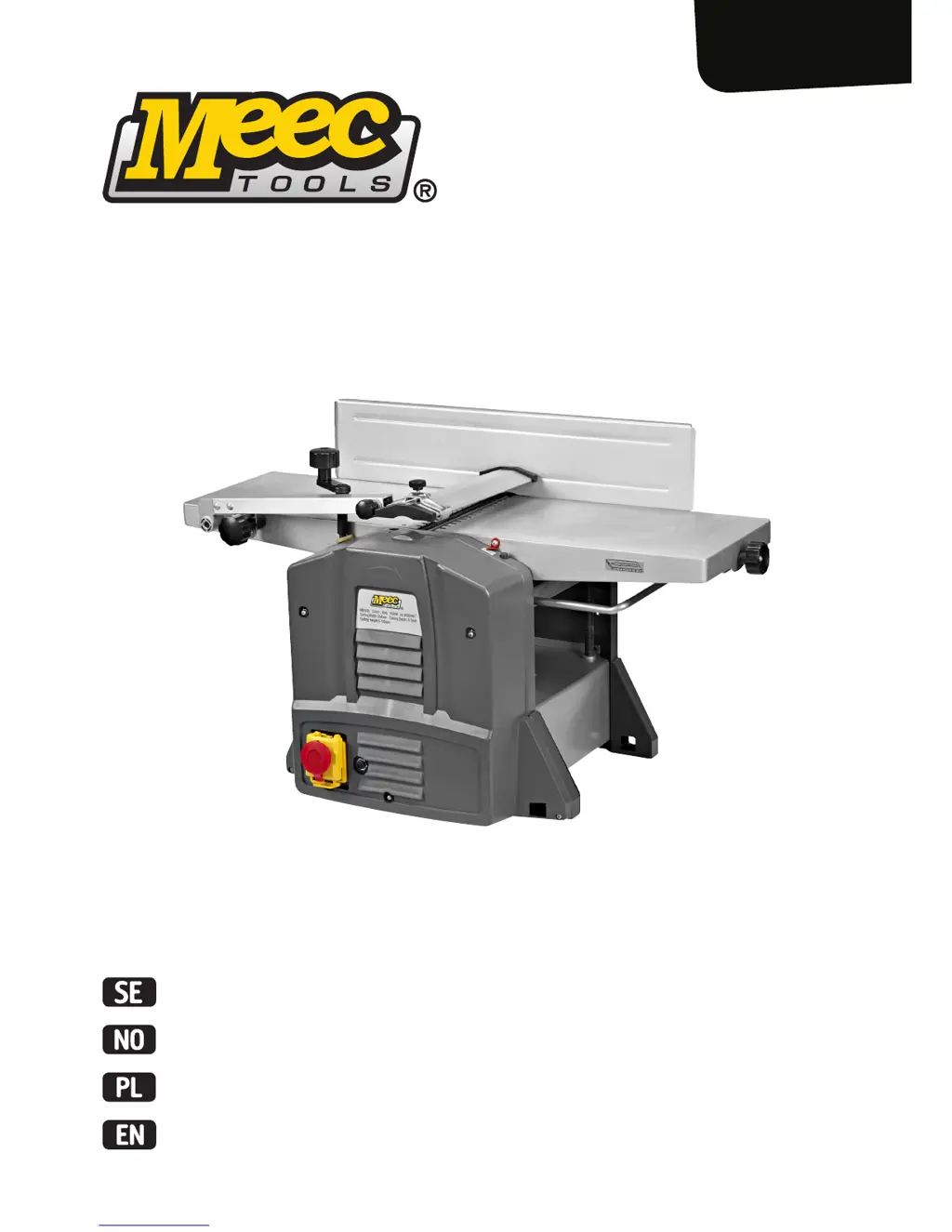
Meec tools 250-029 - User Manual

Meec tools 250-029
35 pages
Go to English
Print Icon
To Next Page IconTo Next Page
Loading...
Bruksanvisning för rikt-/planhyvel
Bruksanvisning for avretter-/planhøvel
Instrukcja obsługi wyrówniarki/grubościówki
User instructions for jointer/planer
250-029

Table of Contents

Questions and Answers

  • B
    brittanymartinJul 30, 2025
    Why does the speed drop while working with my Meec tools Planer?
    • W
      William MckinneyJul 30, 2025
      The speed of your Meec tools Planer might drop during operation due to several reasons. First, the depth might be set too deep, so try setting a lower planing depth. Second, you might be feeding the planer too fast, so try feeding more slowly. Finally, a blunt planing bit can cause this issue, so consider sharpening or replacing the bit.
  • D
    Derek GardnerAug 4, 2025
    What to do if my Meec tools 250-029 switches off when working?
    • R
      Ryan BryantAug 4, 2025
      If your Meec tools Planer switches off during operation, it could be due to a blunt planing bit, so you should sharpen or replace it. Another possible cause is feeding too fast, in which case you should reduce the feed speed.
  • J
    john27Aug 8, 2025
    Why is my Meec tools 250-029 giving an unsatisfactory planing result?
    • S
      Stephen GillespieAug 8, 2025
      An unsatisfactory planing result from your Meec tools Planer can stem from several causes: * A blunt planing bit: Sharpen or replace the planing bit. * Uneven feed: Apply constant pressure and feed more slowly. * The dust extractor is not connected: Connect the dust extractor.
  • H
    Haley ReyesAug 12, 2025
    How to fix a Meec tools 250-029 Planer that will not start?
    • D
      debbiewoodAug 12, 2025
      If your Meec tools Planer won't start, there are a few potential reasons. First, check the power supply to ensure it's properly connected. Second, make sure the dust extraction port is connected. Finally, if the carbon brushes are worn, hand in the planer to replace them.
  • H
    Heather CookAug 17, 2025
    Why does the chip ejector clog up during the work with my Meec tools Planer?
    • A
      abigailthomasAug 17, 2025
      The chip ejector on your Meec tools Planer might clog up during use if the dust extractor is not connected; in this case, connect the dust extractor. Also, avoid working with damp wood, as this can cause clogging.
  • C
    Christopher MclaughlinAug 21, 2025
    What causes uneven jointing feed on a Meec tools 250-029?
    • T
      Theresa JuarezAug 21, 2025
      Uneven jointing feed on your Meec tools Planer can be caused by a slack rubber belt, so check the rubber belt and tighten it if necessary. It can also be caused by dust on the two springs on the side cover, so remove the dust from the two springs.
  • C
    Carlos OsborneAug 26, 2025
    What to do if Meec tools 250-029 switches off when idling?
    • C
      Christopher LewisAug 26, 2025
      If your Meec tools Planer switches off when idling, check the mains fuse and residual current device, as there may be a disconnection of mains supply.

Summary

Safety Instructions

Symbols

Technical Data

Jointing

Technical specifications for jointing operations.

Surface planing

Technical specifications for surface planing.

Description

Accessories

Assembly

Fence

Instructions for attaching the fence.

Cutter guard

Instructions for attaching the cutter guard.

Dust extraction port

Instructions for attaching the dust extraction port.

Use

Intended Use

Specifies the tool's intended purpose and limitations.

Switching On;Off

Instructions for powering the tool on and off.

Overload Protection

Explanation of the overload protection feature.

Maintenance

Lubrication

Parts requiring lubrication and intervals.

Cleaning

Instructions for cleaning the tool and its parts.

Troubleshooting

Meec tools 250-029 Specifications

General IconGeneral
BrandMeec tools
Model250-029
CategoryPlaner
LanguageEnglish

Related product manuals