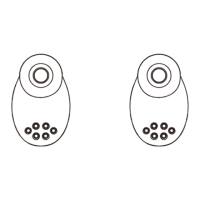
M1(R)
M1(L)
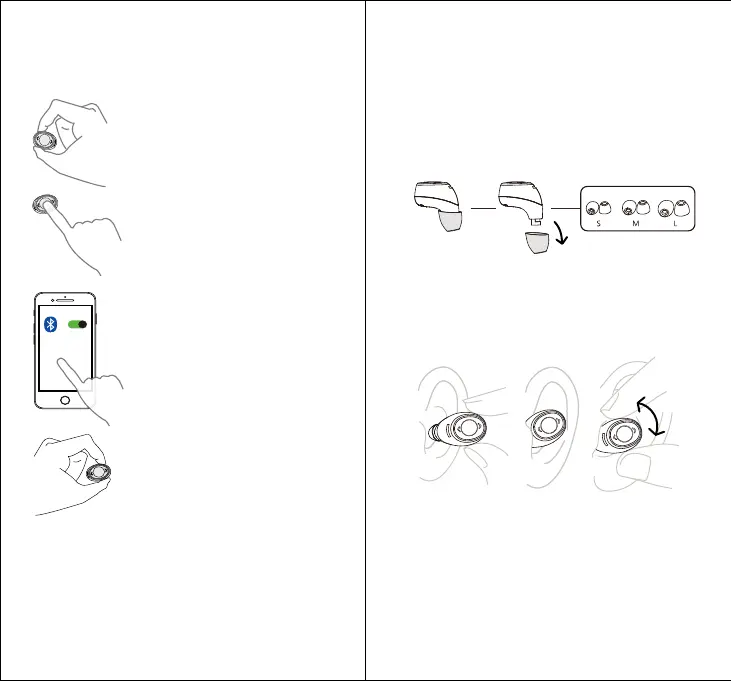
�Select one earbud as
main earbud
Remark: Make sure the other earbud
is in the charging case
� Quick press 2 mes MFB
Red/Blue LED blinking and you will
hear "Pairing"
�Search the bluetooth
list from device, and
choose "M1(R) or (L)"
You will hear "connected" Pairing is
done and succeed.If require, Please
input "0000" as bluetooth password
�Pick up the other earbud
from charging case
You will hear "Power on"
and "TWS connected"
Note: All calls will be heard in the Main earbud only.
M1 remember devices it's not necessary to Repair, Enable
bluetooth on your device, it'll reconnect automacally.
Insert the earbuds with the earp directed towards your ear canal. Twist
gently unl fit comfortably and feel secure in your ear.
Best fit & best sound
Try all the ear ps to find the best fit and the best sound.The fit is right
when you get a complete seal, the ear ps feel comfortable, and you get
the best quality and loudest sound.
Tip: More than one earps size may fit you. Choose the one that
completely seals your ear canal for the best sound.You may need different
size ear ps for le and right.


 To Next Page
 Loading...