8
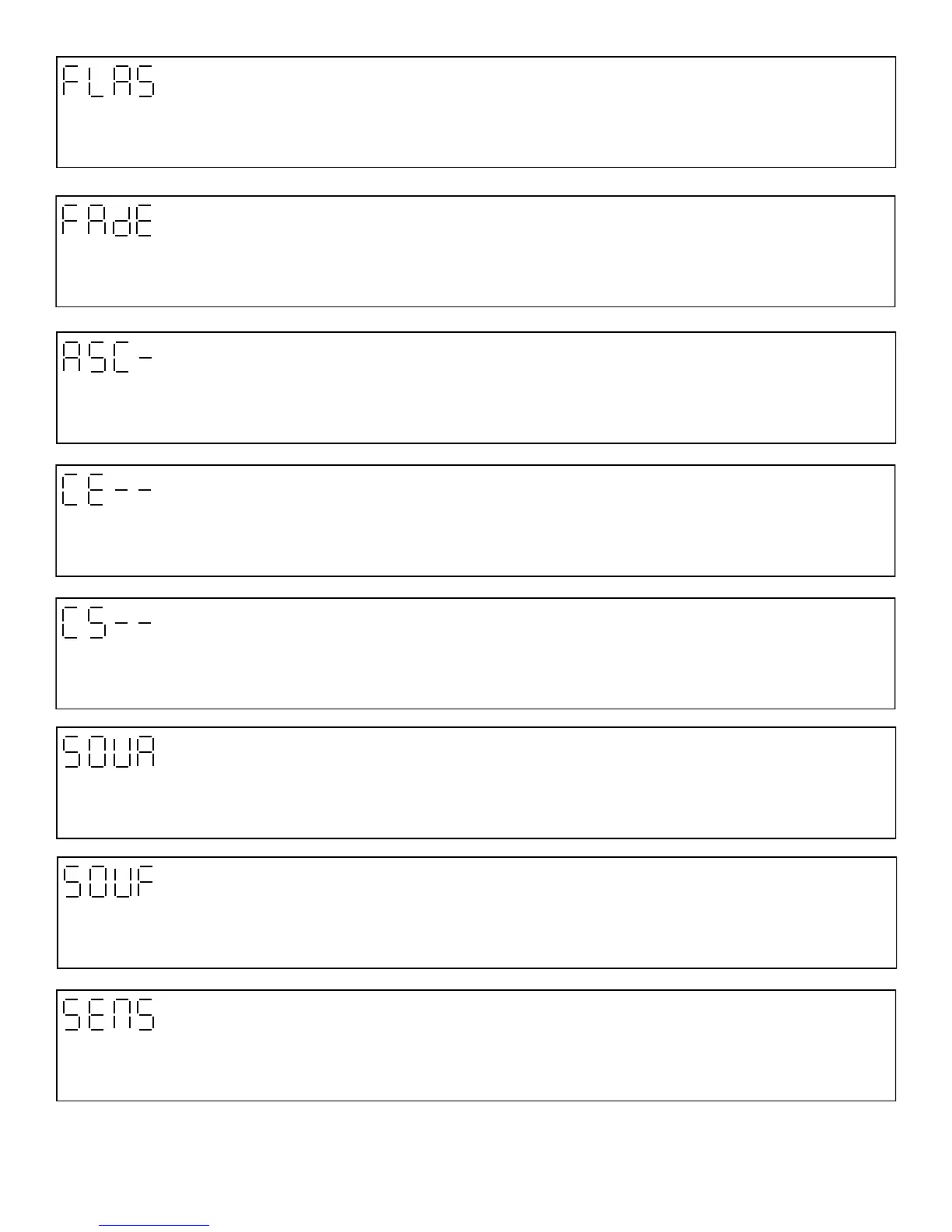
Fade Scroll
This function allows you to fade the LED’s on the whole module from one color to another. Press Enter use the up/down keys to
select desired fade speed settings. Press Enter to confirm the settings. (15 Steps)
Flash Scroll
This function allows you to change the LED’s on the whole module from one color to another. Press Enter use the up/down keys
to select desired color change speed settings. Press Enter to confirm the settings. (15 Steps)
Chase Effect
This function allows you to select different chase patterns on the whole module. Press Enter use the up/down keys to select
desired chase settings. Press Enter to confirm the settings.
Chase Speed
This function allows you to select the speed of the chase that was selected on the Chase Effect . Press Enter use the up/down
keys to select desired chase speed settings. Press Enter to confirm the settings.
Flash
This function allows you to strobe the LED’s on the whole module in White color. Press Enter use the up/down keys to select
desired flash settings. Press Enter to confirm the settings.
Sound Chase
This function allows you to select the chase pattern that will be triggered via audio. Press Enter use the up/down keys to select
desired Chase settings. Press Enter to confirm the settings.
Sound Flash
This function allows you to select the flash pattern that will triggered via audio. Press Enter use the up/down keys to select de-
sired dimmer settings. Press Enter to confirm the settings.
Sound Sensor
This function allows you to select the sensitivity of the audio sensor. Press Enter use the up/down keys to select desired dimmer
settings. Press Enter to confirm the settings.


 To Next Page