7
Ready to Use
Mega FX H5
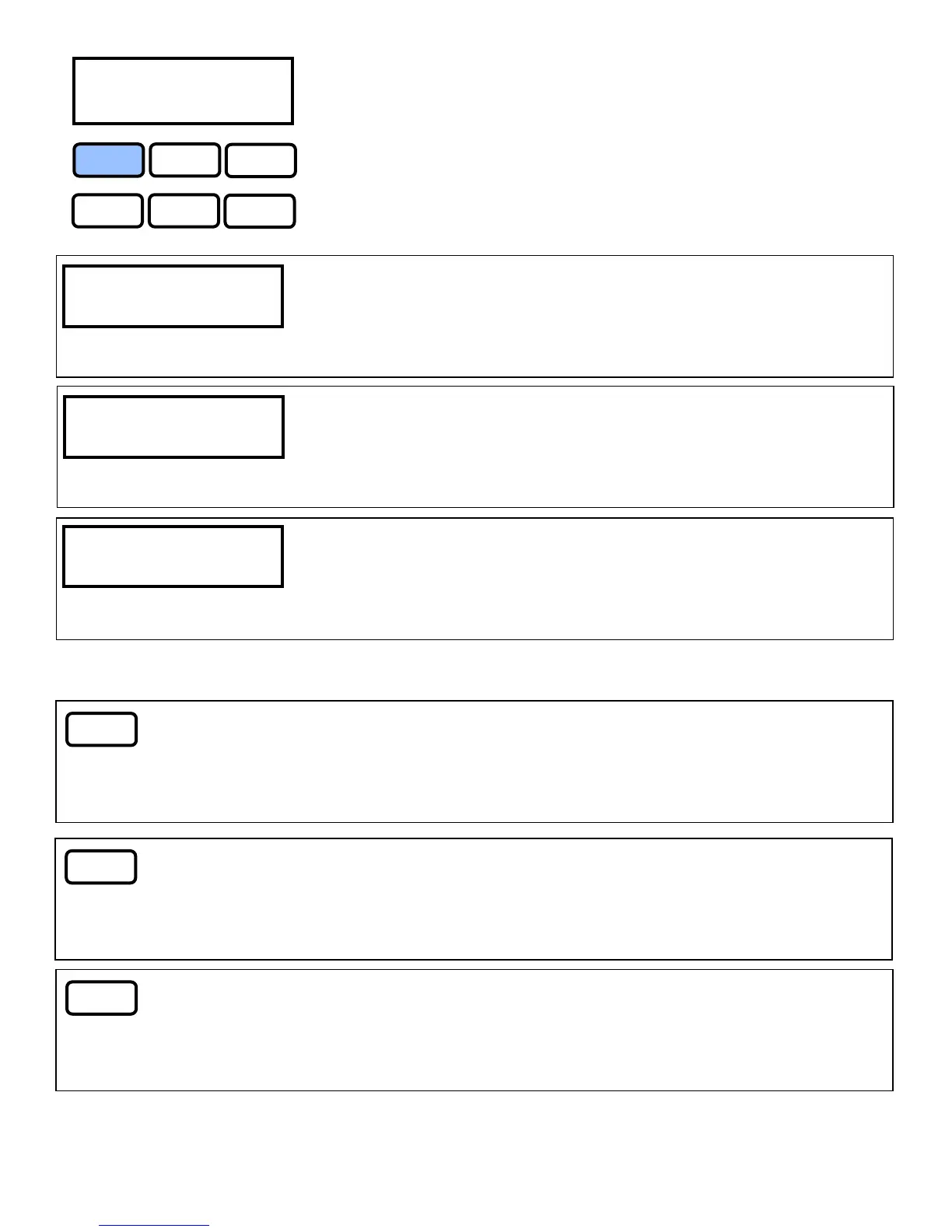
FUNCTION UP
DOWN
TIMER
VOLUME
MANUAL
DMX 512 Add. 1
Mega FX H5
DMX Address
Use the up down button to give the fixture the DMX start
address channel
Fluid Sensor ON
Mega FX H5
Fluid Sensor
This function will engage the fluid sensor or shut off the fluid sensor
allowing you to by pass the sensor functions.
Timing Set Sec
Mega FX H5
Timing Set
Allows you to set the timing increments seconds or minutes for Inter-
vals and Duration. This function will only be engaged in Timer mode.
TIMER
Timer
Press once to turn on press again to turn off. Timer mode will en-
gage Interval, Duration, Timer Out, Volume and Fan Speed settings.
VOLUME
Volume
Press once to turn on press again to turn off. Volume mode will en-
gage Volume and Fan Speed settings.
Manual
Manual
Press once and hold, release to turn off. Manual mode will engage
Volume and Fan Speed at 100%.


 To Next Page