EasyManua.ls Logo

Megasat Digital 1 - User Manual

Megasat Digital 1
25 pages
Go to English
Print Icon
To Next Page IconTo Next Page
Loading...
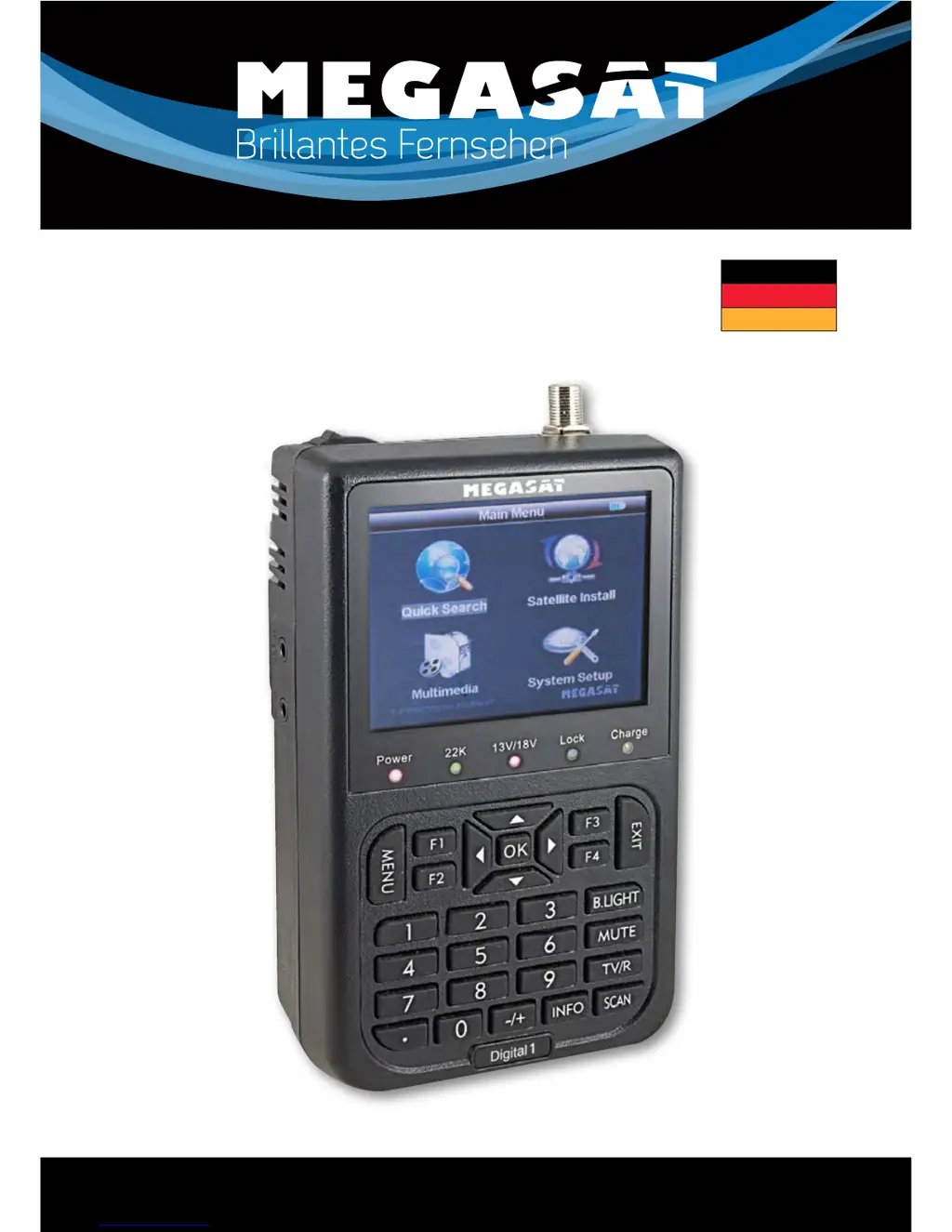
Satmessgerät Digital 1
Bedienungsanleitung
Brillantes FernsehenBrillantes Fernsehen
Deutsch

Questions and Answers

  • W
    William LewisAug 10, 2025
    What to do if Megasat Digital 1 picture is bad or has blocking errors?
    • A
      Austin PhamAug 10, 2025
      If you are experiencing a bad picture or blocking errors with your Megasat Measuring Instruments, this could be due to several reasons: * Weak or no signal: Check the signal level in the Antenna Setup Menu. * Dish misalignment: Adjust the dish. * Signal too strong: Connect a signal attenuator to the LNB input. * Dish size: Change to a larger dish. * LNB issues: Change to an LNB with a lower noise factor or replace the LNB if it's faulty.
  • N
    Nathaniel ChandlerAug 16, 2025
    Why Megasat Digital 1 Measuring Instruments has no sound or picture, but the power light is on?
    • A
      amber47Aug 16, 2025
      If your Megasat Measuring Instruments has no sound or picture, but the front panel power light is on, the AV IN jack might be inserted without a video input. Try pulling out the AV IN cable.
  • C
    Craig CohenAug 21, 2025
    Why is my Megasat Measuring Instruments not lighting up?
    • K
      Krista KingAug 21, 2025
      If the display light on your Megasat Measuring Instruments is not lighting up, check to make sure the power switch is on and that the batteries are not run out. Even on adapter.
  • M
    michelle24Aug 27, 2025
    Why Megasat Digital 1 Measuring Instruments has no sound or picture?
    • G
      Gregory Moore Jr.Aug 27, 2025
      If your Megasat Measuring Instruments has no sound or picture, it might be because the satellite dish is not pointing at the satellite. Adjust the dish and check it.
  • K
    Kayla GarciaSep 3, 2025
    What to do if there is no picture (video) from AV out on Megasat Digital 1 Measuring Instruments?
    • S
      Steven WilliamsSep 4, 2025
      If there is no picture (video) from the AV out on your Megasat Measuring Instruments, and the system is connected by SCART cable, ensure that your TV is in AV mode. Also, check the UHF channel fixed in your system and tune the UHF properly.

Summary

Guide

Important Safety Instructions

Crucial guidelines for safe and proper operation of the device.

Unpacking Equipment

List of items included in the package for user verification.

Product Overview & Illustration

Visual representation and identification of device components.

Installation of Meter

Instructions on how to properly install the satellite meter.

Outline

The Menu OSD Instruction

Search

Explains how to search for satellites and transponders.

Satellite Install

Guide for installing satellite configurations and managing them.

Multimedia

Information on using multimedia features like photo and music playback.

System Setup

Covers various system settings and configurations.

Shortcut Buttons

Explains the functionality of dedicated shortcut buttons.

Technical Specification

Trouble Shooting

Trouble Shooting

Megasat Digital 1 Specifications

General IconGeneral
BrandMegasat
ModelDigital 1
CategoryMeasuring Instruments
LanguageEnglish

Related product manuals