Speedometers
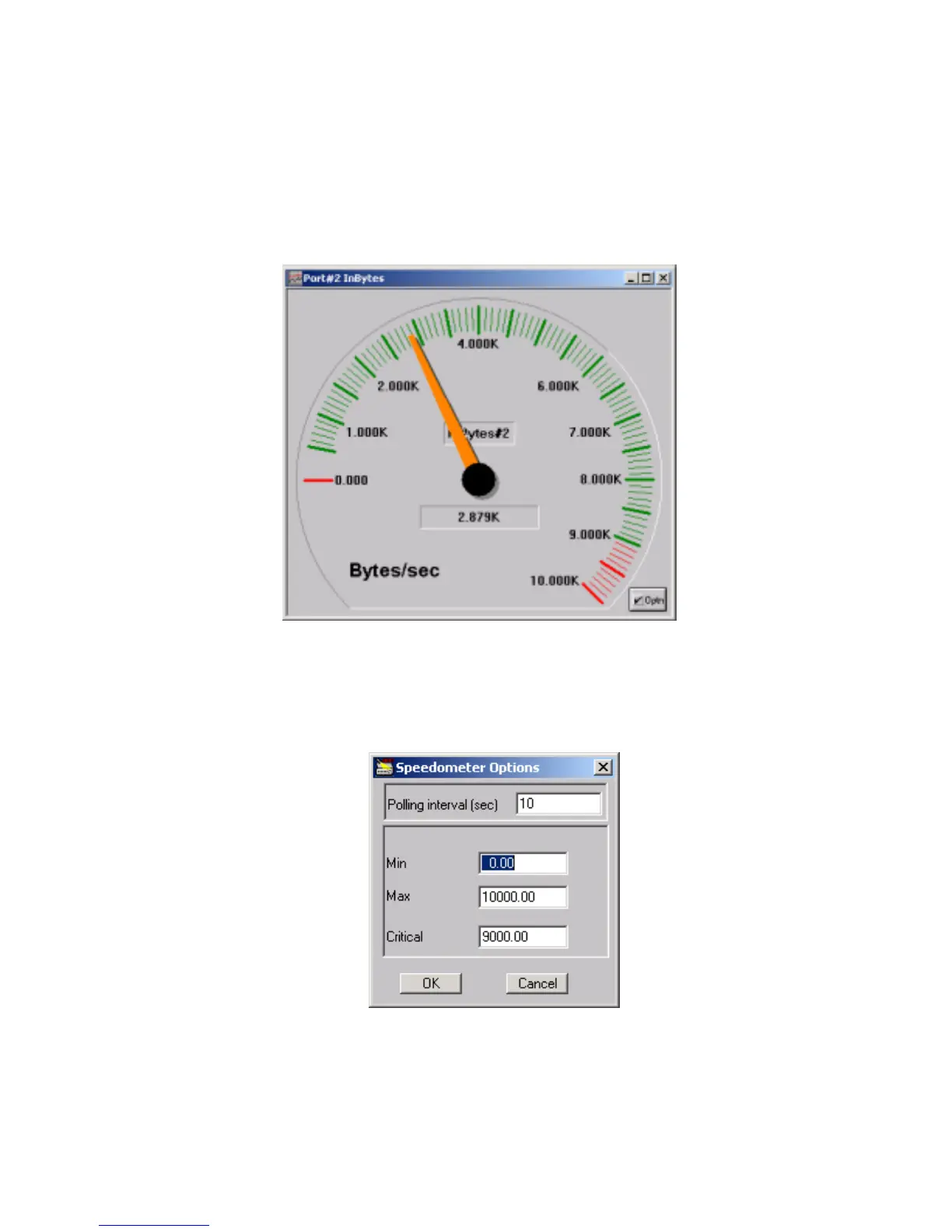
This type of display shows the instantaneous value of a selected counter in a speedometer-
like window. The window contains a moving indicator, the counter category, and the current
value. This view is most helpful during situations such as excessive collisions, where you
need to adjust system parameters to improve traffic flow. Click on the Spdm check box next
to a desired counter to open a Speedometer graph for this counter.
Figure 9. Speedometer.
The Optn button opens the Speedometer Options dialog box. These options allow you to
reconfigure the speedometer. The band between the Critical value and the Max value
changes to red on speedometer.
Figure 10. Speedometer Options



 To Next Page