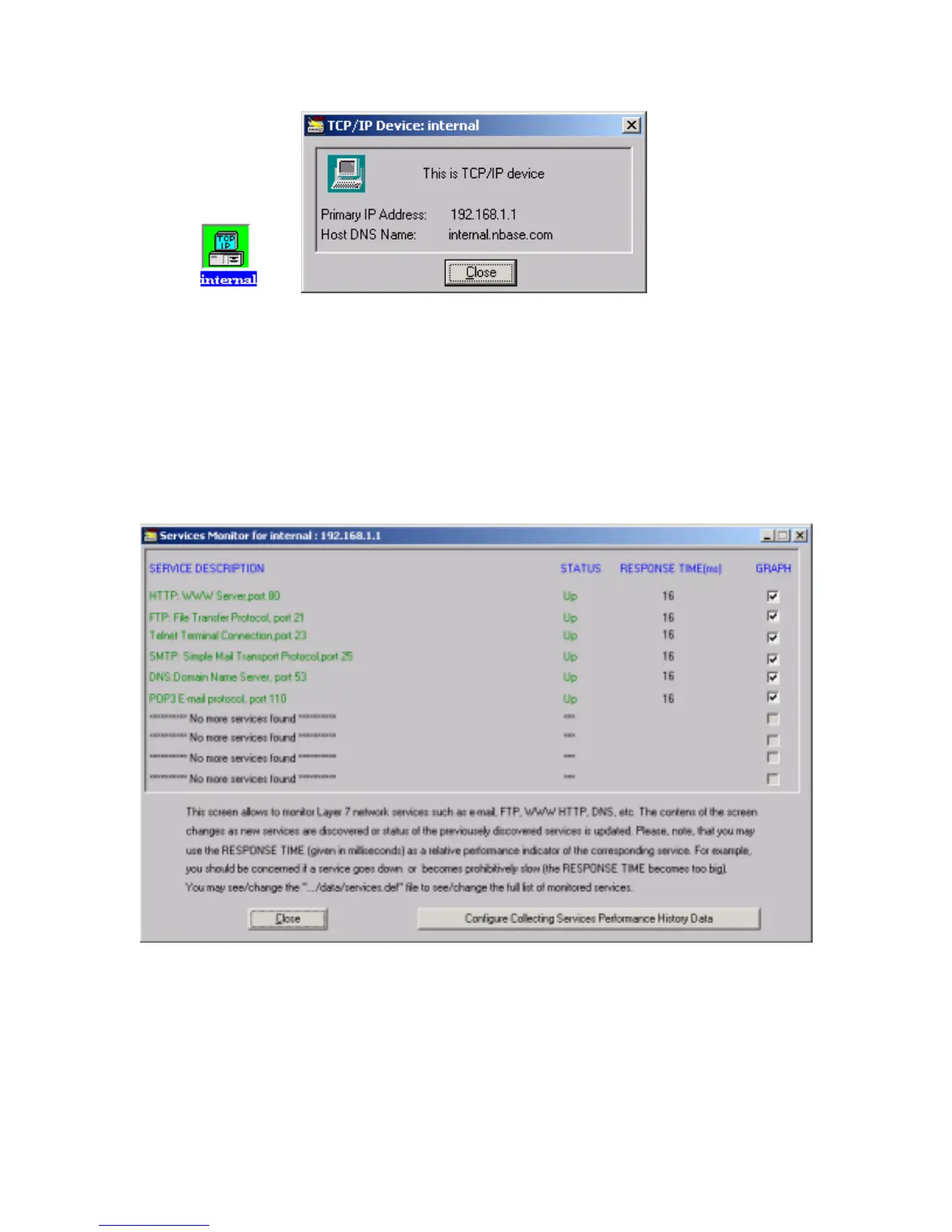
Figure 45. TCPIP device icon and TCPIP device main window
Monitoring Services.
MegaVision allows to monitor performance of business-critical Layer 7 network services,
such as e-mail, HTTP, FTP, DNS, etc. The services are learned automatically for any device,
which is located on the map. The Services Monitor window may be accessed via Main
Window menu Monitor/Services Monitor item, or via device specific menu, which pops up
by right mouse click on the selected device.
Figure 46. Services Monitor Window
If any of the discovered services goes down, it becomes red in the Services Monitor window.
Also a warning (yellow) alarm comes to the Alarms Log. Also the RESPONSE TIME (given
in milliseconds) may be used as a relative performance indicator of the corresponding service.
Network manager should be concerned if a service goes down or becomes prohibitively slow –
the RESPONSE TIME becomes too big. File “…/data/services.def” in the MegaVision root



 To Next Page