EasyManua.ls Logo

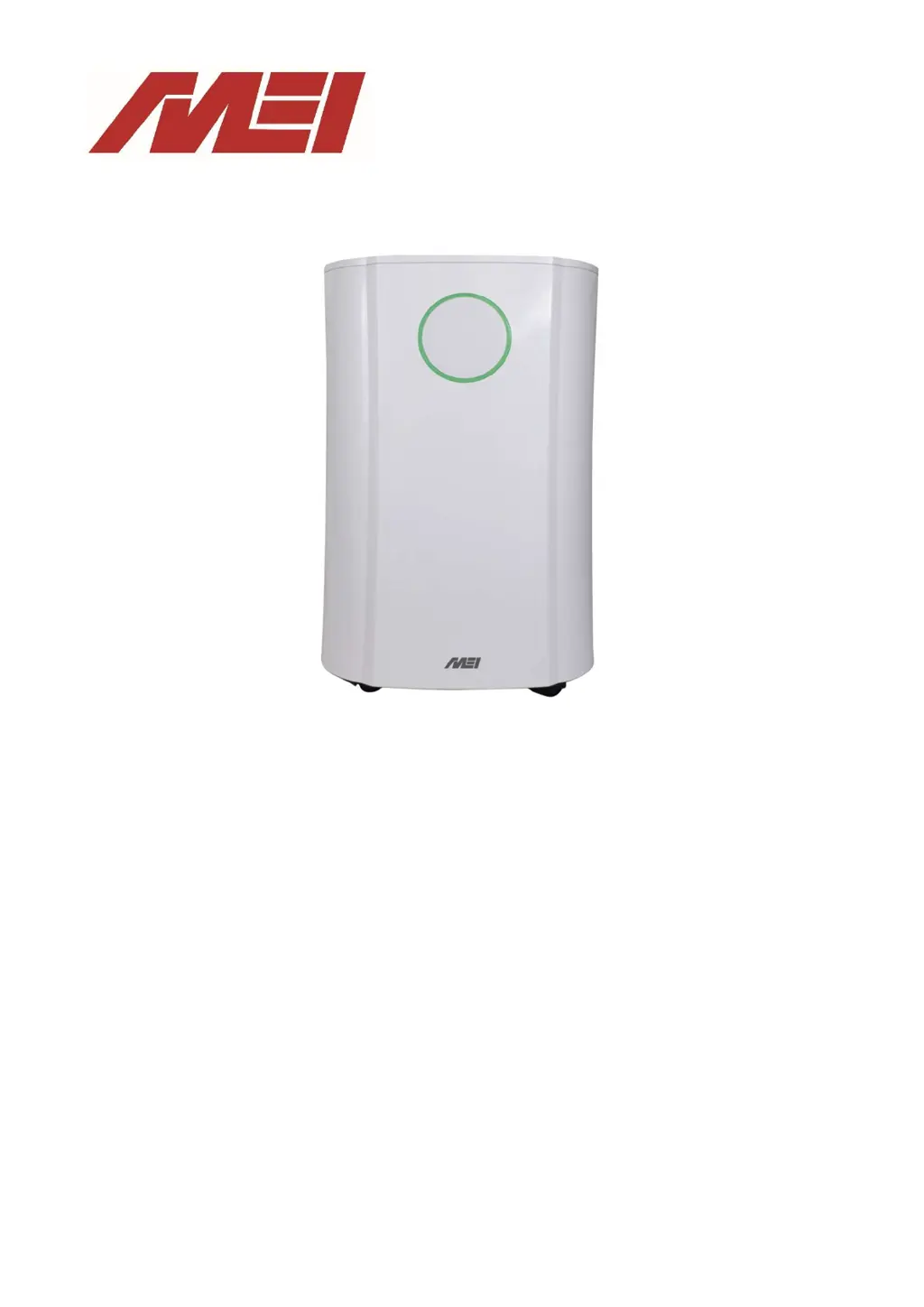
MEI DH 5520 - User Manual

MEI DH 5520
40 pages
Go to English
Print Icon
To Next Page IconTo Next Page
Loading...
MANUAL DE INSTRUÇÕES
DESUMIDIFICADOR 20L
DH 5520
INSTRUCTION MANUAL
20L DEHUMIDIFIER

Table of Contents

Questions and Answers

  • N
    Norma DavisAug 14, 2025
    What to do if the MEI Dehumidifier does not extract water?
    • R
      Ryan ElliottAug 14, 2025
      If your MEI Dehumidifier isn't extracting water, there are several possible causes: * The humidity level setting might be higher than the current room humidity. If so, set the humidity level on the humidistat below the current humidity reading. * The temperature may be too low for efficient water extraction. Try increasing the room temperature or repositioning the unit. * An intake grill or discharge may be blocked. Remove any obstructions and restart the unit. * The unit might be too close to walls. Ensure there's at least 20 cm between the unit and any walls.
  • R
    reedstephanieAug 18, 2025
    What to do if the MEI Dehumidifier unit does not operate?
    • N
      Nicholas KnightAug 18, 2025
      If your MEI Dehumidifier isn't operating, first ensure that the plug is properly inserted into the socket and the switch is turned on. Also, check if the tank full indicator is blue. If it is, empty the tank, check the float, and ensure the tank is correctly inserted into the unit.
  • Z
    zbassAug 21, 2025
    Why is my MEI Dehumidifier unit noisy during operation?
    • D
      daniel23Aug 21, 2025
      If your MEI Dehumidifier is making excessive noise during operation, it might be due to the unit being placed on an uneven surface. Ensure it is placed on a flat, horizontal surface. Another possible cause is a clogged filter, so service the filters regularly as per the user manual.
  • D
    deborahsmithAug 25, 2025
    What does it mean if the defrost light is on and the MEI DH 5520 stops regularly?
    • C
      Cindy PerezAug 25, 2025
      If the defrost light is illuminated and your MEI Dehumidifier is stopping frequently, it indicates that the unit is in defrost mode. Allow the unit to automatically defrost. If this occurs too often, try increasing the temperature in the room.
  • S
    Steven WestAug 27, 2025
    Why airflow seems weak in my MEI Dehumidifier?
    • R
      Robert TaylorAug 27, 2025
      Weak airflow in your MEI Dehumidifier is often due to a dirty or clogged filter. Please service the filters regularly as per the user manual.
  • T
    Timothy CoffeyAug 31, 2025
    What does the 'Tank full blue light' mean on my MEI DH 5520 Dehumidifier?
    • A
      April NicholsAug 31, 2025
      The 'Tank full blue light' on your MEI Dehumidifier indicates that the water tank is full or not correctly positioned. Empty the tank and replace it in the correct position.
  • J
    Jesse WilliamsSep 3, 2025
    What does E3 or E4 mean on MEI DH 5520?
    • P
      Paul HawkinsSep 3, 2025
      The E3 or E4 error code on your MEI Dehumidifier indicates a humidity sensor error. Use the unit within the prescribed humidity range. If the error repeats, unplug the unit, reset it, and plug it back in. If the error persists, call for service.
  • N
    Natalie CoxSep 6, 2025
    What does E1 or E2 mean on MEI DH 5520?
    • J
      Jeremy HendersonSep 7, 2025
      The E1 or E2 error code on your MEI Dehumidifier indicates a temperature sensor error. Use the unit within the prescribed temperature range. If the error repeats, unplug the unit, reset it, and plug it back in. If the error persists, call for service.
  • A
    Ashley MasonSep 10, 2025
    What does E5 or E6 mean on MEI Dehumidifier?
    • B
      Barbara GallegosSep 10, 2025
      The E5 or E6 error code on your MEI Dehumidifier signifies an abnormal coil sensor temperature or current. Use the unit within the prescribed humidity and temperature range. If the error repeats, unplug the unit, reset it, and plug it back in. If the error persists, call for service.

Summary

Safety Instructions

General Safety Precautions

General usage, child supervision, cleaning, and cord safety.

Vertical Operation and Downtime

Warning about vertical position, waiting period after turning off.

External Timer and Power Removal Caution

Caution against external timers and removing the plug during operation.

Environmental and Refrigerant Safety

Storage in unventilated spaces, refrigerant leak hazards.

Professional Servicing Requirements

Only qualified engineers for repairs, use of service manual.

Overview of Components

Control Panel Operations

Control Panel Layout and Buttons

Description of buttons like Sleep, Up/Down, Mode, Laundry, Osc, Power, UV/Ion, Timer.

Dehumidifier Mode Explanations

LAUNDRY MODE Operation

Continuous operation for drying clothes with maximum extraction.

Humidity Setting and Indicator

Timer Functions

Additional Functions

Tank and Filter Management

Installation Guide

Initial Checks and Placement

Ensure water tank is empty, place on a hard/flat surface.

Positioning the Dehumidifier

Air Circulation Clearance

Ensure at least 20 cm space around the unit for air circulation.

Water Drainage Methods

Automatic Stop on Tank Full

Information on stopping operation when the tank is full.

Water Tank Management

Using the Water Tank

Procedures for removing, emptying, and reinserting the water tank.

Continuous Drainage System

Connecting for Automatic Drainage

Connecting a pipe for automatic water drainage into a sink or drain.

Care and Maintenance

General Cleaning and Safety

Shut off unit, unplug, avoid solvents, clean grills and body.

Filter Cleaning Procedures

Specific instructions for mesh and carbon filters.

Water Tank Cleaning

End of Season Maintenance

Troubleshooting Guide

Common Operational Issues

Airflow, unit not operating, louvre issues, water extraction.

Error Code Explanations

Explanations for humidity, temperature, and coil sensor errors.

MEI DH 5520 Specifications

General IconGeneral
BrandMEI
ModelDH 5520
CategoryDehumidifier
LanguageEnglish

Related product manuals