2
Available Devices and Ports
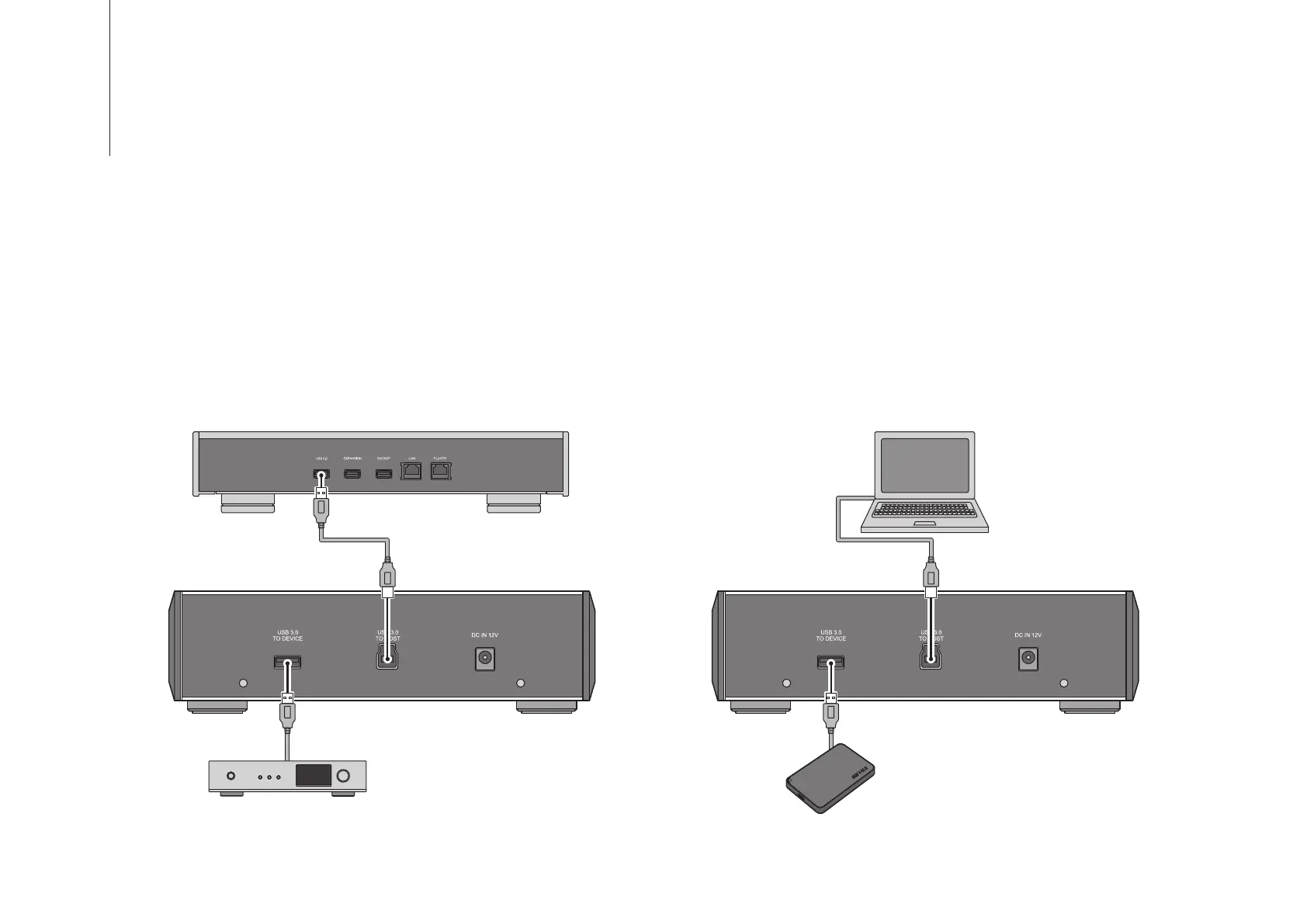
Connecting to the Computer
Computer
Available for importing
music files from a music CD
or playing a CD that is
inserted into the D100.
Connect to the available USB ports
for importing music files or playing a
CD.
USB-DAC
Available on the Digital Music Library via
the D100.
Connecting to the Digital Music Library
USB Device
Available to serve as a direct connection
to the computer.
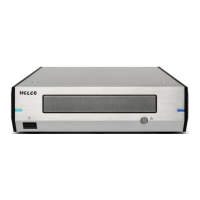
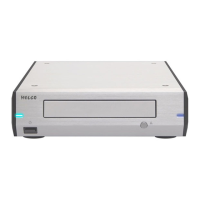
The D100 allows you to import music files from media such as a music CD and playing a CD. Refer to the user manual
of your Digital Music Library for importing music files or playing a CD.
Turn on the D100 after connecting the D100 using the included USB cable to the Digital Music Library or a computer.
The D100 will be powered on automatically when the device the D100 is connected to via USB is powered on. Do not
turn off the D100 if its access LED glows green or red. If you do, media in the D100 may malfunction.


 To Next Page