46
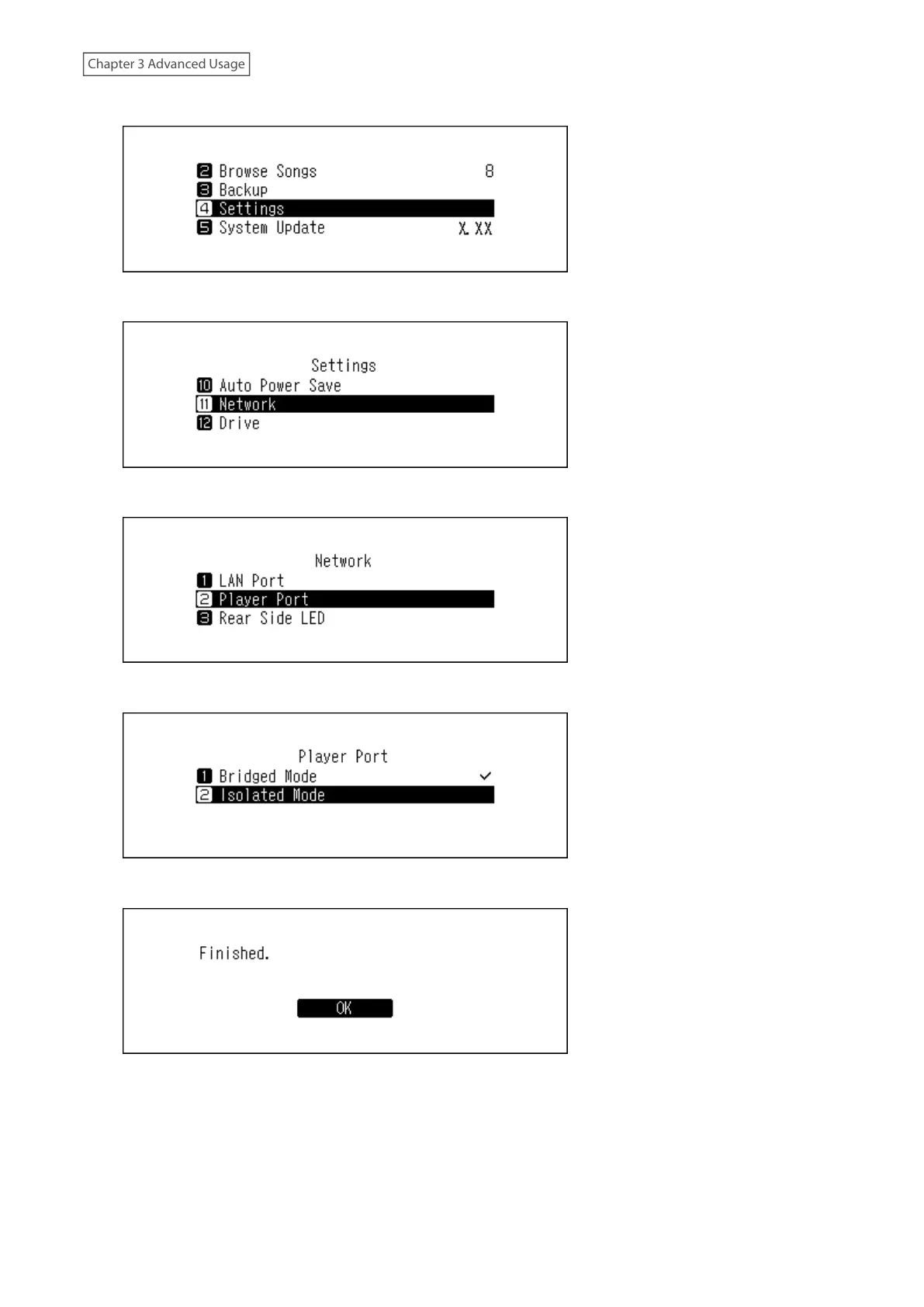
4 Press the Up/Down buttons and select “Settings”, then press the Menu/Enter button.
5 Press the Up/Down buttons and select “Network”, then press the Menu/Enter button.
6 Press the Up/Down buttons and select “Player Port”, then press the Menu/Enter button.
7 Press the Up/Down buttons and select “Isolated Mode”, then press the Menu/Enter button.
8 Press the Menu/Enter button.
Note: To connect the Digital Music Library and the Network Audio Player to the network via the router or hub, use
network mode instead. Select “Bridged Mode” at step 7 above to use network mode.



 To Next Page