
 Need help?
Do you have a question about the Melnor WiFi AquaTimer 15043C and is the answer not in the manual?
Connect your WiFi AquaTimer to your home WiFi network using a smartphone or tablet.
Ensure all parts are present and install batteries in the Valve Unit.
Determine the best location for the Control Unit and plug it into an indoor wall outlet.
Download and install the "Melnor AquaTimer Configuration" app on your smart device.
Push the "Setup" button and observe the Control Unit's status and config lights.
Launch the app and enter your home WiFi network name and password.
Register your account online, enter unit serial numbers and postal code for weather.
The configuration app is no longer needed; control is now via web browser.
Attach the Valve Unit to an outside faucet and firmly tighten the coupling nut.
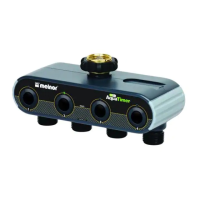
Attach a hose to each outlet and connect sprinklers, soaker hoses, or drip systems.
Use the grid to determine watering needs before programming Simple or Advanced modes.
Define watering mode, select days, start times, duration, and eco mode settings for each zone.
Details on device compliance with FCC Rules and Industry Canada license-exempt RSS standards.
 General
| Brand | Melnor |
|---|---|
| Model | WiFi AquaTimer 15043C |
| Category | Control Unit |
| Language | English |

 To Next Page