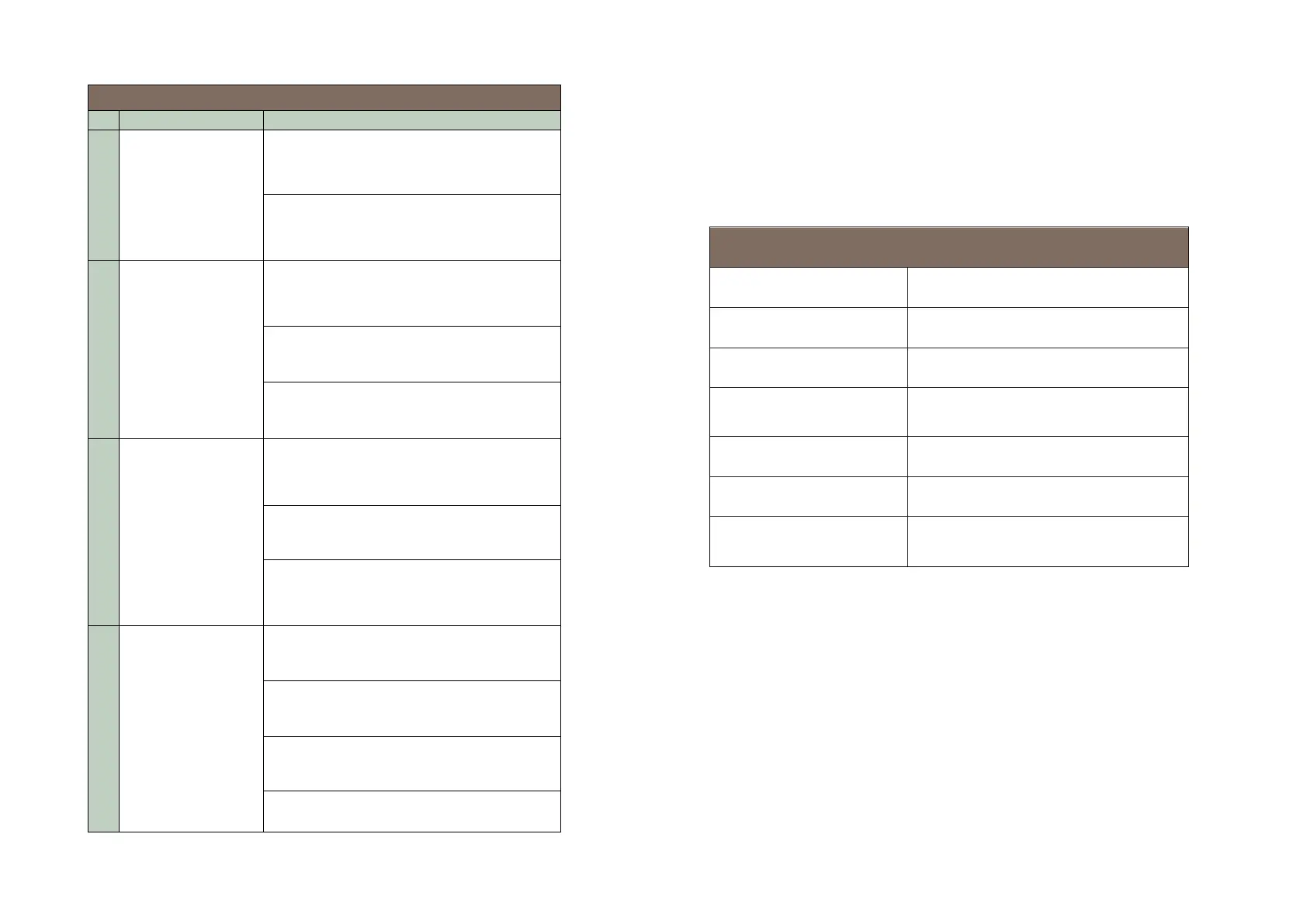
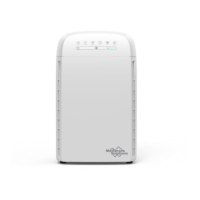
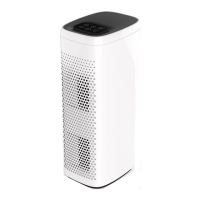
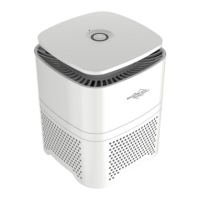
The air purifier
will not turn on or
respond to the
power button
Confirm that unit is plugged into a
powered outlet.
Make sure the panel is installed and
locked on the air purifier. (see page 10)
Airflow is
significantly
reduced
Make sure the filter is removed from its
packaging. (see page 9)
Press the Fan Speed button to increase
fan speed.
The filter may be blocked, replace the air
filter.
Air Purifier makes
unusual noise
while the fan is on
Make sure the air purifier is being
operated on a firm level surface.
The filter may be blocked, replace the air
filter.
The air purifier may be damaged. Contact
Membrane Solutions
®
customer support.
Poor air
purification quality
Press the Fan Speed button to increase
fan speed.
Close doors and windows while using the
air purifier.
Make sure the air filter is removed from
its packaging. (see page 9)
Operating Guidelines
The following table lists the operating parameters for this product. Operating
this product outside these specifications may cause system performance issues
and may even lead to personal injury and void any warranty. Please contact
Membrane Solutions
®
for further advice and support.
7.7 inches x 13.1 inches x 21.5 inches
(195 mm x 334 mm x 545 mm)
A single composite filter element
Operating: 32-104 ℉ (0-40 ℃) 20-90%
Storage: 14-140 ℉ (-10-60 ℃) 20-90%


 To Next Page