Parental Control (continued)
1
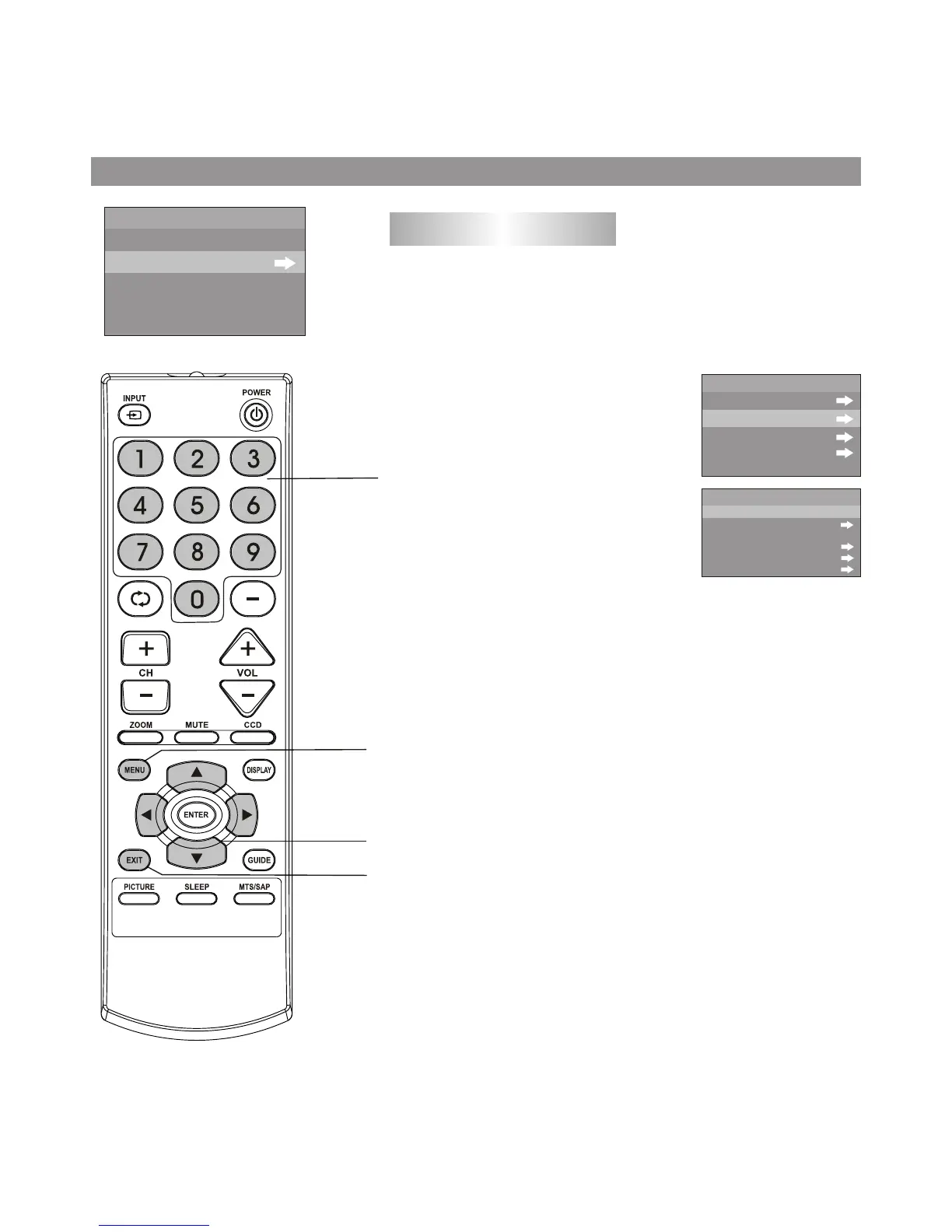
Setting up TV ratings
Use the password to enter the P.LOCK menu, and then
navigate to RATINGS LOCKS sub menu.
Press 5 or 6to select TV RATING
item, press 3or 4 button to enter
the menu.
2
Press 5 or 6to select the desired
rating, press 3or 4 button to either
block the rating or unblock (VIEW
will be displayed).
3
If the rating includes content-based ratings, highlight this
rating and then press 3or 4to enter its next-level menu.
Use 5 or 6to select item, use 3or 4 button to either block
or unblock (VIEW will be displayed).
4
TV ratings include two components: a general criteria (age-based)
and a detailed criteria (content-based).
TV Ratings:
* TV-Y (all children)
* TV-Y7 (7 years and up)
* TV-G (general audience)
* TV-PG (parental guidance suggested)
* TV-14 (14 years and up)
* TV-MA (mature audience)
Content-based ratings:
* F V: fantasy violence (applies only to TV-Y7)
* V: Violence (applies to TV-PG, TV- 14, TV-MA)
* S: Sex scenes (applies
to TV-PG, TV-14 , TV-MA)
* L: adult language (applies to TV-PG, TV-14, TV-MA)
* D: sexual dialogue (applies to TV-PG, TV-14)
LOCK
PARENTAL LOCK
RATINGS LOCKS
ON
MPAA RATING
RATINGS LOCKS
TV RATING
CANADA ENGLISH
CANADA FRENCH
TV
Y
Y7
G
PG
14
MA
BLOCK
BLOCK
5
Press EXIT to return to TV viewing, or press MENU to
return to the previous menu.
Menu navigation
button
MENU
0-9
number button
27
Exit the menu



 To Next Page