Parental Control (continued)
1
Setting up Canadian English ratings
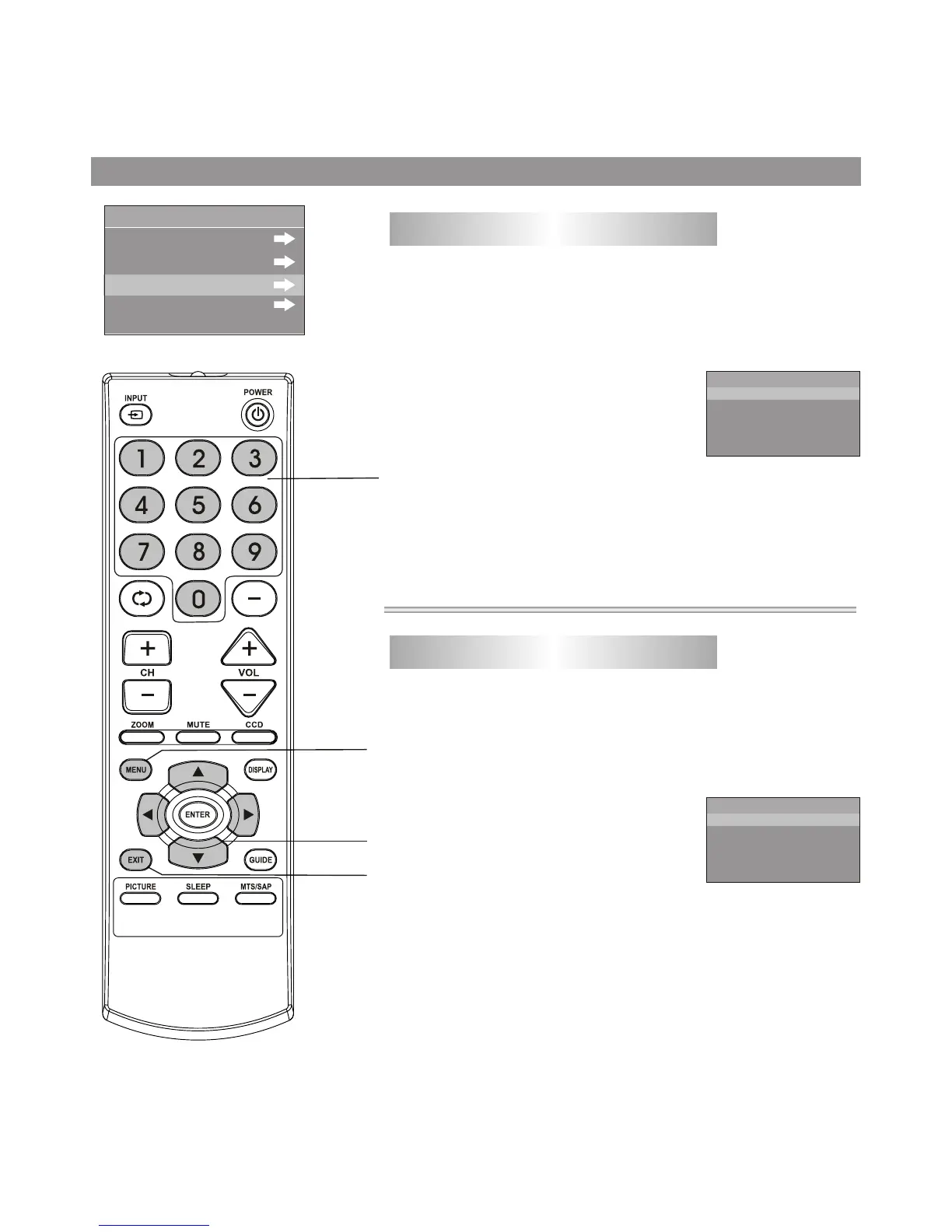
Use the password to enter the P.LOCK menu, and then
navigate to RATINGS LOCKS menu.
Press 5 or 6to select CANADA ENGLISH item, press 3or
4 button to enter the menu.
2
Press 5 or 6to select the desired
rating, press 3or 4 button to either
block the rating or unblock (VIEW
will be displayed).
3
CAE
C
C8+
G
PG
14+
18+
BLOCK
BLOCK
BLOCK
BLOCK
BLOCK
BLOCK
Canadian English Ratings:
*
*
*
*
*
*
C: Children.
C8+: Children 8 years and older.
G: General programming, suitable for all audiences.
PG: Parental guidance.
14+: Viewers 14 years and older.
18+: Adult programming.
1
Setting up Canadian French ratings
Use the password to enter the P.LOCK menu, and then
navigate to RATINGS LOCKS menu.
Press 5 or 6to select CANADA FRENCH item, press 3or
4 button to enter the menu.
2
Press 5 or 6to select the desired
rating, press 3or 4 button to either
block the rating or unblock (VIEW
will be displayed).
3
Canadian French Ratings:
* G
*
* 13 ans+
* 16 ans+
*
: Children.
8 ans+: Children 8 years and older.
: Children 13 years and older.
:Viewers 16 years and older.
18 ans+: Adult programming.
CAF
G
8ans+
13ans+
16ans
+
18ans+
BLOCK
BLOCK
BLOCK
BLOCK
BLOCK
MPAA RATING
RATINGS LOCKS
TV RATING
CANADA ENGLISH
CANADA FRENCH
Menu navigation
button
MENU
0-9
number button
28
Press EXIT to return to TV viewing, or press MENU to return
to the previous menu.
4
Exit the menu



 To Next Page