30
PICTURE CD BASIC OPERATION
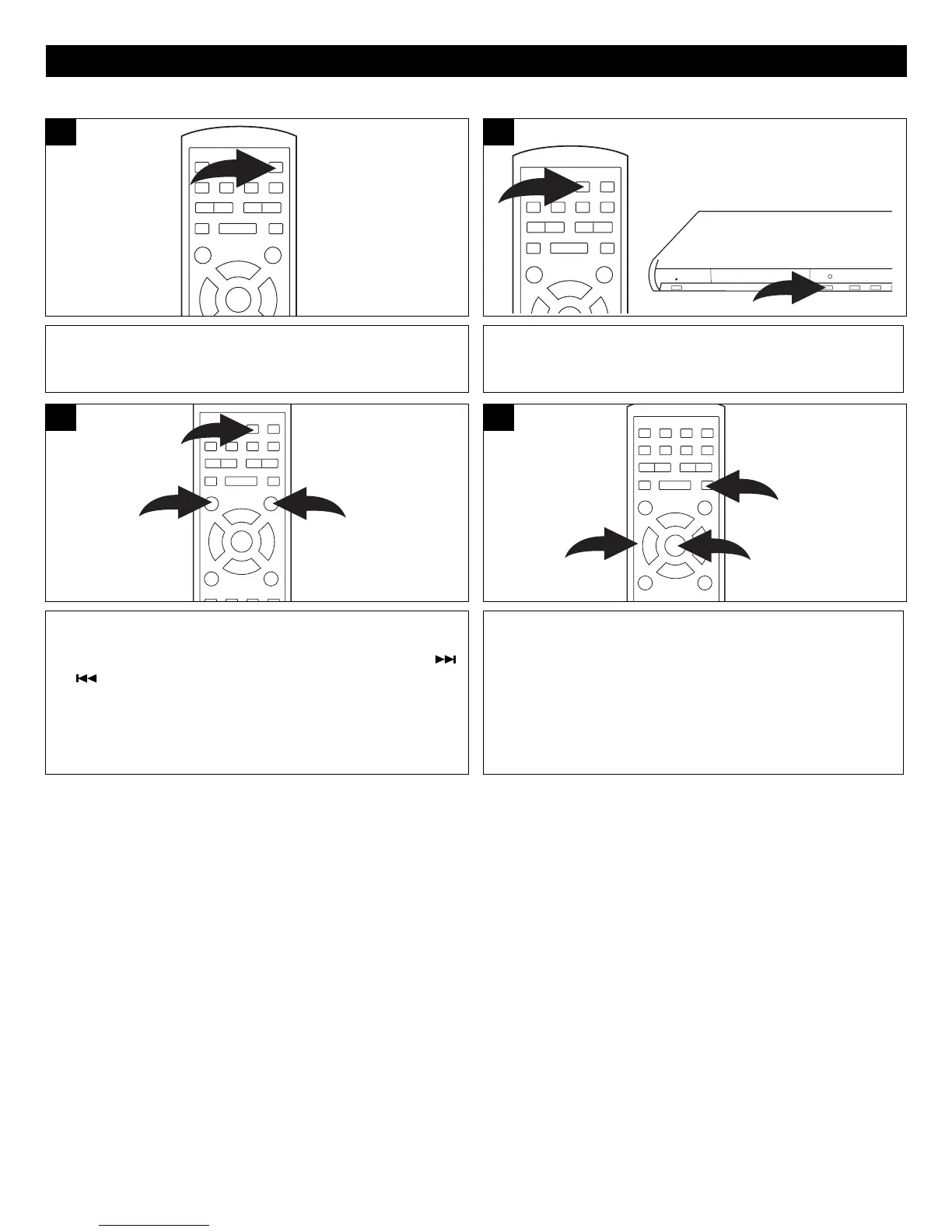
Press the STANDBY ON/OFF button on the main
unit/remote to turn on the unit; the STANDBY indicator will
go out and the Backlights will turn on.
1
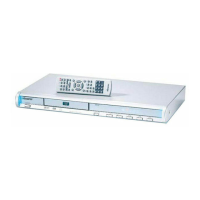
Press the OPEN/CLOSE button to open the disc tray,
“OPEN” will appear on the screen and in the display. Insert
a picture disc with the label side facing up on the disc tray.
2
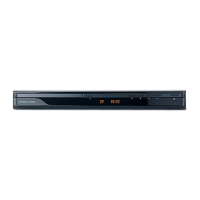
Press the OPEN/CLOSE button ❶ to close the disc tray.
“CLOSE” will appear on the TV screen. After loading, the picture
will automatically show on the TV screen. Press the
Skip ( )
or ( )
button ❷ to select a picture.
3
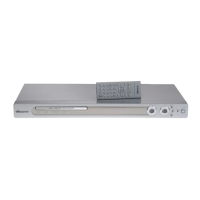
After 12 pictures, press the STOP (■) button to show the
demo pictures. Press the Navigation (¥,,,) button ❷ to
select the desired picture, then press the ENTER button ❸ to
view it.
OR
Press the Navigation (¥,,,) buttons ❷ to select “Prev”
or “Next” icons, then press the ENTER button ❸ to show the
next/previous pages of the demo pictures.






 To Next Page