6. Hot Keys Features
6
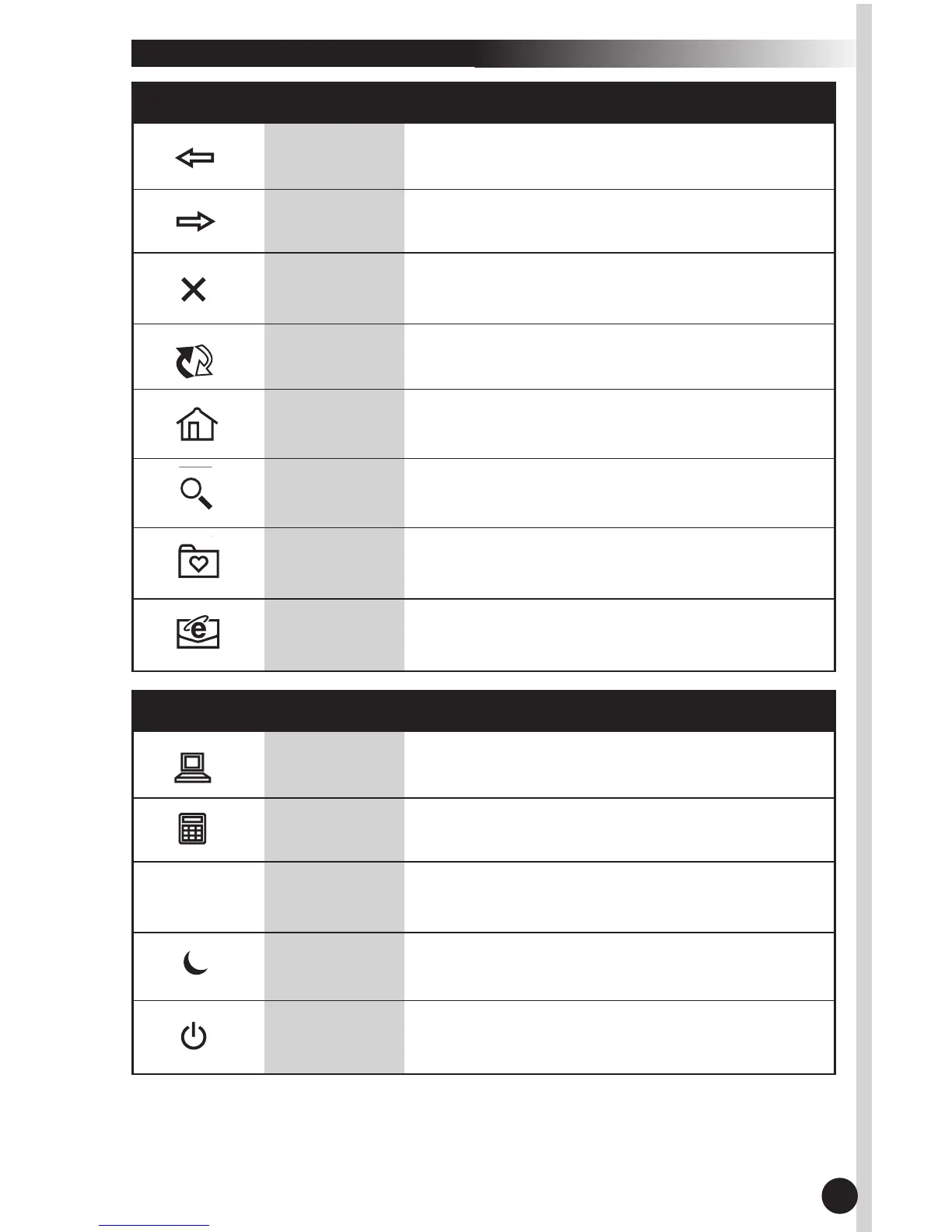
6.2 INTERNET KEYS
Back
Forward
Stop
Refresh
Return to the last page you viewed.
View the page you viewed before selecting
the back button.
If a page you are trying to view is taking too
long to open, click this button to stop.
Refresh the current Web page in order to
make sure you have the latest content.
www
Opens the default Internet browser.
Search
Opens the Internet search menu.
E-mail
Opens the default program you use for
e-mail.
My
Favorite
Opens the Internet "My Favorites" folder.
6.3 APPLICATION
KEYS
My
Computer
Calculator
Log OffLog Off
Sleep
Opens “My Computer”.
Starts Microsoft Calculator.
Opens log off windows dialog box.
Places the computer in Sleep Mode. This func-
tion is available only on certain computers.
Power
Turns the computer off
Note: For Power Management functions, please see your computer's
manual for assistance. Or see "Troubleshooting" on page 10 for more
information.


 To Next Page